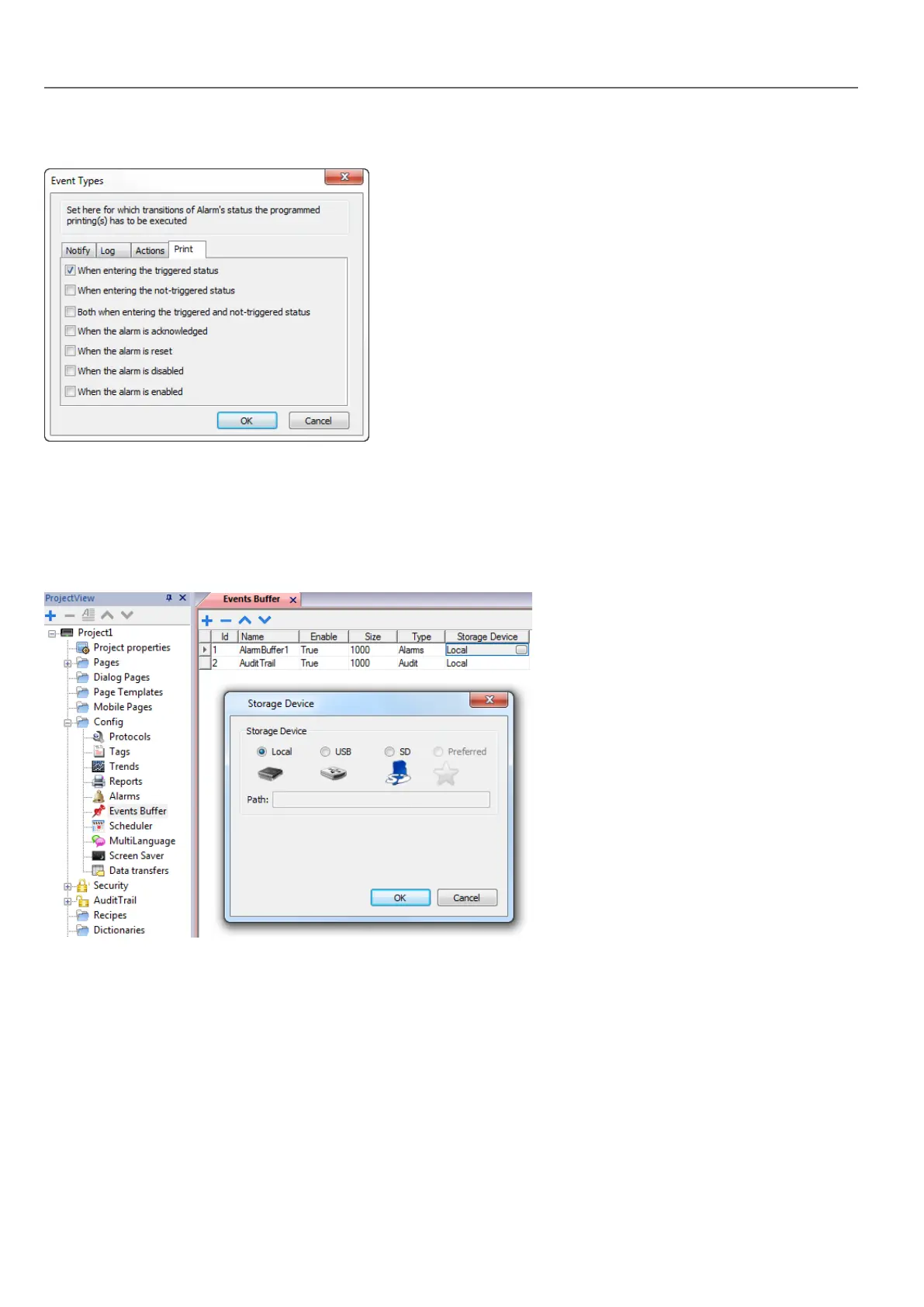
Set conditions for which you want to print the specific event
Setting storage device
Path: ProjectView> Config > Events Buffer> Storage Device tab
1. Open the Storage Device dialog.
2. Select a device for event data storage.
Data is automatically saved every five minutes except for alarm data which is saved immediately.
Active Alarms widget
You can insert the Active Alarms widget in a page to display the alarms and to acknowledge, reset or enable/disable them.
172
HMWIN Studio |User Manual|v206 (2017-06-30) |EN|© 2014-2017 Panasonic Electric Works Europe AG
Active Alarms widget



 To Next Page