Here you define the behavior of the default alarm widget available in the Widget gallery and decide in which cases the
widget is updated by a change in an alarm status.
CAUTION: Make only the adjustments required by the specific application while leaving all other
settings as default.
Logging events
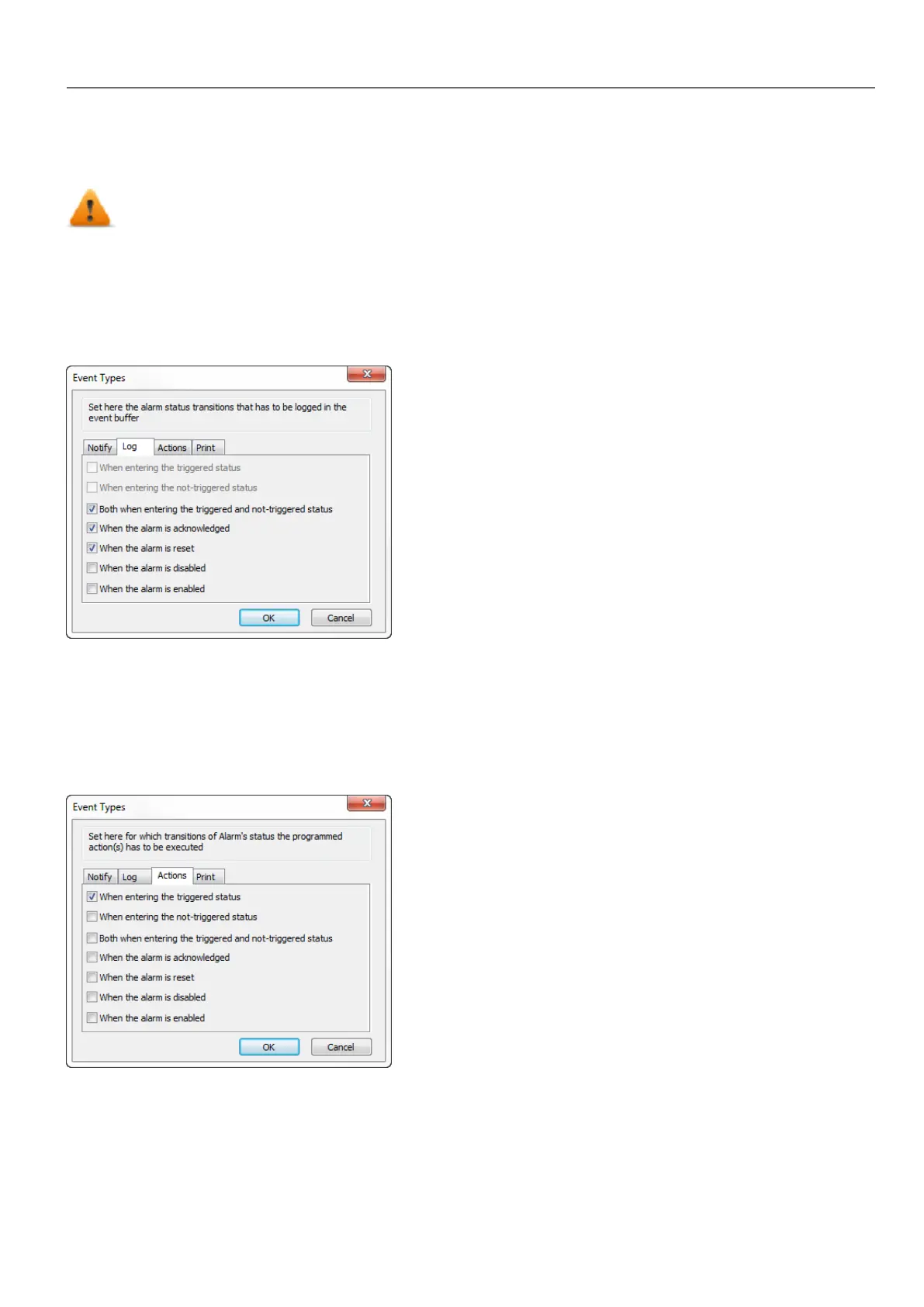
Path: ProjectView> Config > Alarms > Events column > Log tab
Set conditions for which you want to store the specific event in an alarm history buffer.
The alarm history is logged in the Event Buffer.
Executing actions
Path: ProjectView> Config > Alarms > Events column > Actions tab
Set conditions under which the action(s), configured for the specific alarm, must be executed.
By default, actions are executed only when the alarm is triggered; other alarm states can also be set to execute actions.
Print events
Path: ProjectView> Config > Alarms > Events column > Print tab
HMWIN Studio |User Manual| v206 (2017-06-30) | EN| © 2014-2017 Panasonic Electric Works Europe AG
171
15 Alarms



 To Next Page