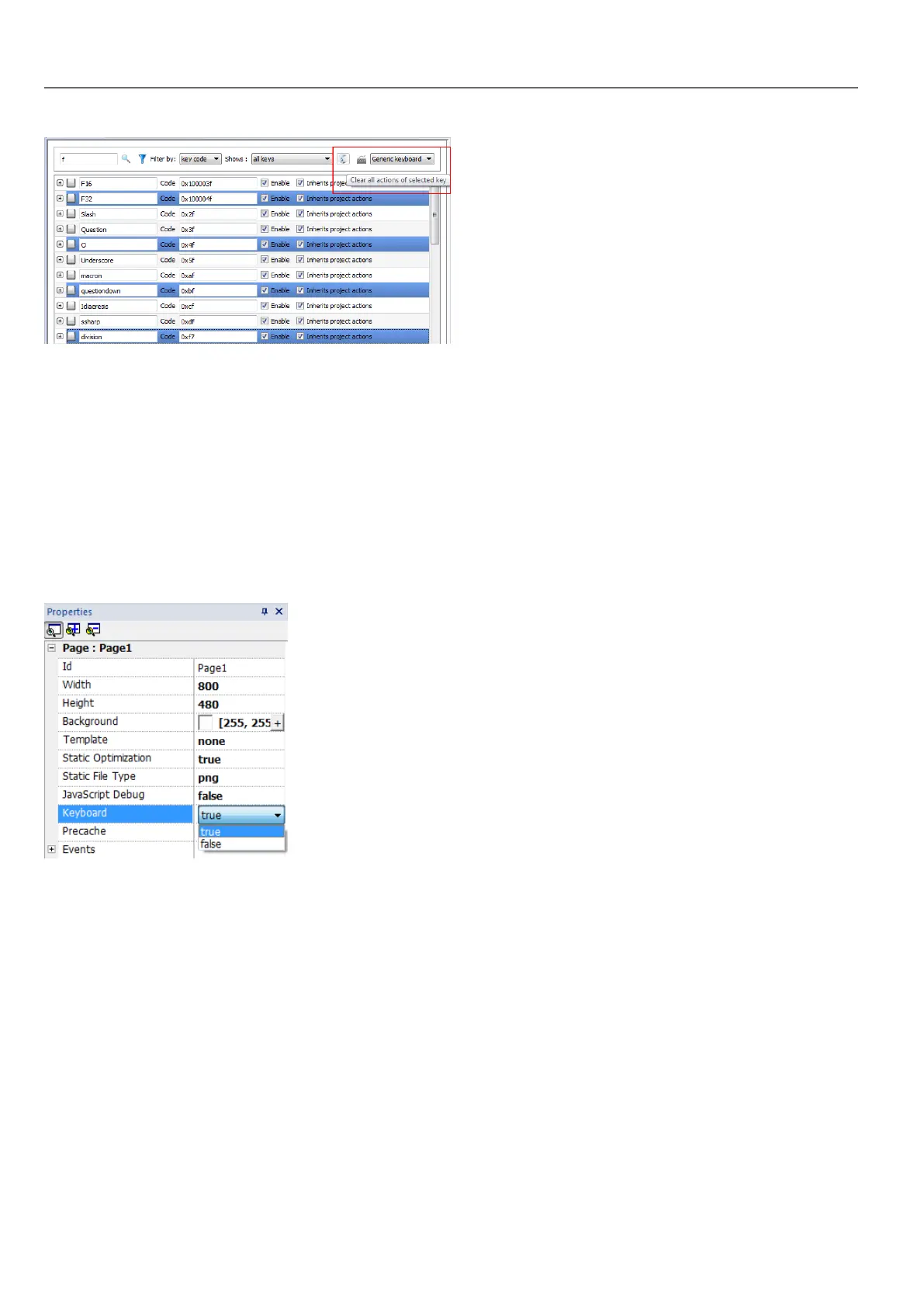
Keyboard layout
Select the layout of the keyboard from the Keyboard Layout combo box. Generic Keyboard refers to a generic
international keyboard layout.
Enable/disable keyboard
You can enable/disable keyboard actions both at project and at page level. To enable keyboard actions, in the Properties
pane set Keboard macro to true.
You can enable/disable keyboard actions also at run time using the KeyboardMacros action. See "Keyboard actions" on
page119 for details.
Associating actions to keys
You associate actions to a keys from the Keyboard editor.
1. Click + next to the key you want to program: the fields for key configuration are displayed.
266
HMWIN Studio |User Manual|v206 (2017-06-30) |EN|© 2014-2017 Panasonic Electric Works Europe AG
Keyboard layout



 To Next Page