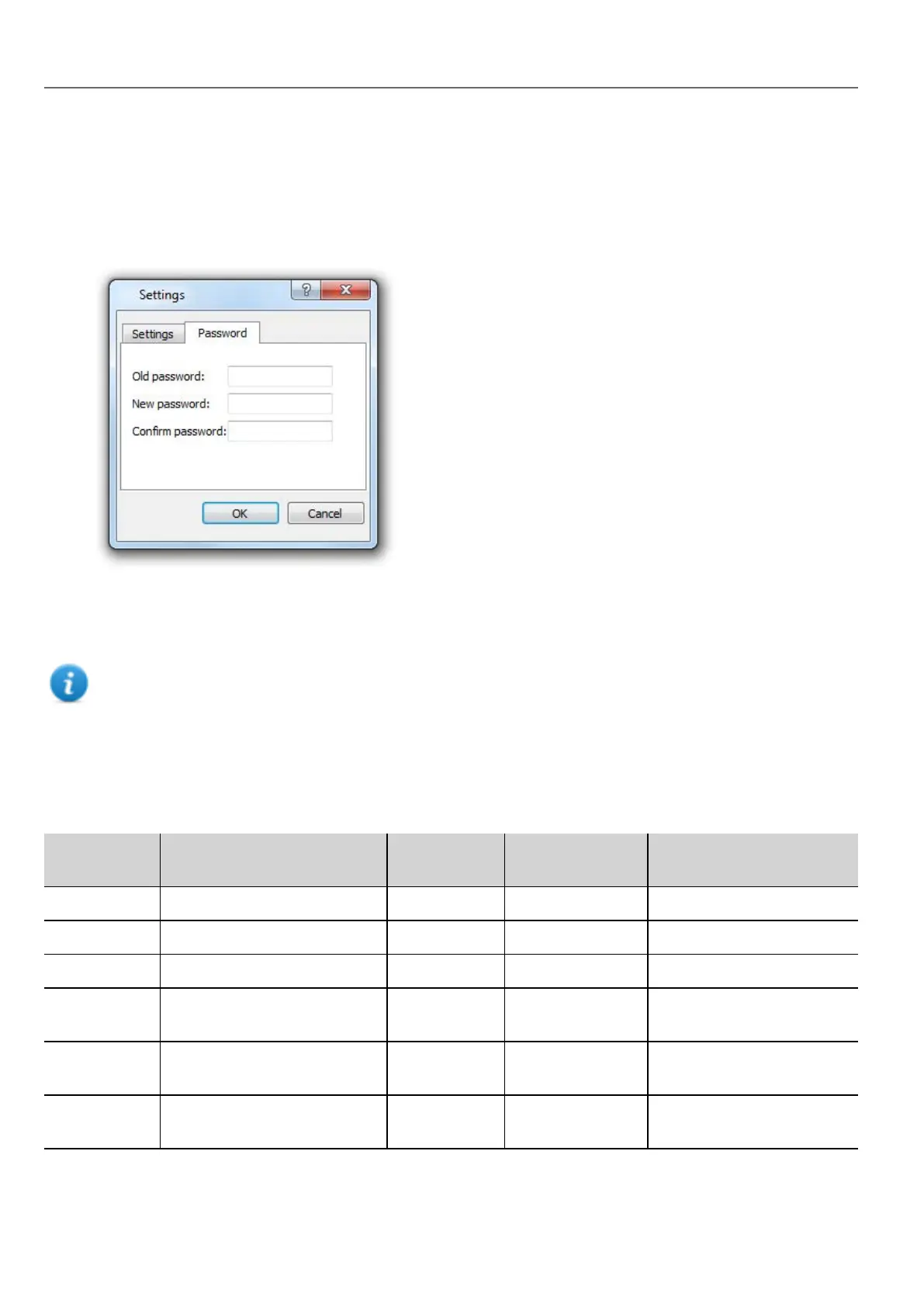
Changing password on HMIdevice
To change the password on the HMI device, use one of the following methods:
l From the HMI Runtime context menu: Settings> Password tab.
l Use the Set Target Password function in update package: the password is updated by HMI Runtime just after the
update process is completed.
l Using HMI device "System Settings" on page379 Tool
Leave “Old password” empty as default if target password is not set.
Ports and firewalls
Here a list of all the ports used by HMWIN Studio components.
Port Usage
Remote
Access
Board
Management
Runtime/Project
Management
80/tcp HTTP port Yes - Yes
21/tcp FTP cmd port - - Yes
2100/tcp Board port - Yes -
16384-
17407/tcp
FTP data port (passive mode) - Yes Yes
990/udp UDP broadcast (Device
discovery)
- Optional Optional
991/udp UDP broadcast (Device
discovery)
- Optional Optional
422
HMWIN Studio |User Manual|v206 (2017-06-30) |EN|© 2014-2017 Panasonic Electric Works Europe AG
Changing password on HMIdevice



 To Next Page