var myTable = page.getWidget("TableWgt1");
myTable.model = model;
Multilanguage
A multi languages text can be entered using the below JSON element:
{ _c : "ml" , mltext : {"en-US" : "Temperature:" , "it-IT" : "Temperatura:"} }
Parameter Description
_c : "ml" Identify the JSON element as a Multilanguage text
mltext : {... } List of couples: "ID Language":"Text"
Example:
l "en-US" : "Temperature:"
l "it-IT" : "Temperatura:"
Example:
var row_data2 = {
_t : 1,
_v : [ { _c : "ml" , mltext : { "en-US" : "Temperature:",
"it-IT" : "Temperatura:"} },
{ _c : "dl" , s : "_TagMgr", a : "Tag1", i: 0, m : 2 }
]
}
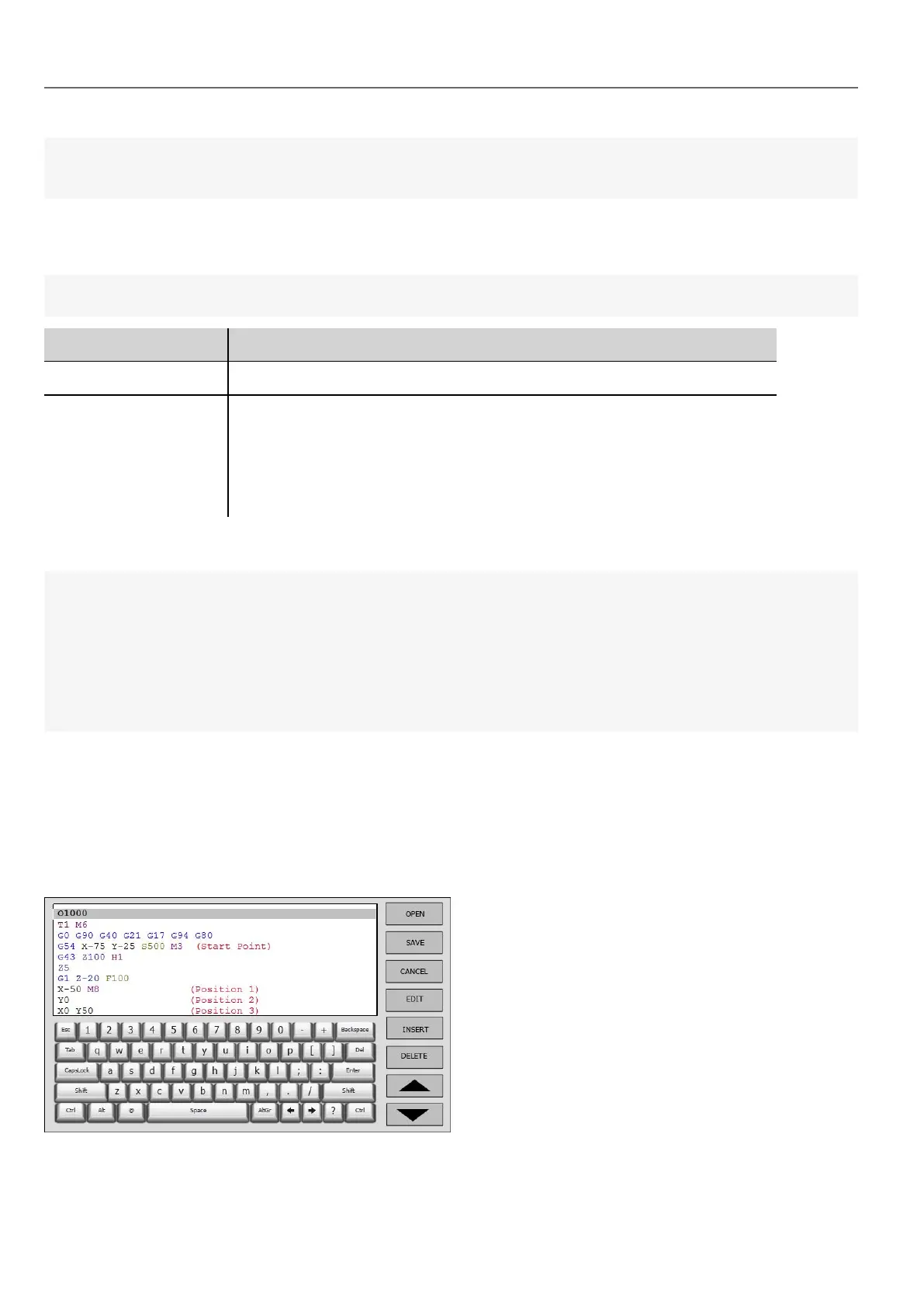
TextEditor widget
Path: Widget Gallery> Advanced> Editor
Use this widget to edit text files. Widget can load the text file from the local HMI device or download the file from a remote
device using an ftp connection.
314
HMWIN Studio |User Manual|v206 (2017-06-30) |EN|© 2014-2017 Panasonic Electric Works Europe AG
TextEditor widget



 To Next Page