Parameter Description
Image Return, inside the attached tag, the file name of the selected image
Button Define the look of the Combo Box
l Show background = true
Combo Box button is showed
l Show background = false
Only image or text is showed
ListView Layout parameters of the Combo Box in edit mode
ListViewItems Define the items type that will be inside the Combo Box
Image Mode:
l Only Text
l Only Images
l Text and Images
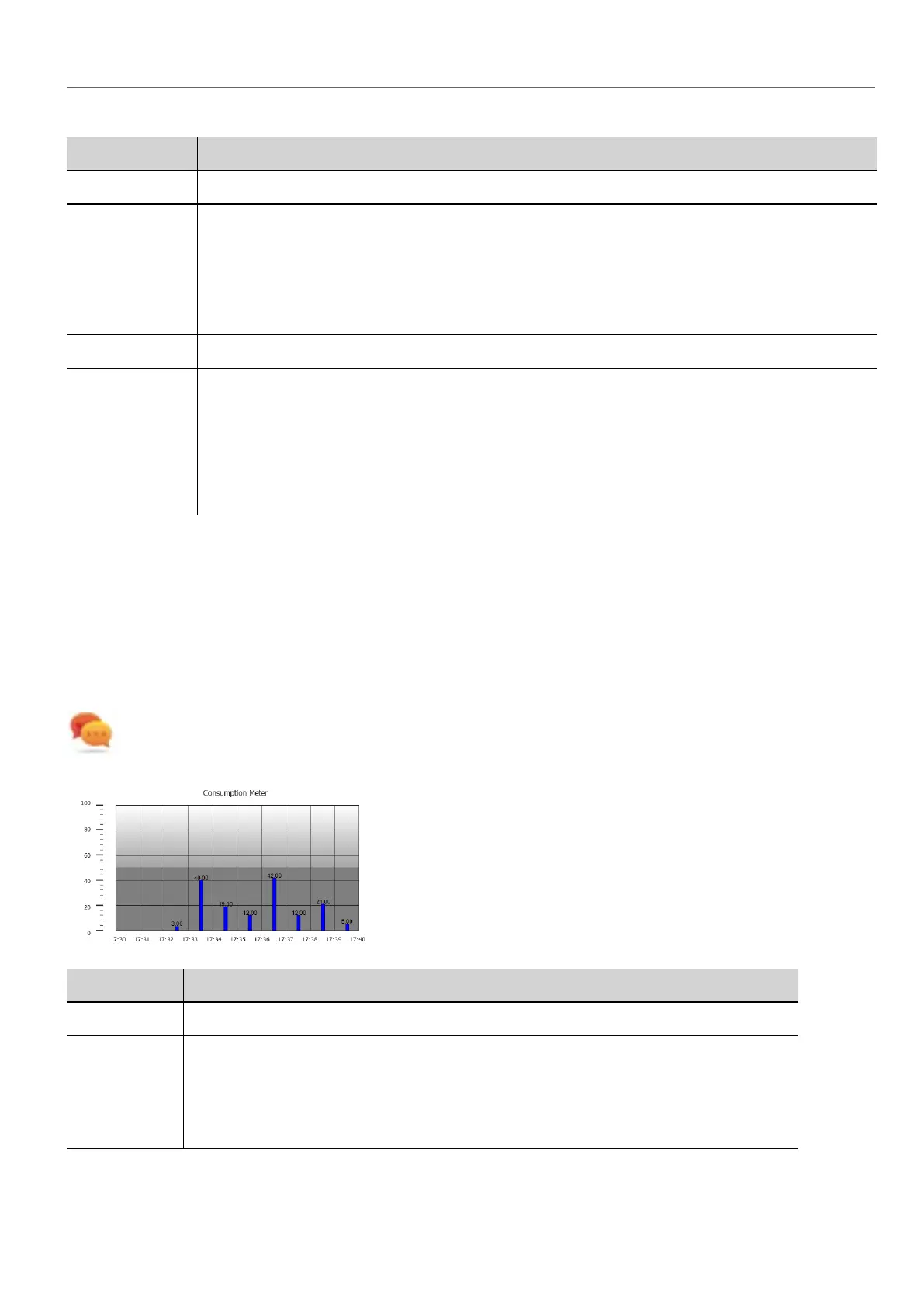
Consumption Meter widget
Path: Widget Gallery> Basic> Trends/Graphs
Use this widget to monitor a resource which is continuously increasing. The system reads the value of the resource and
calculates the increment in a set range of time, the increment is then displayed in a bar-graph in a trend-like window.
Different colors can be used to used in the graph based on the time frame.
Tip: Use this widget to calculate the power consumption of a system.
Parameter Description
Value Resource monitored
Graph
Duration
Graph
Duration
Units
Time period displayed in the window
HMWIN Studio |User Manual| v206 (2017-06-30) | EN| © 2014-2017 Panasonic Electric Works Europe AG
289
32 Special widgets



 To Next Page