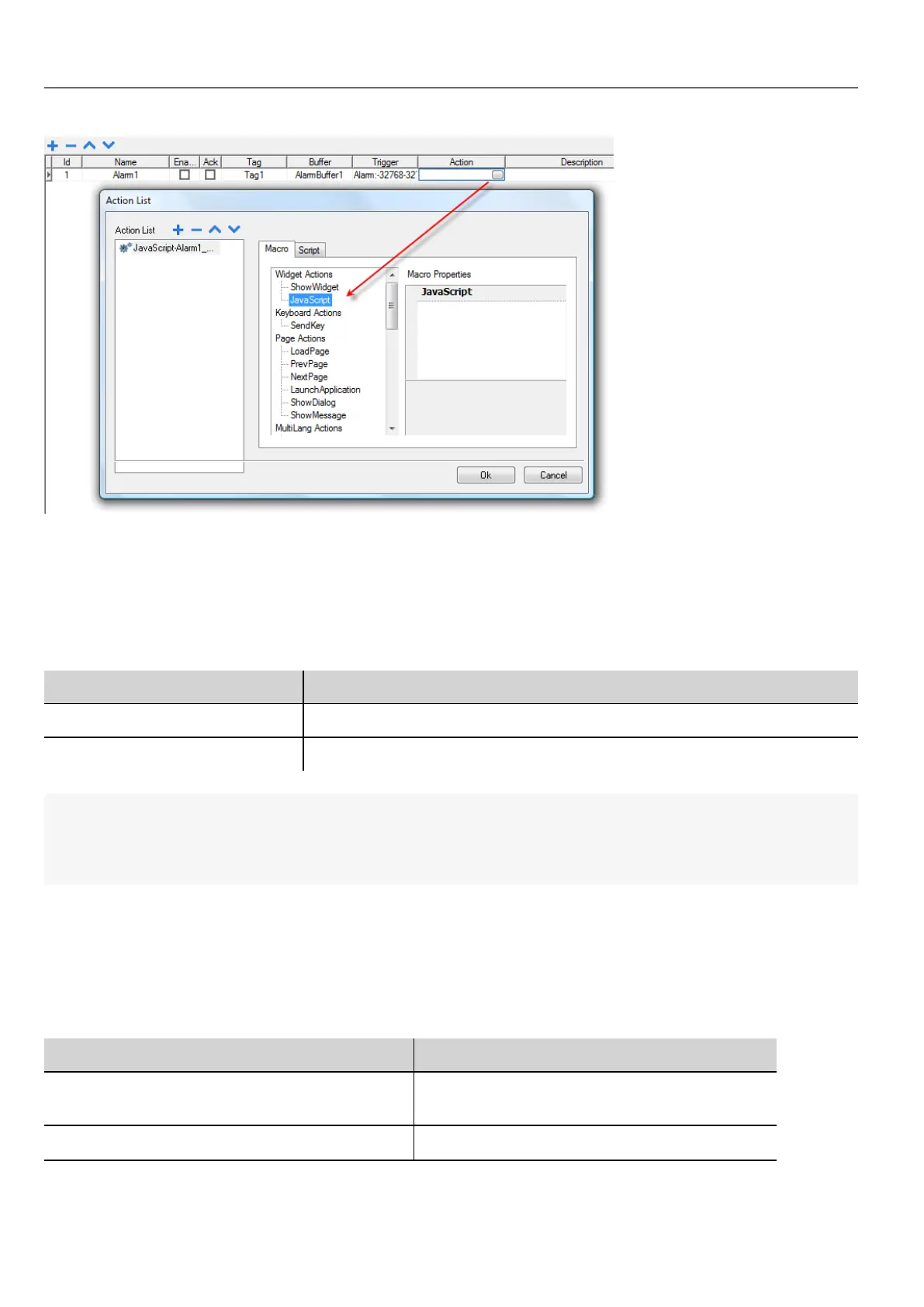
You can edit the JavaScript from the Project Properties tab.
onWheel
void onMouseWheelClock( me, eventInfo )
This event occurs when a wheel device is moving (for example, a mouse wheel).
Parameter Description
me Object triggering the event
eventInfo Details of triggered event
function Project1_onMouseWheelClock(me, eventInfo) {
//do something…
}
Objects
HMWIN Studio uses JavaScript objects to access the elements of the page. Each object is composed of properties and
methods that are used to define the operation and appearance of the page element. The following objects are used to
interact with elements of the HMI device page:
Object Description
Widget This is the base class for all elements on the page
including the page element
Page This object references the current HMI device page.
346
HMWIN Studio |User Manual|v206 (2017-06-30) |EN|© 2014-2017 Panasonic Electric Works Europe AG
Objects



 To Next Page