26 Backup/restore of Runtime and
project
You can backup all the content of the HMIdevice, including HMI Runtime and project, to an external memory. This backup
copy can be used to restore the content of the HMI device at a later time or copy it to a new HMIdevice.
The backup function is available only if enabled for the logged user. See "Modifying access permissions" on page231 for
details.
Note: Backup is not supported in HMWIN Client.
Backup function
The backup function automatically performs the following procedure:
1. Unloads the current project to unlock files in use.
2. Archives the content of the \QTHMI folder (containing HMI Runtime, projects, dynamic files such as recipes,
alarms, trends and so on) to a .zip file (standard or encrypted).
3. Reloads the project.
To start the backup procedure:
1. In HMI Runtime right click to open the context menu.
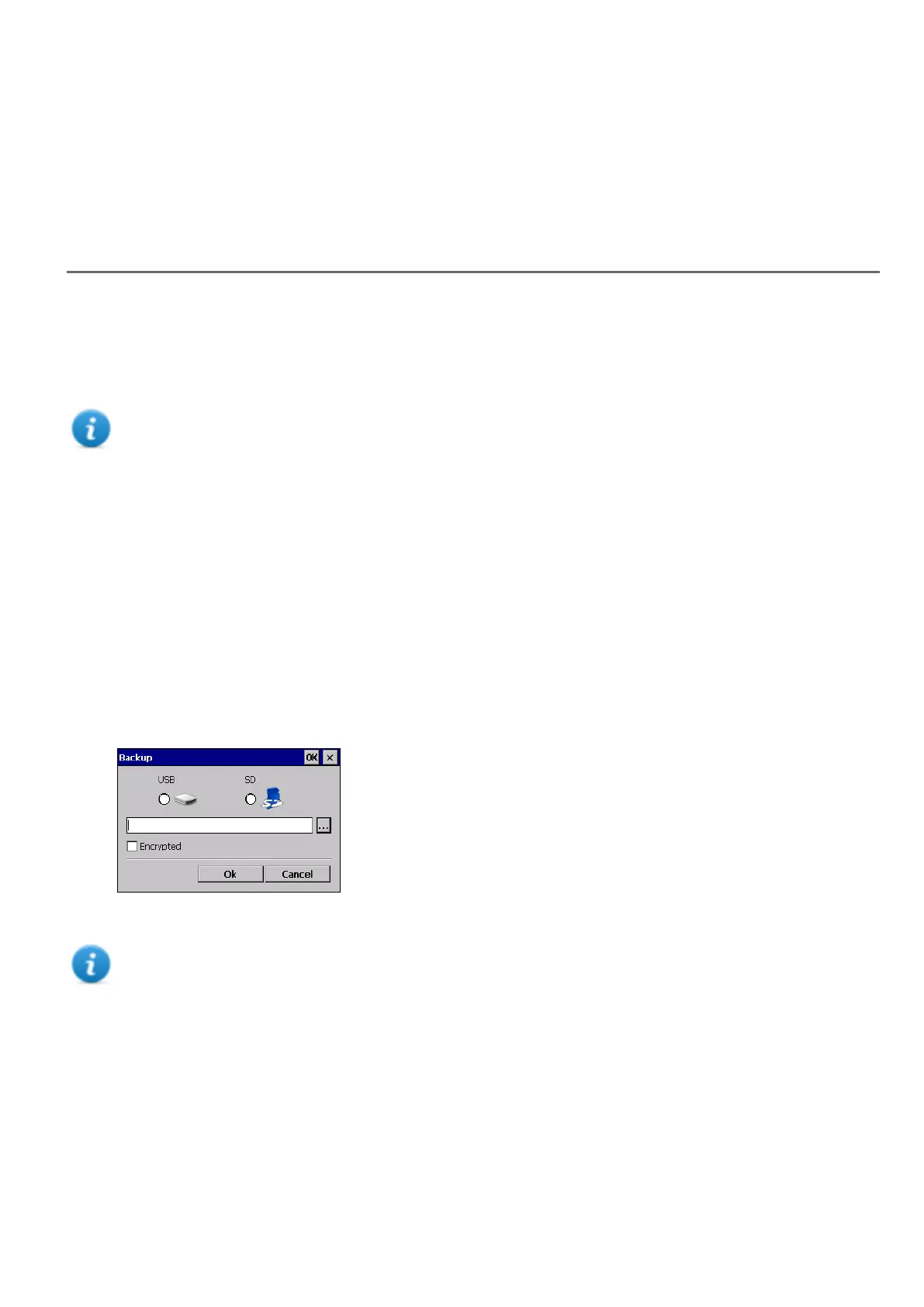
2. Select Backup: the Backup dialog is displayed.
3. Select the path for storing the backup file.
Note: The backup process does not include files stored in USB and SD cards. Dynamic data such as recipes,
trends, events stored in these devices will not be included in the backup.
Restore function
Restore the backup package can be perform on HMI device
l from the Context Menu (see "Update package" on page70 for details)
l or from the System Settings (see "System Settings" on page379 for details)
HMWIN Studio |User Manual| v206 (2017-06-30) | EN| © 2014-2017 Panasonic Electric Works Europe AG
255



 To Next Page