}
The update method can be used to dynamically redraw a canvas widget
function BtnStd1_btn_onMouseClick(me, eventInfo)
{
var myCanvasWidget = page.getWidget("GenericCanvasWgt1");
myCanvasWidget.update()
}
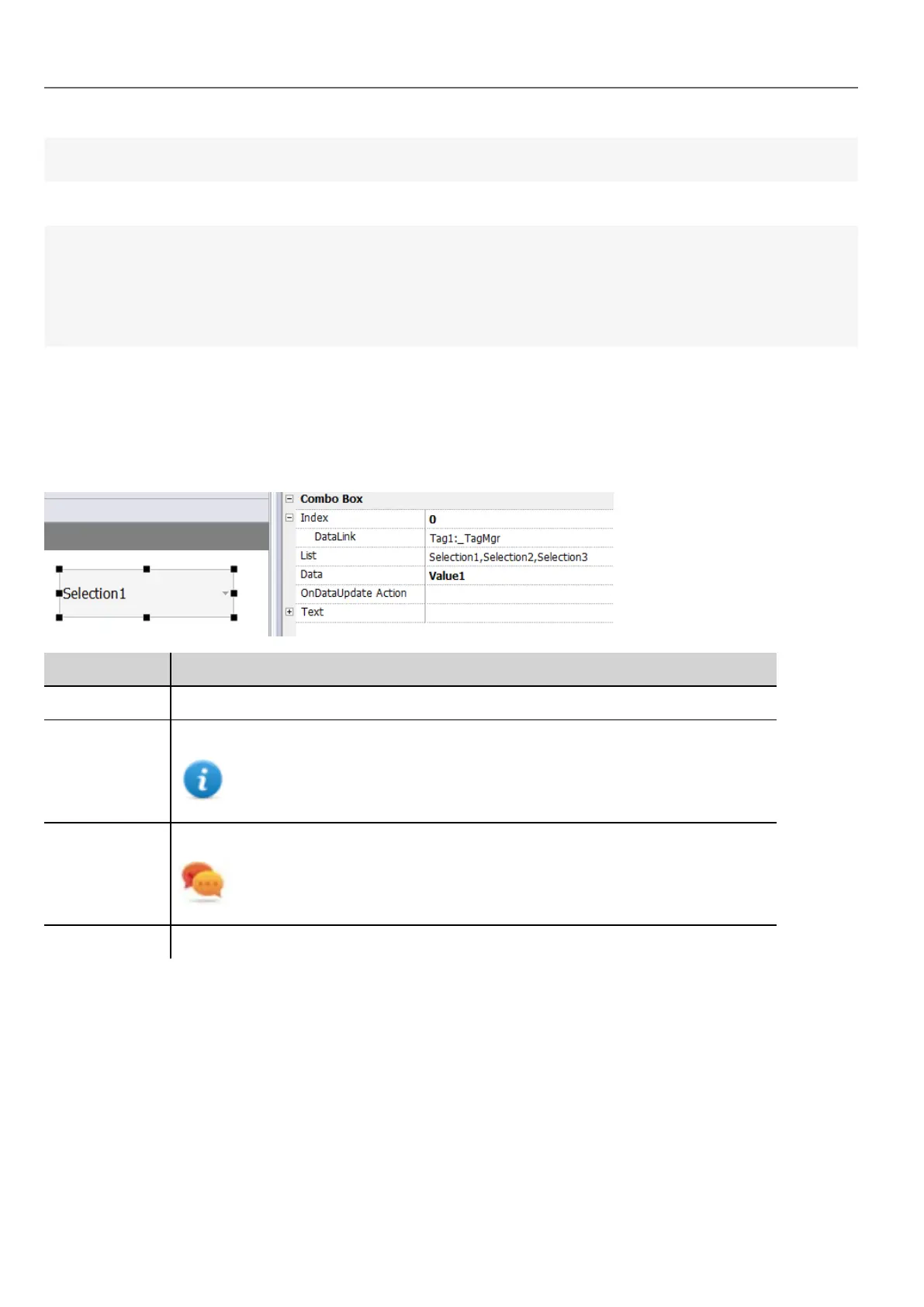
Combo Box widget
Path: Widget Gallery> Basic> Controls
Use this widget as a selector widget or to filter rows in a table to display only the values selected in the combo box.
Parameter Description
Index Index of the selected item.
List / String
List
Item strings in the combo box.
Note: This field is multi-language.
Data / Data List Returns the value in the Data List column (as string) in the Data field of the widget.
Tip: Use this parameter to return a custom value based on an item selected in
the combo box.
Text Format of displayed text.
286
HMWIN Studio |User Manual|v206 (2017-06-30) |EN|© 2014-2017 Panasonic Electric Works Europe AG
Combo Box widget



 To Next Page