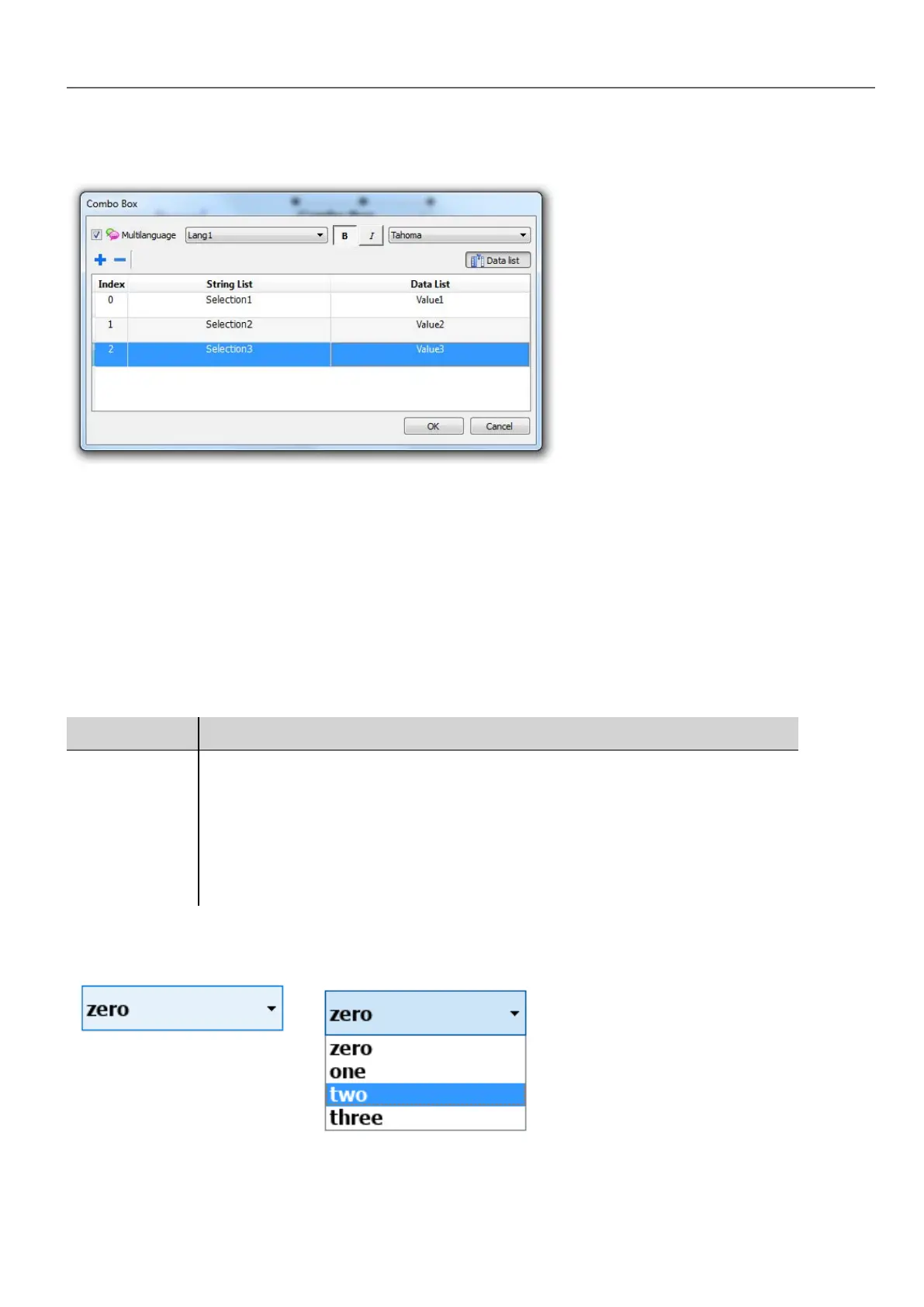
Attaching data vs. attaching indexes
In many projects you may need to attach fields such as Index or Data to tags to know the values of the selected item in the
combo box. Use:
l Index: to display the index (integer) of the selected item (0...n).
l Data: to display the data value (string) specified in the Data List column.
Combo Box widget “full screen” mode with images
From the "Project properties pane" on page50 the look and behavior of Combo Boxes can switches from Context mode to
Full Screen mode
Path: ProjectView> double-click Project properties> Properties pane> Style> ComboBox View Mode
Parameter Description
ComboBox
View Mode
Select the visualization mode of all the Combo Box widgets of the project
Context
Classic view with drop-down menus
Full screen
Enhanced view with configurable texts and images that will pop up in the middle of the
screen for easy scroll and selection.
Context view example
HMWIN Studio |User Manual| v206 (2017-06-30) | EN| © 2014-2017 Panasonic Electric Works Europe AG
287
32 Special widgets



 To Next Page