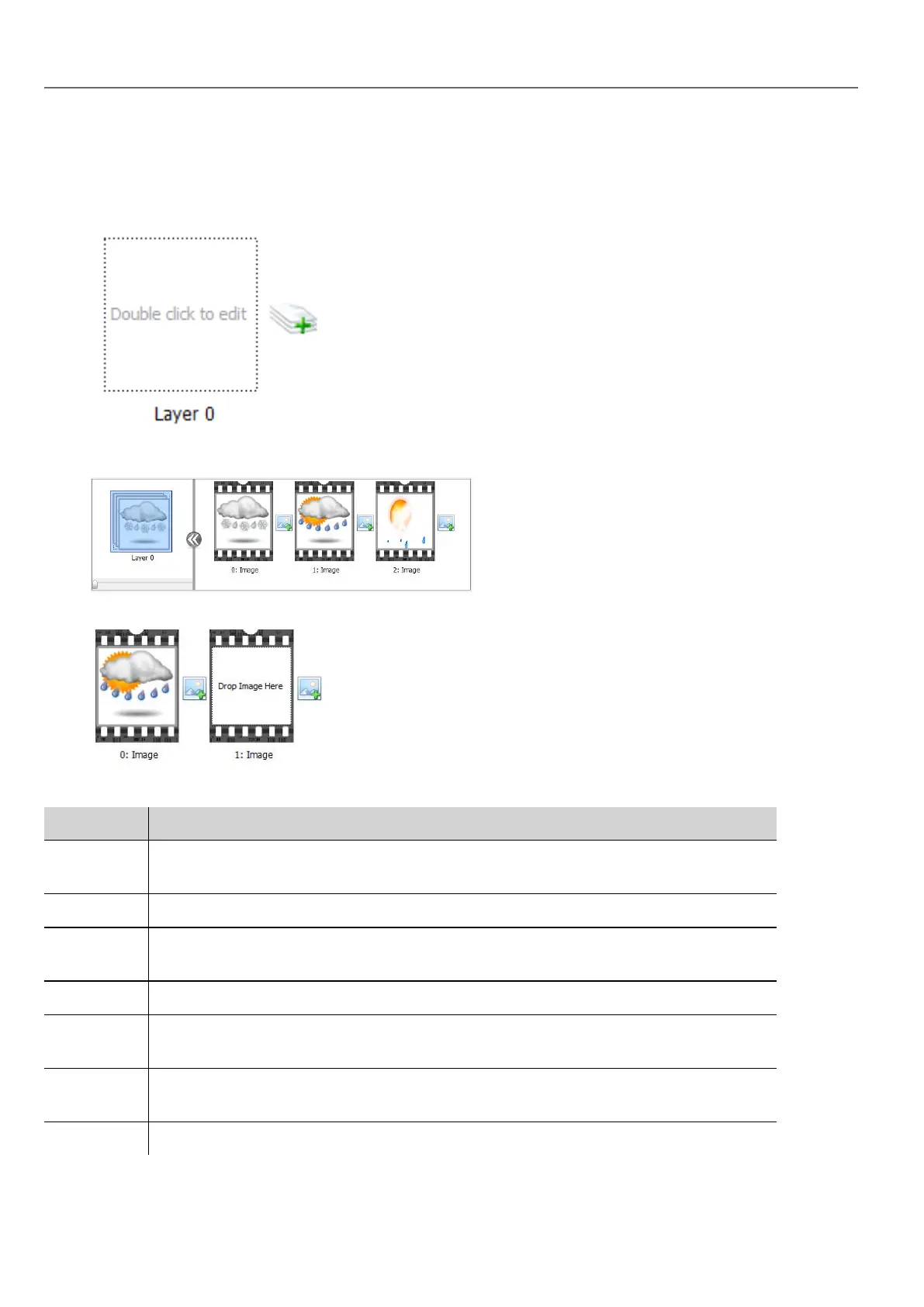
Setting up widget layers
1. Open the Layers dialog from the Properties pane.
2. Click + to add as many layers as you need.
3. Double click on each layer to add as many images as you want to include in the layer.
4. Drag and drop images into the frame to add it to currentlayer.
5. Define widget properties.
Parameter Description
Default
Layer
Layer shown at run time.
Name Name of selected layer.
Default
Frame
Frame shown when current layer is displayed.
Color / Fill Fill color for images of current layer.
Animate Enables slide show for active layer. Animations can be started/stopped at run time attaching
it to a tag.
Time
Interval
Time interval of slide show, if enabled.
Preview Slide show simulation.
304
HMWIN Studio |User Manual|v206 (2017-06-30) |EN|© 2014-2017 Panasonic Electric Works Europe AG
Multistate Image Multilayer widget



 To Next Page