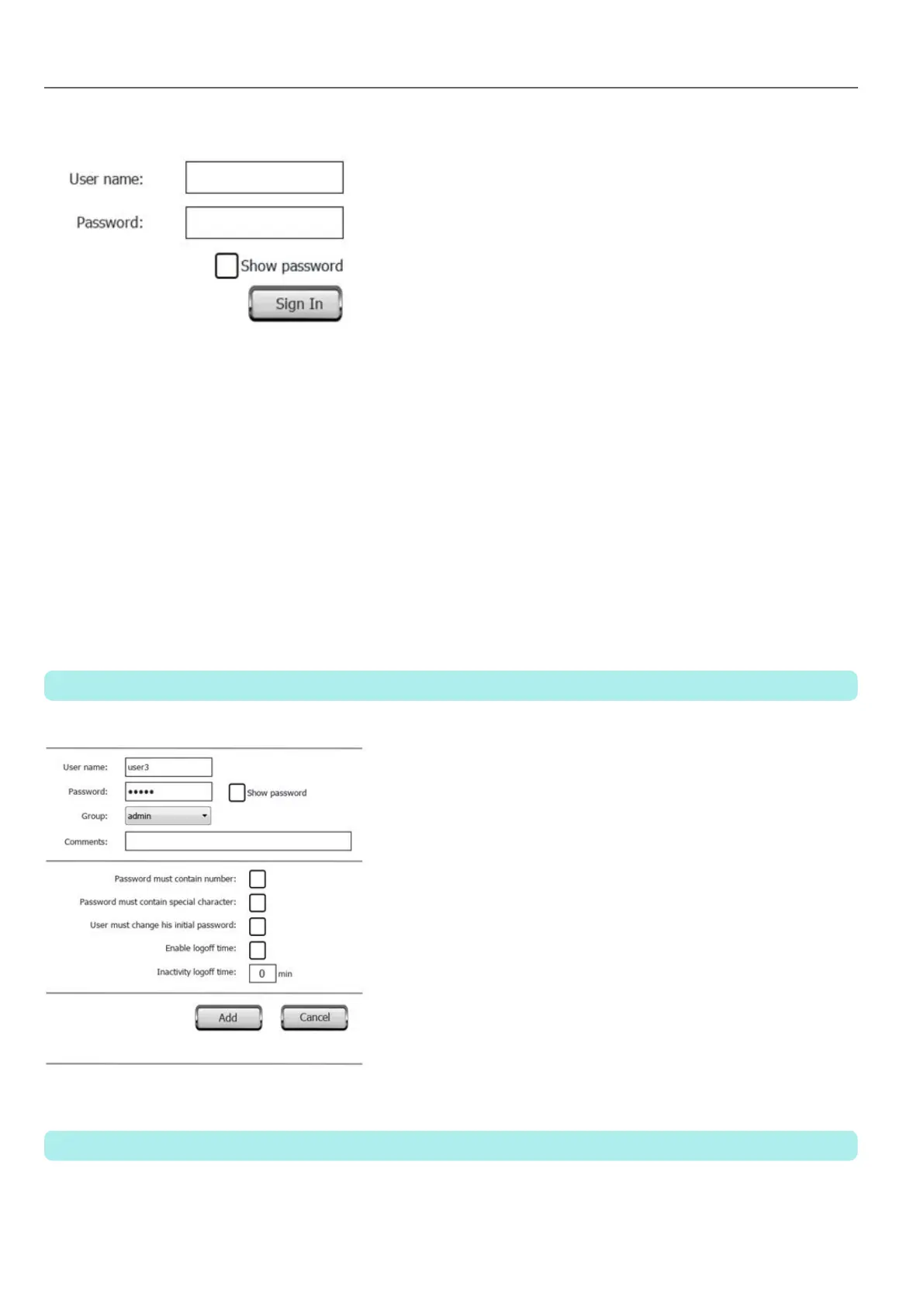
The server continues running with the previously logged user, until the next user logs on. One user is always logged onto
the system.
ChangePassword
Change current user password: a dialog appears
No parameter is required.
ResetPassword
Restores the original password together with the settings specified in the project for the current user.
No parameter is required.
AddUser
Reserved to users with Can manage other users property set.
Adds a user at run time: a dialog appears.
DeleteUser
Reserved to users with Can manage other users property set.
Deletes a user at run time: a dialog appears.
148
HMWIN Studio |User Manual|v206 (2017-06-30) |EN|© 2014-2017 Panasonic Electric Works Europe AG
User management actions



 To Next Page