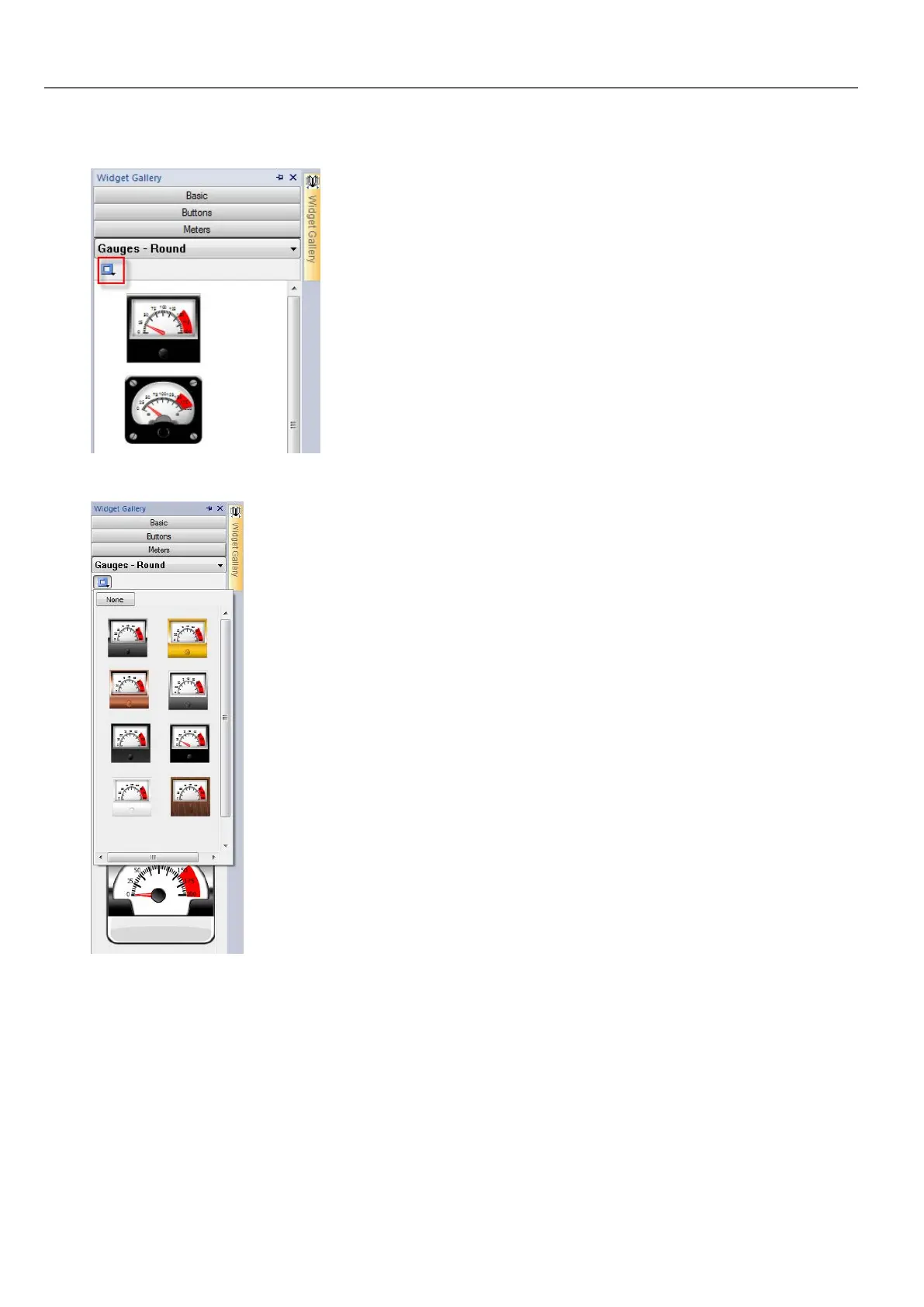
1. Click the style button to display the available styles for the widget.
2. Select one of the available styles from the toolbar: depending on the selected widget, different options are available.
Complex widgets
Some widgets are composed of many sub widgets. For example, a button is a complex widget composed by a button
widget and a label. The structure of widgets can be seen in the ObjectView when the widget is selected.
You can select a sub-widget, such as the label in a button, from the ObjectView and modify it without ungrouping the whole
widget.
20
HMWIN Studio |User Manual|v206 (2017-06-30) |EN|© 2014-2017 Panasonic Electric Works Europe AG
The Widget Gallery



 To Next Page