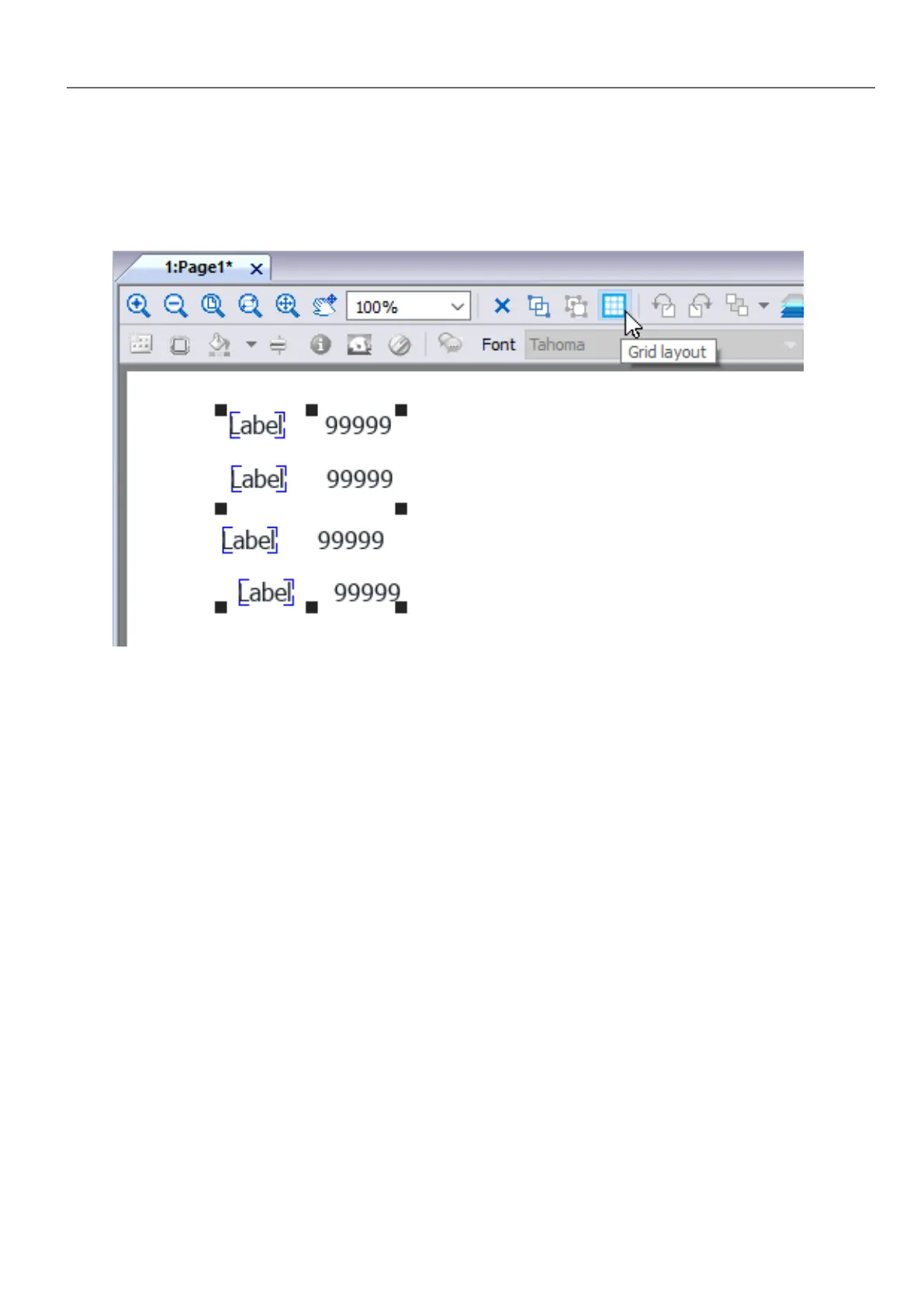
l Enable the "Grid Layout" parameter of the group of widgets.
or
l Select the widgets that will be inside the table and click the “Grid Layout” button on page toolbar. The selected
widgets will be aligned and collected inside a group with the grid layout property enabled.
There are several elements associated with the grid layout that can be configured:
l Grid properties
l Rows, Columns Properties
l Cells Properties
HMWIN Studio |User Manual| v206 (2017-06-30) | EN| © 2014-2017 Panasonic Electric Works Europe AG
41
4 Programming concepts



 To Next Page