LaunchBrowser
Opens the default web browser. You can define URL address as argument.
Note: Only works on platforms having a native web browser (for example, on Windows CE PRO with Internet
Explorer enabled).
LaunchVNC
Starts VNC server and opens the configuration.
Macro available only for HMI devices based on Windows CE platform.
On HMI devices based on Linux platform the VNC service can be enabled from the "Service" tab of the "Linux
Devices" on page387BSP v1.0.44 or higher required.
See "Software plug-in modules" on page55 to include it on Windows CE devices.
LaunchPDFViewer
Starts PDF Viewer.
Note: only works on devices that include PDF Viewer.
See "Software plug-in modules" on page55 to include it on Windows CE devices.
On Linux devices is included from BSP v1.00.44.
LaunchUpdater
Updates project and runtime from an external device.
Use Path parameter to specify the folder that will contain the update package file. Leave the path parameter empty if you
prefer select the file manually on the HMI device when the macro is invoked.
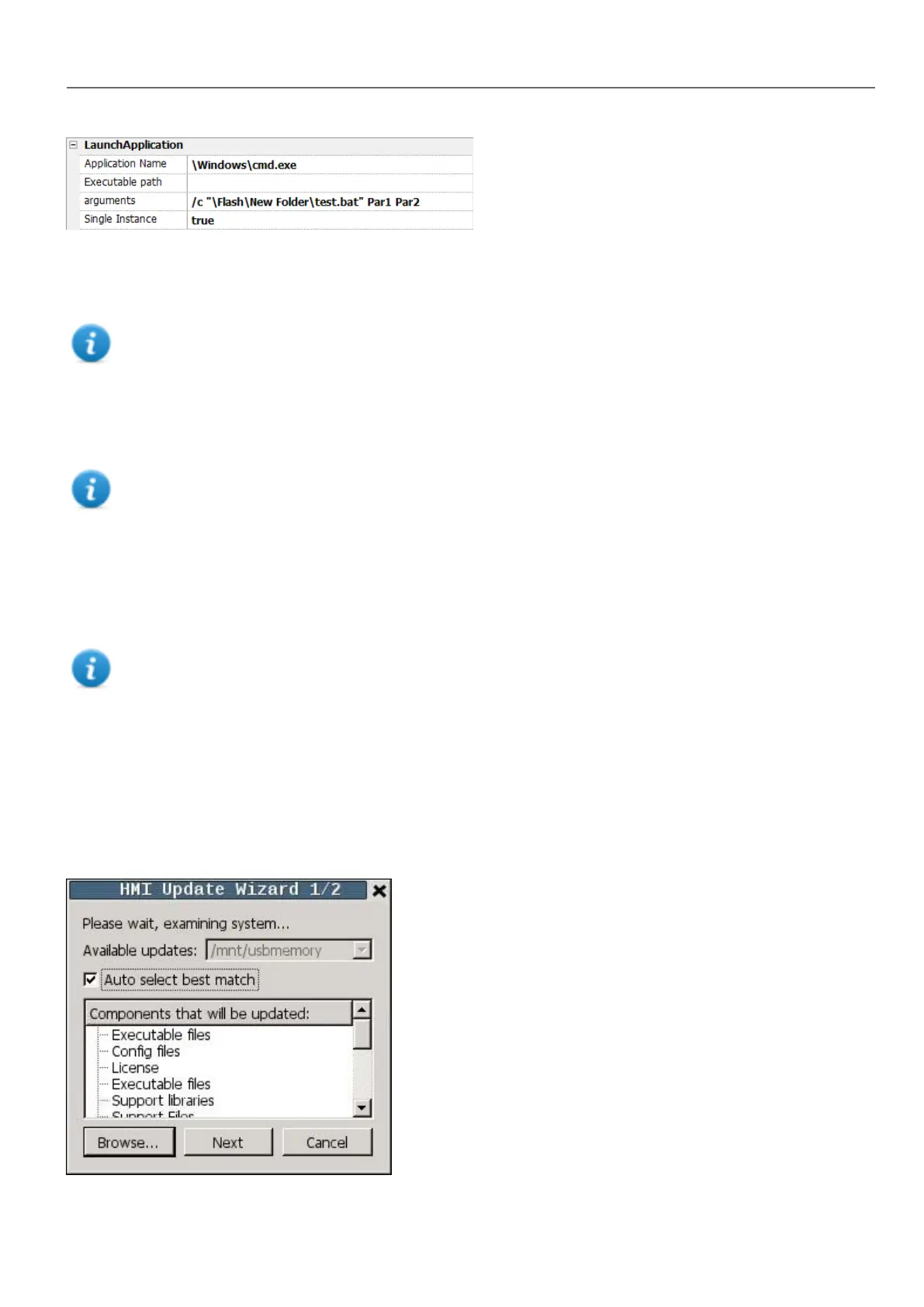
When the LaunchUpdater macro is executed, the below dialog is showed on HMI device
HMWIN Studio |User Manual| v206 (2017-06-30) | EN| © 2014-2017 Panasonic Electric Works Europe AG
127
10 Actions



 To Next Page