CopyCodesysProject
Copies the CODESYS 2.3 project files (.prg, ,chk and .sdb) from the source path to the device CODESYS folder.
Files are automatically renamed to DEFAULT.CHK , DEFAULT.PRG , BOOT.SDB if needed.
After copy the CODESYS module is stopped, reloaded and started again.
Parameters Description
Source Path Project path into external storage (for example, \USBMemory\Codesys)
Copy Symbols true = copies .sdb symbol file required by the CODESYS 2 ETH protocol
To generate CODESYS project files
1. Run Project > Rebuild All: an updated .sdb symbol file is generated.
2. Run Online > Create boot project: the .chk and .prg file are generated.
This action can be used to transfer a CODESYS project from one HMI device to another. In this case copy these files from
the HMI running CODESYS project:
l default.chk
l default.prg
l boot.sdb
Verify PLCand CopyCodesysProject action status using the following PLC system variables:
l PLC Status
l Get CopyCodesysProject Action
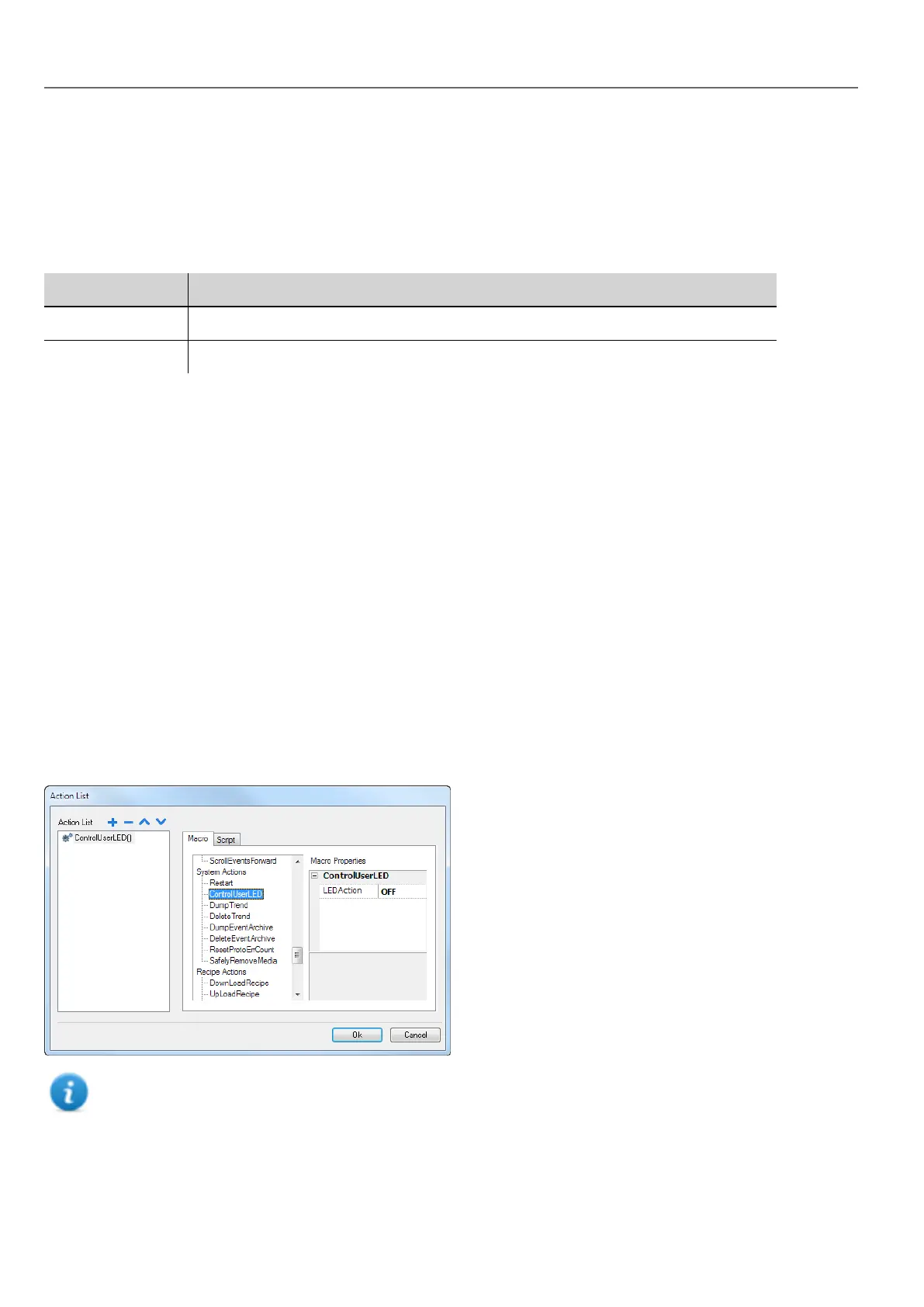
ControlUserLED
Sets the user LED behavior.
Not available on Linux platforms (see "HMI devices capabilities" on page435 for panels details)
142
HMWIN Studio |User Manual|v206 (2017-06-30) |EN|© 2014-2017 Panasonic Electric Works Europe AG
System actions



 To Next Page