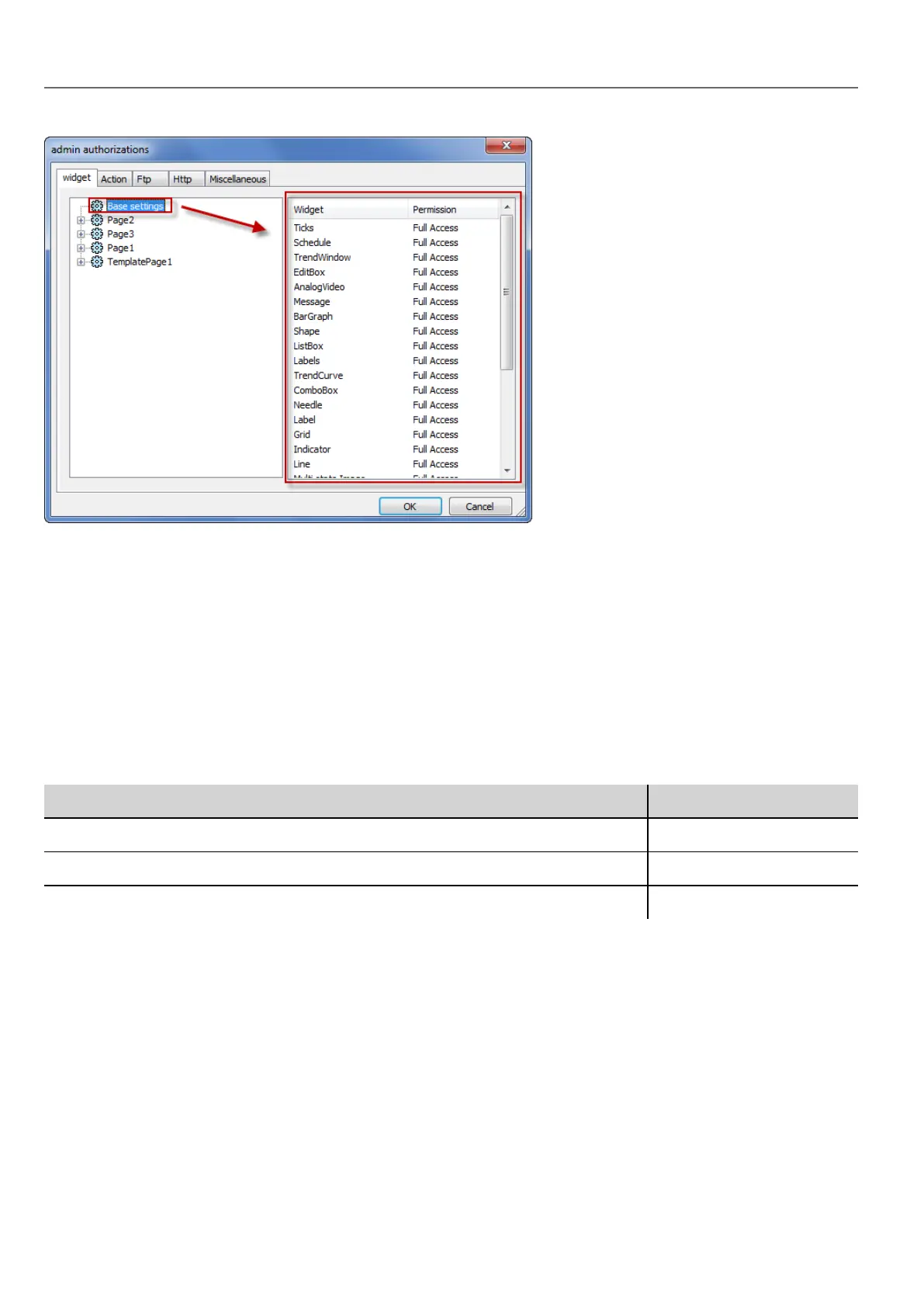
Changing a widget permission
To change access permission for an individual widget in a page of the project, navigate to that widget within its page on the
right pane and customize its access options. Otherwise, all widgets take the permissions set at project or page level.
For example, if page permission for a widget is set at project level to Read Only, then all the same widgets will have
permission Read Only. When you select a widget inside a page from the tree structure, permission is actually set to Use
Base Settings. You can change this setting and modify access permissions only for this widget in this page.
Access priority
Widget permissions are considered with the following priority:
Permission level Priority
Project level - Basic settings Low
Page level Medium
Widget level High
This allows you to specify exceptions for an action or a widget directly from the page view.
For example, if you set permissions for a widget at project level to Read Only and to Full Access at page level then the
page level settings will prevail.
Access permissions can be modified directly from the project page. See "Assigning widget permissions from page view" on
page236 for details.
Action permissions
In the Action tab you can define action authorizations at project level, at page level or at widget level. Actions can be either
Allowed or Not Allowed.
232
HMWIN Studio |User Manual|v206 (2017-06-30) |EN|© 2014-2017 Panasonic Electric Works Europe AG
Modifying access permissions



 To Next Page