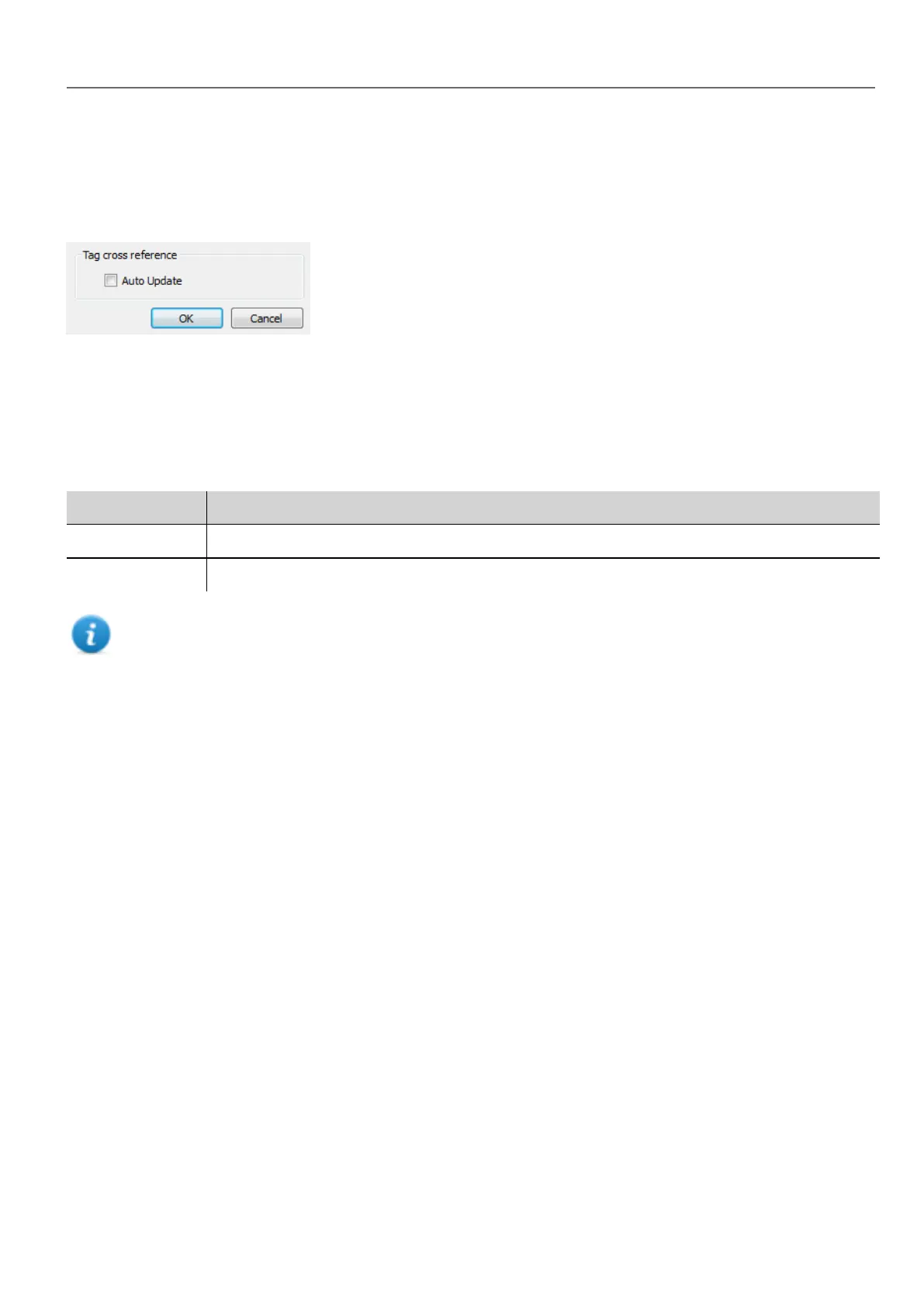
Automatic update
Path: View> Properties
You enable the automatic update of the Tag Cross Reference pane from the HMWIN Studio Properties page.
Select the Auto Update option.
Exporting data
Data displayed in the Tag Cross Reference pane can be exported in .csv file.
Data is organized in the exported file according to how it was grouped in the pane.
Grouped by File format
Location RESOURCE, RESOURCE DESC, WIDGET-ID, ATTRIBUTE, TAG
Tag TAG, RESOURCE, RESOURCE DESC, WIDGET-ID, ATTRIBUTE
Note: The separators used in export operation depends on regional settings of your computer.
HMWIN Studio |User Manual| v206 (2017-06-30) | EN| © 2014-2017 Panasonic Electric Works Europe AG
271
29 Tag cross reference



 To Next Page