1. Create a page and add a combo box, three labels and three numeric fields.
2. Use the index tag created for the room number for the combo box, "RoomNumber"in this example. This will be the
selector for the room number.
3. Create a list for the combo box. In this example use the following list.
Index String List
0 Room Number
1 Room 1
2 Room 2
3 Room 3
4 Room 4
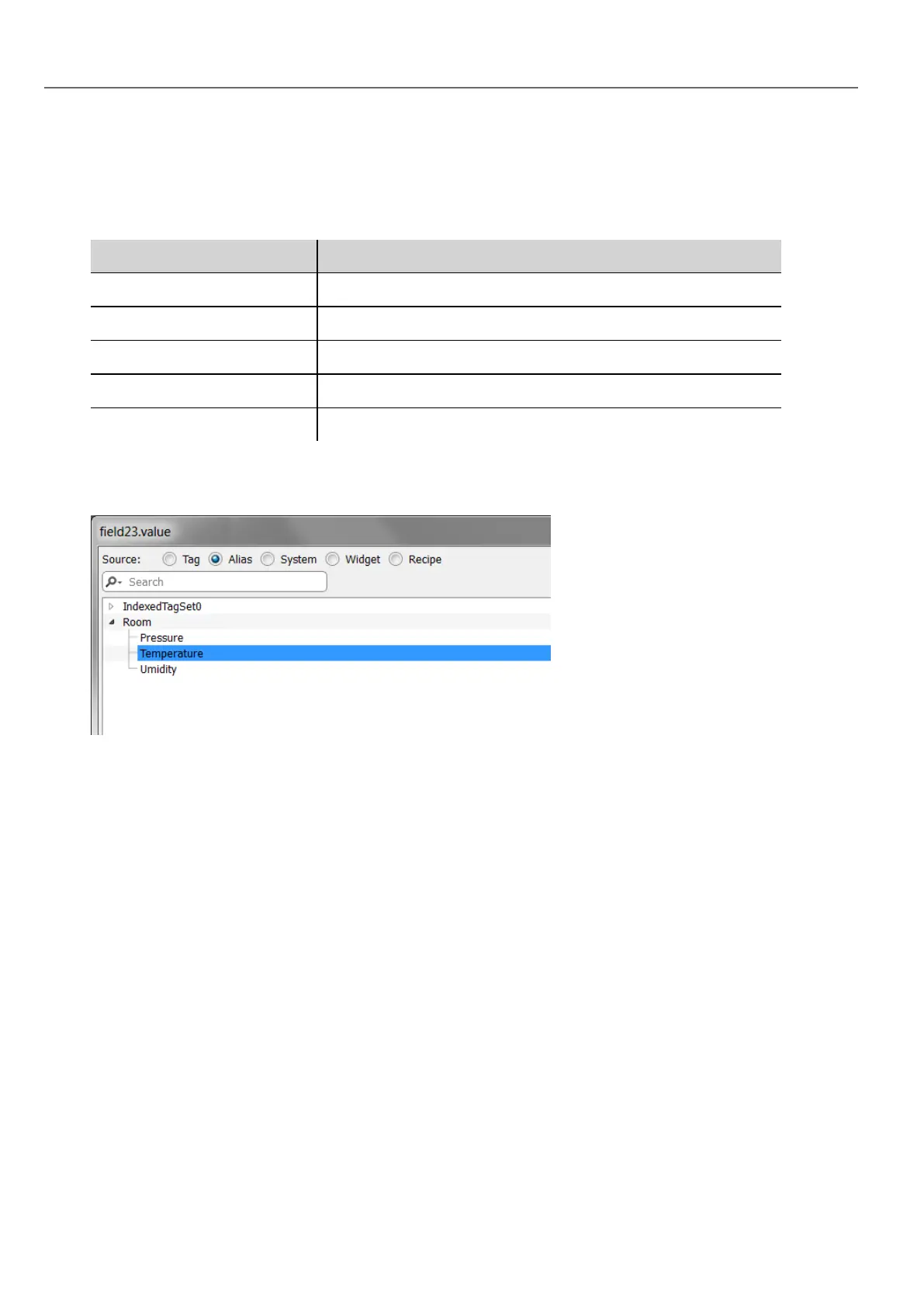
4. Attach to each numeric field value the corresponding Alias variable (Room > Temperature, Room > Humidity,
Room > Pressure).
278
HMWIN Studio |User Manual|v206 (2017-06-30) |EN|© 2014-2017 Panasonic Electric Works Europe AG
Using indexed tag set in pages



 To Next Page