Modify a custom widget
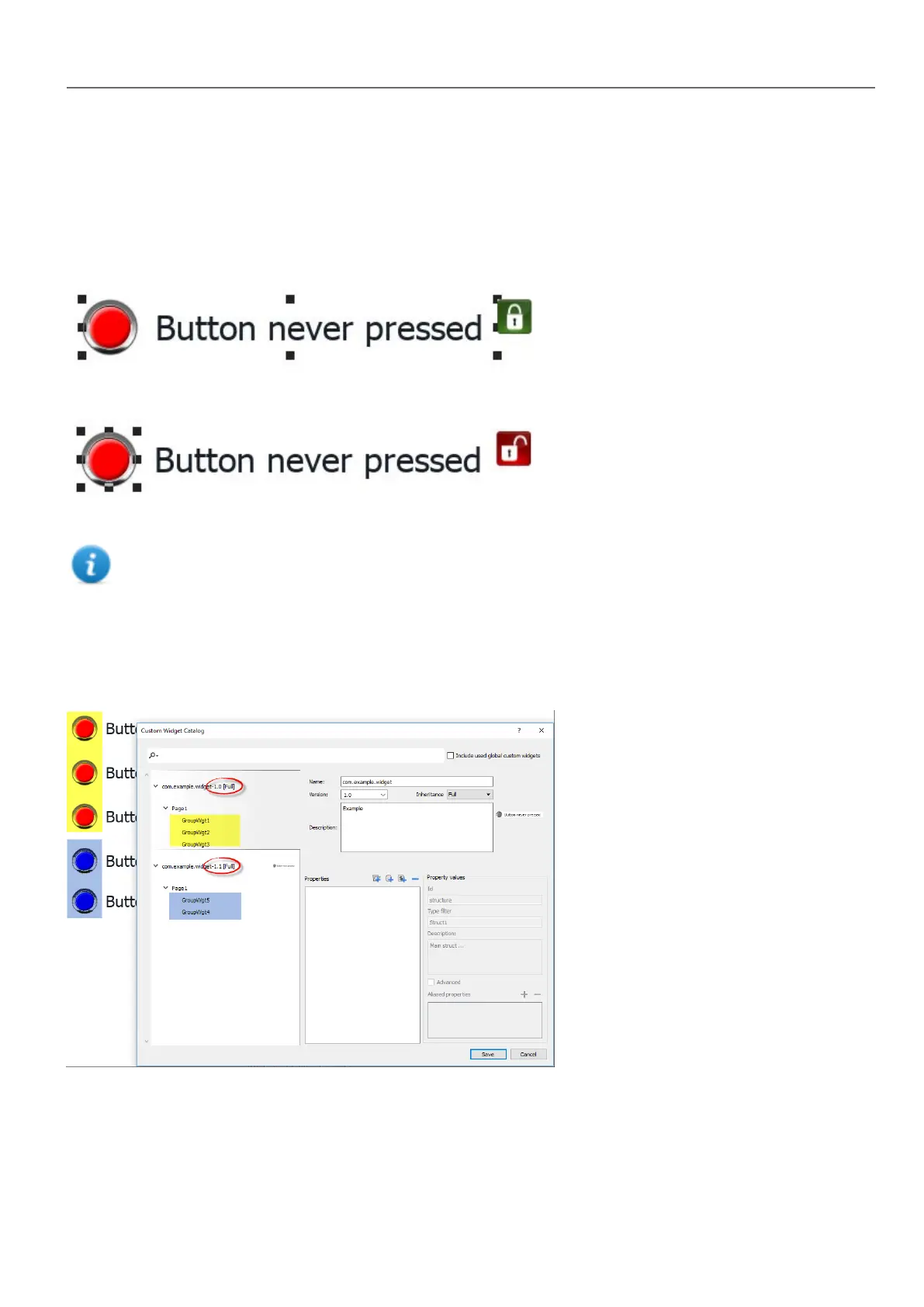
Double click to select the custom widget in edit mode. The icon of the green padlock indicates that you are going to edit a
custom widget, rather than just a group of widgets. The difference is that the modified will be propagate to all the other
custom widgets with the same version that are configure to inherit the widget properties.
Click the padlock icon to enable the edit mode, padlock will be open. Click again when modifies are done.
Padlock is showed only when the Inheritance is enabled.
Share properties
When a custom widget is modified, all the modifies will be propagated to all the other custom widgets that share the same
version and that are configured to inherit the widget properties.
Using widgets components
Widgets are usually made up of many parts, for example a button is a complex widget including two image widgets, a
button widget and label.
HMWIN Studio |User Manual| v206 (2017-06-30) | EN| © 2014-2017 Panasonic Electric Works Europe AG
321
33 Custom widgets



 To Next Page