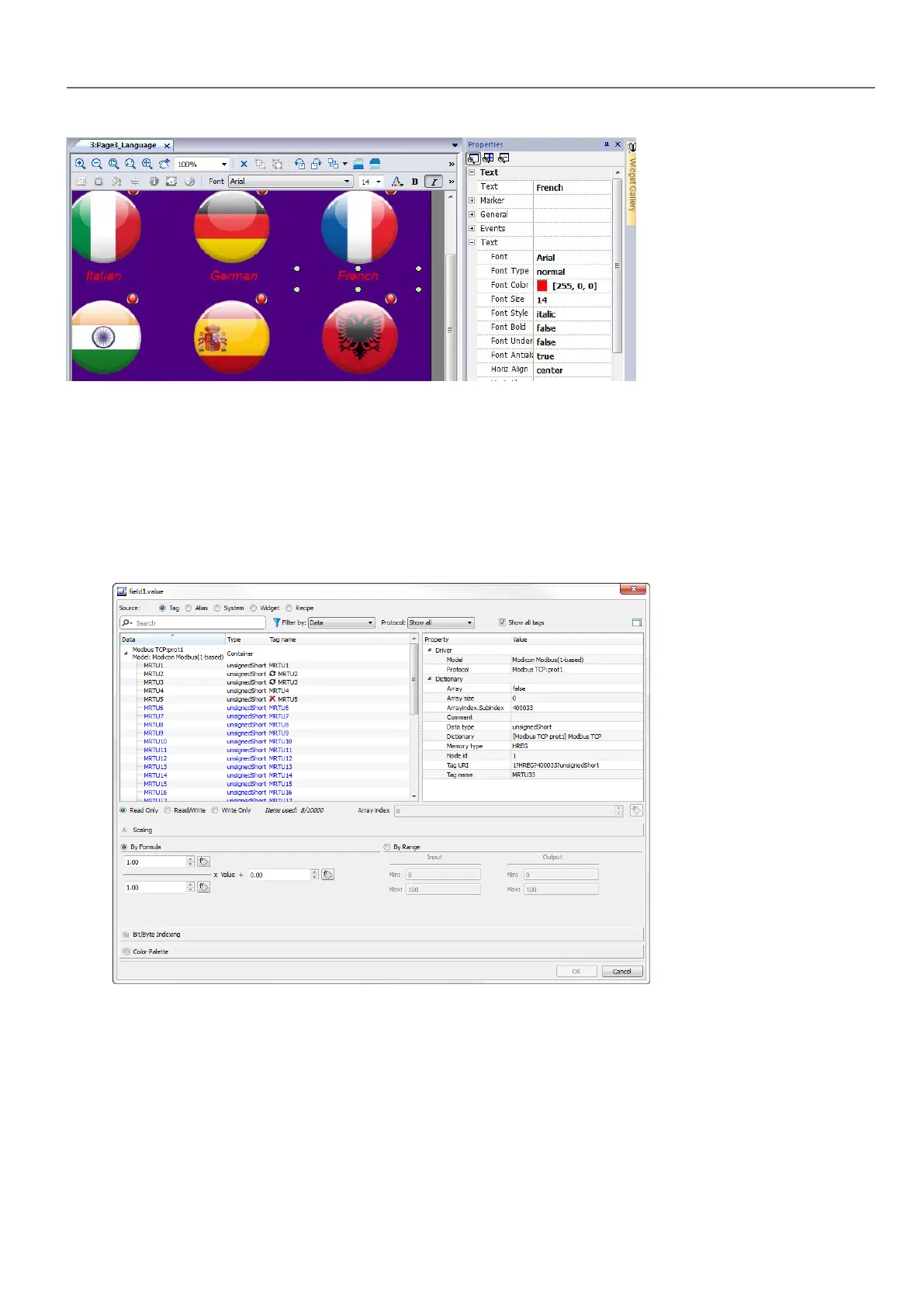
The page toolbar shows only the most common object properties, while the property pane show all the properties in a basic
or advanced view.
To change a property value dynamically you can attach it to tags or variables.
Attaching a property to a tag
1. Click + in the Properties pane.
2. In Source choose the data source, in the list choose a protocol and the tag. Use the Search box to filter tags.
3. Set the access type (for example Read Only). The Array Index field appears when the selected tag is an array to
identify the element of the array to use. The indirect index mode, through an additional tag, is supported.
4. Click OK to confirm.
The icons adjacent to the tag name highlight when a definition does not match the tag definition in the dictionary, or when
missing. If the Show all tags is selected, all the dictionary tags are shown also if not imported within the application. A
double-click will import the tags from the dictionary.
HMWIN Studio |User Manual| v206 (2017-06-30) | EN| © 2014-2017 Panasonic Electric Works Europe AG
31
4 Programming concepts



 To Next Page