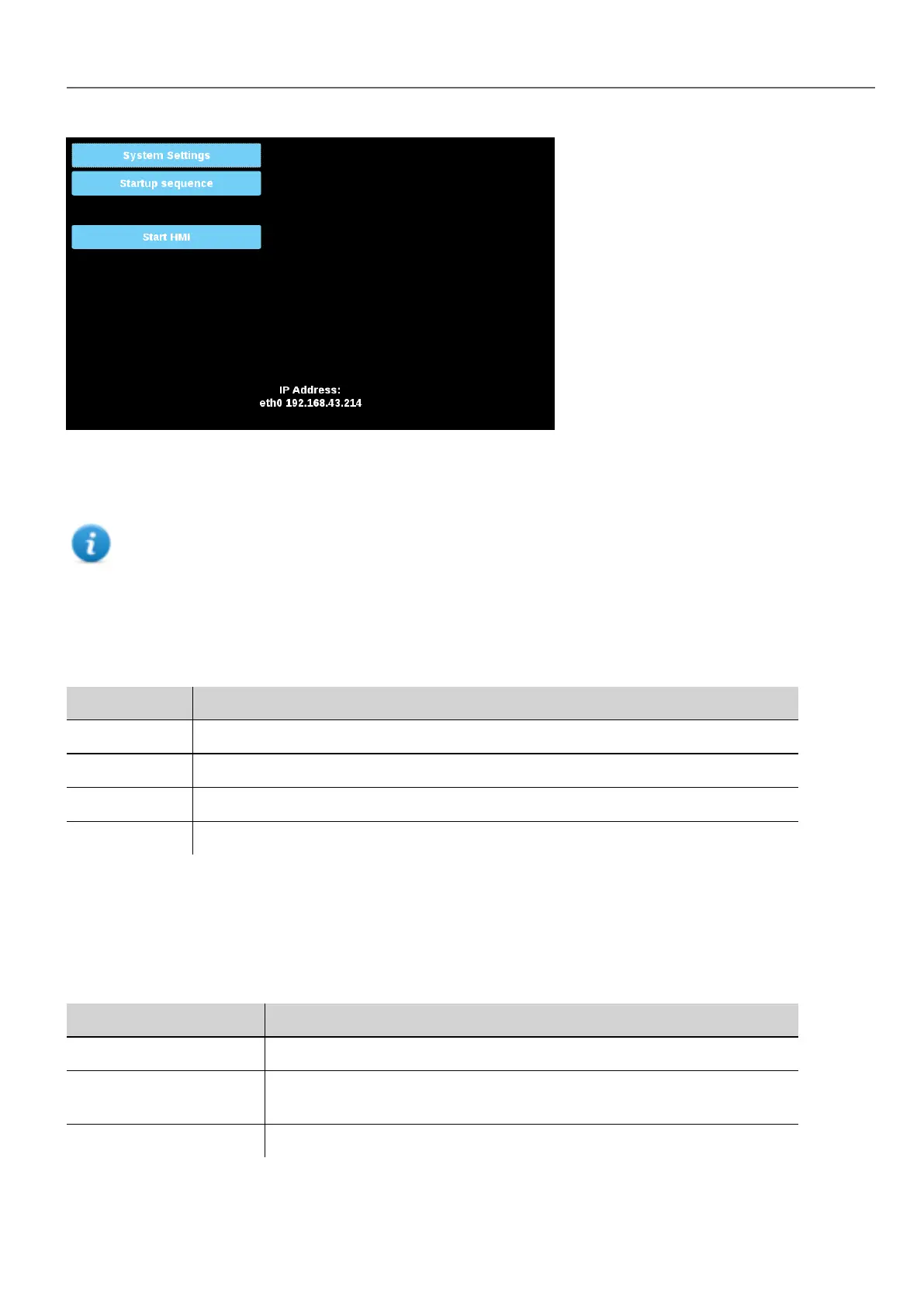
System Settings Sections
To change system settings values, enter in edit mode by click the edit button on the right top.
The edit button is available only inside the dialogs that contains modifiable parameters.
Languages
Select the language for the system settings interface
System
Parameter Description
Info Device information
Status Device status (Free RAM, Up time, CPU Load)
Timers Device timers (System on, Back light on)
PlugIn Hardware plugins information
Logs
Device log files
Date & Time
Device date and time. Available parameters in edit mode:
Parameter Description
Current Timezone Timezone region
Current Date
Local Time
Date and Time can set manually only when the Automatic Update is disabled.
Automatic Update (NTP) Enable to keep date and time synchronized from a remote server
HMWIN Studio |User Manual| v206 (2017-06-30) | EN| © 2014-2017 Panasonic Electric Works Europe AG
393
37 System Settings



 To Next Page