Option Description
Delete runtime
dynamic files
Modified configuration of recipes, users, schedulers, etc. done at run time will be deleted and
overwritten by the configuration defined in the project.
CAUTION: This operation cannot be undone, deleted dynamic files cannot be
restored.
CAUTION: Dynamic files are not deleted if stored on external devices (USB or
SD Cards).
Download Web
Project
Download the HM4Web pages to HMI device.
When transferring a project, HMWIN Studio uses a combination of HTTP and FTP connections:
l HTTP connection - issues the commands to switch to transfer mode or to unload running project,
l FTP session - transfers the files to the flash memory in the HMI device.
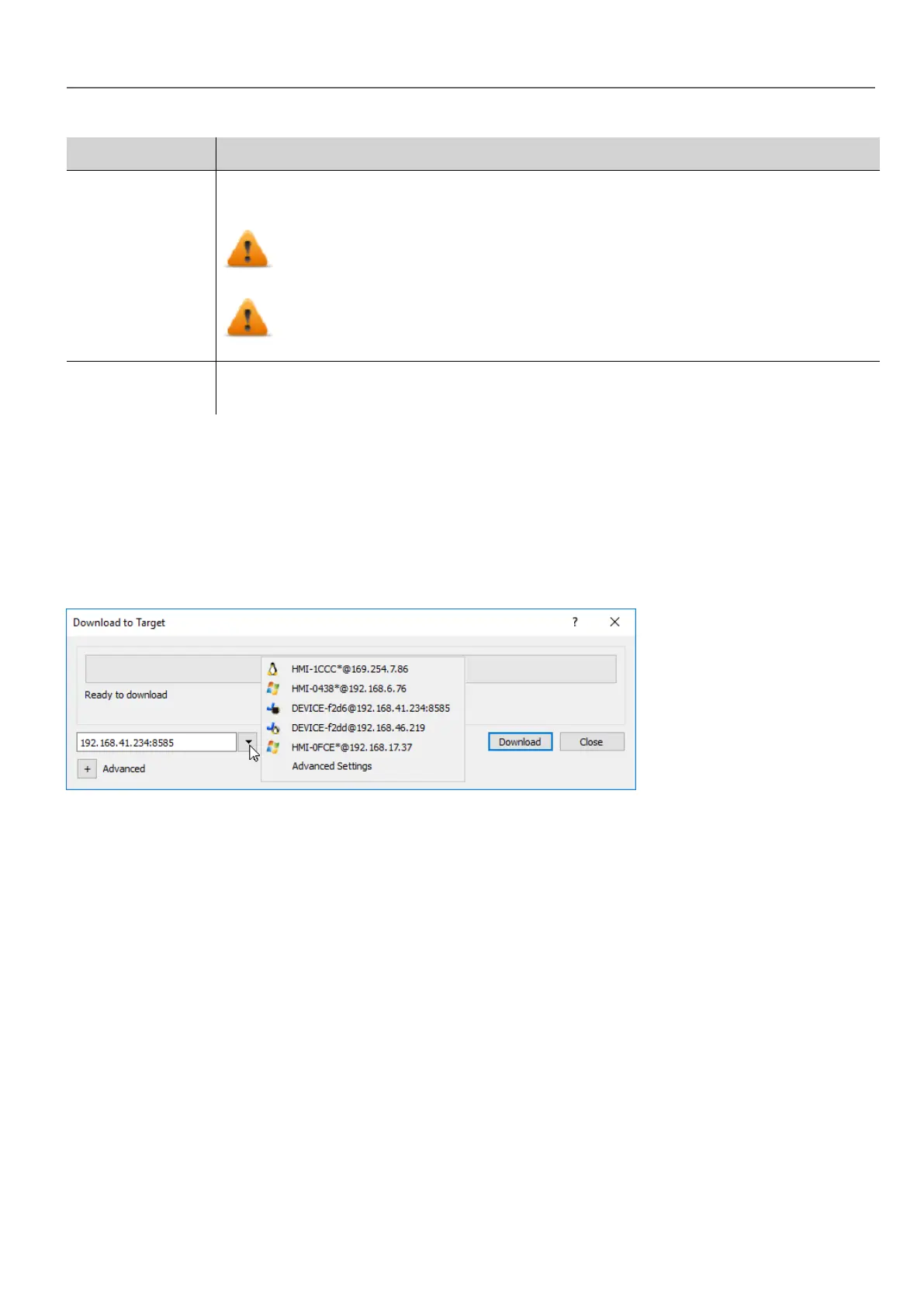
Advanced Settings
Using the “Advanced Settings” option, you can define the ports to use, but generally, you do not need to enter this
information because HMI devices will provide the ports to use inside the panesl list.
Changing HMI device connection settings
Path: Run> Manage Target
HMWIN Studio |User Manual| v206 (2017-06-30) | EN| © 2014-2017 Panasonic Electric Works Europe AG
69
7 Transferring the project to HMI device



 To Next Page