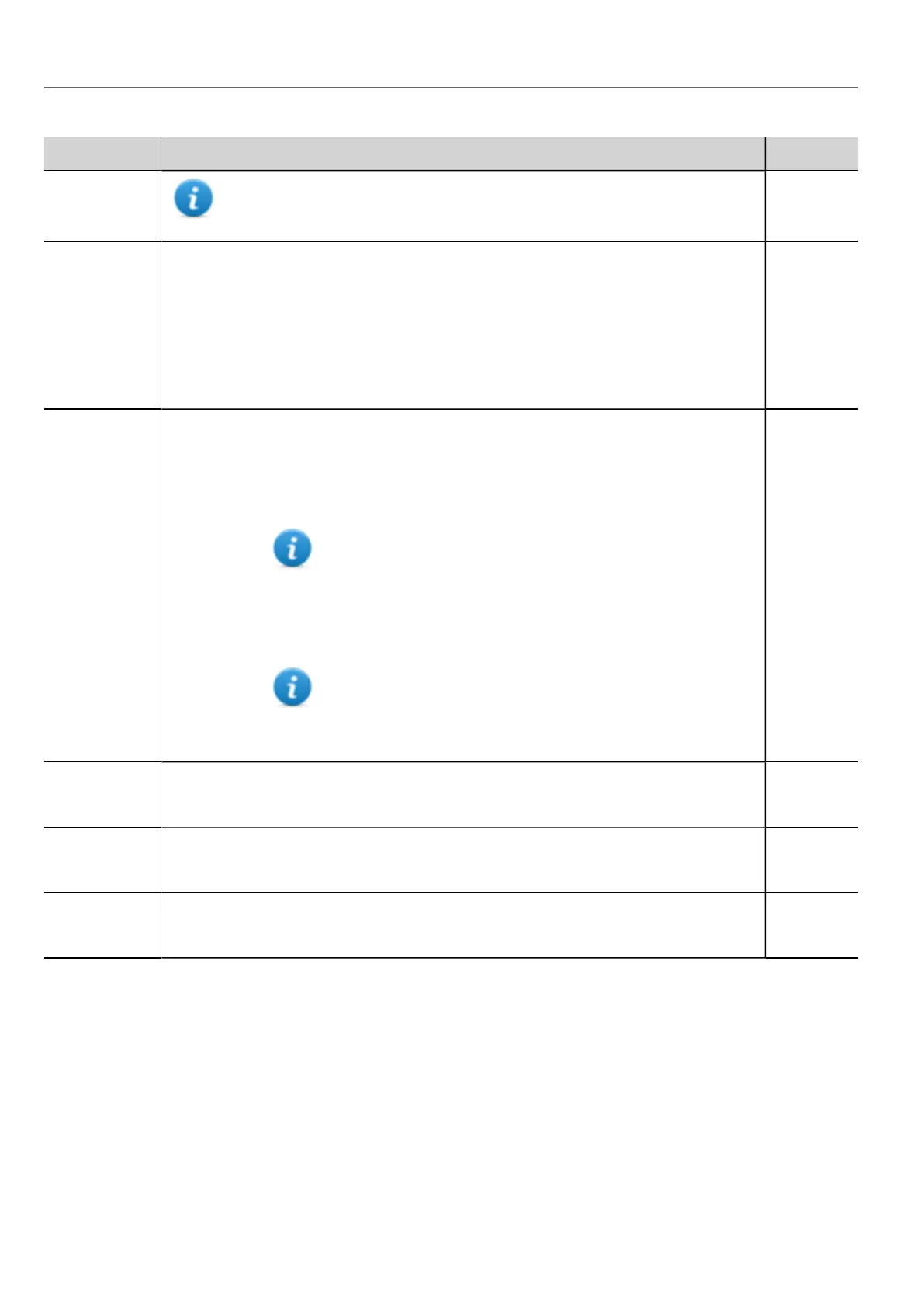
Variable Description Data type
Timeout Not available on Linux platforms (see "HMI devices capabilities" on page435
for panels details)
Display
Brightness
Returns and adjusts brightness level.
Even when set to 0, the backlight is still on and the Backlight Time counter increases.
Range: 0–255
On WinCE device only:
When set to a low light level (0..3), the backlight stays lit to a higher level for 8 seconds to
allow the user to make the adjustments and then is switched-off.
int
External
Timeout
Non-operational time after which the display backlight is automatically turned off. The
backlight is automatically turned on when the user touches the screen.
-1 = switch off backlight and disable touch (switch display off). Backlight
Time counter is stopped.
Not available on Linux platforms (see "HMI devices
capabilities" on page435 for panels details)
0 = switch backlight on (switch display on)
1..n = timeout, in seconds, for switch off backlight (screen saver timer)
On Linux device (see "HMI devices capabilities" on page435
for panel details), timeout is managed in minutes. The entered
value is converted to minutes rounded to next value, for
example, 60, 120, 180.
int
Flash Free
Space
Free space left in internal Flash memory. uint64
read only
Manufacturer
Code
Internal code that identify the HMI type unsignedInt
read only
System Font
List
List of system fonts string
read only
80
HMWIN Studio |User Manual|v206 (2017-06-30) |EN|© 2014-2017 Panasonic Electric Works Europe AG
Device variables



 To Next Page