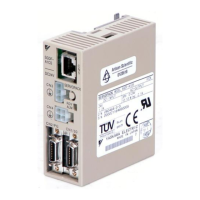
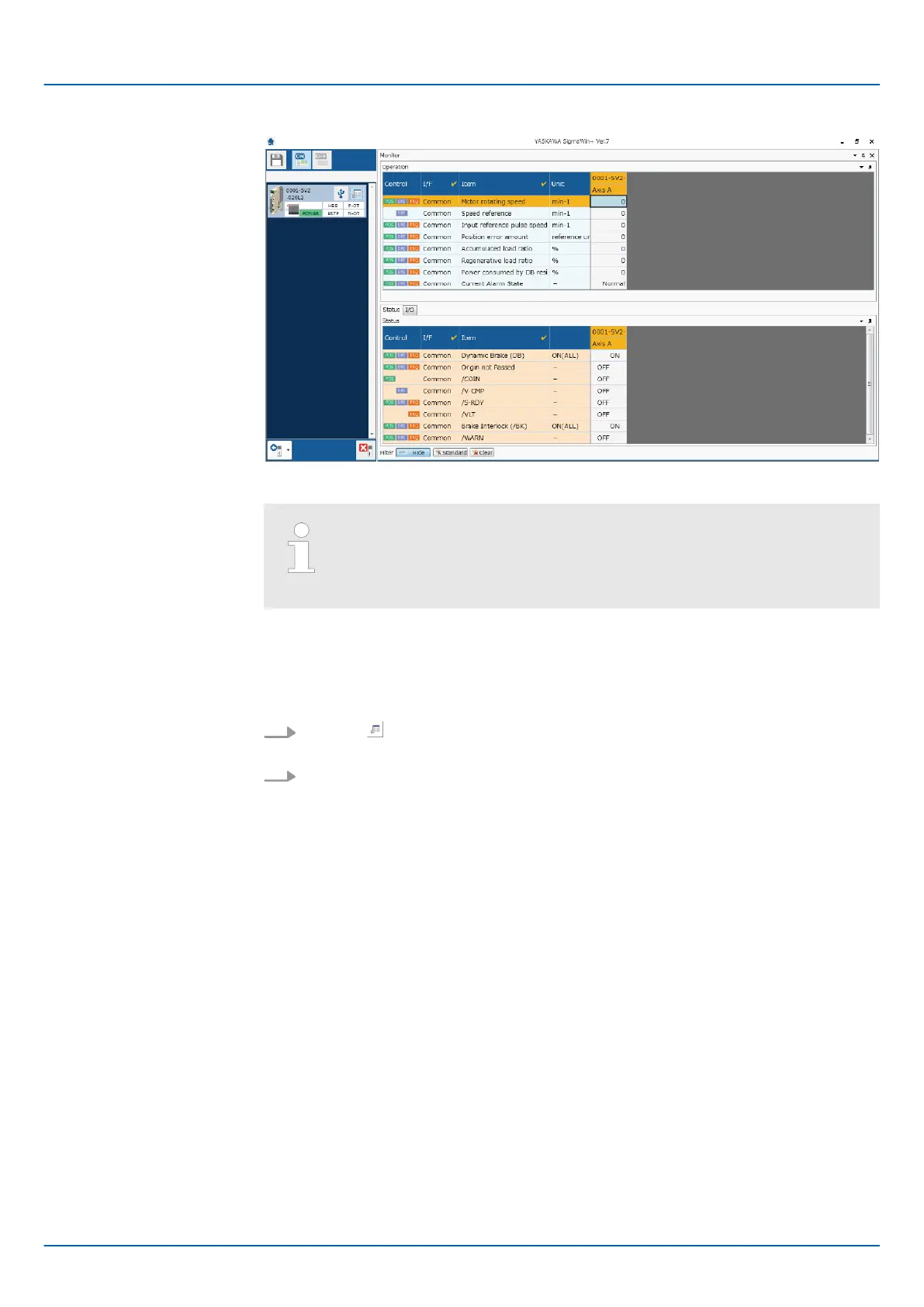
Fig. 324: Monitor
You can flexibly change the contents that are displayed in the Monitor
Window. Refer to the following manual for details.
&
Engineering Tool SigmaWin+ Operation Manual (Manual No.: SIET
S800001 34)
10.3.3 I/O Signal Monitor
Use the following procedure to check I/O signals.
1.
Click the Servo Drive Button in the workspace of the Main Window of the Sig-
maWin+.
2. Select Wiring Check in the Menu Dialog Box.
ð
The Wiring Check Dialog Box will be displayed.
Sigma-7 Series SERVOPACKs
Monitoring
Monitoring SERVOPACK Status > I/O Signal Monitor
| | PROFINET Communications - SIEP YEUOC7P 02A Revision 0 | en | 437

 To Next Page
 Loading...