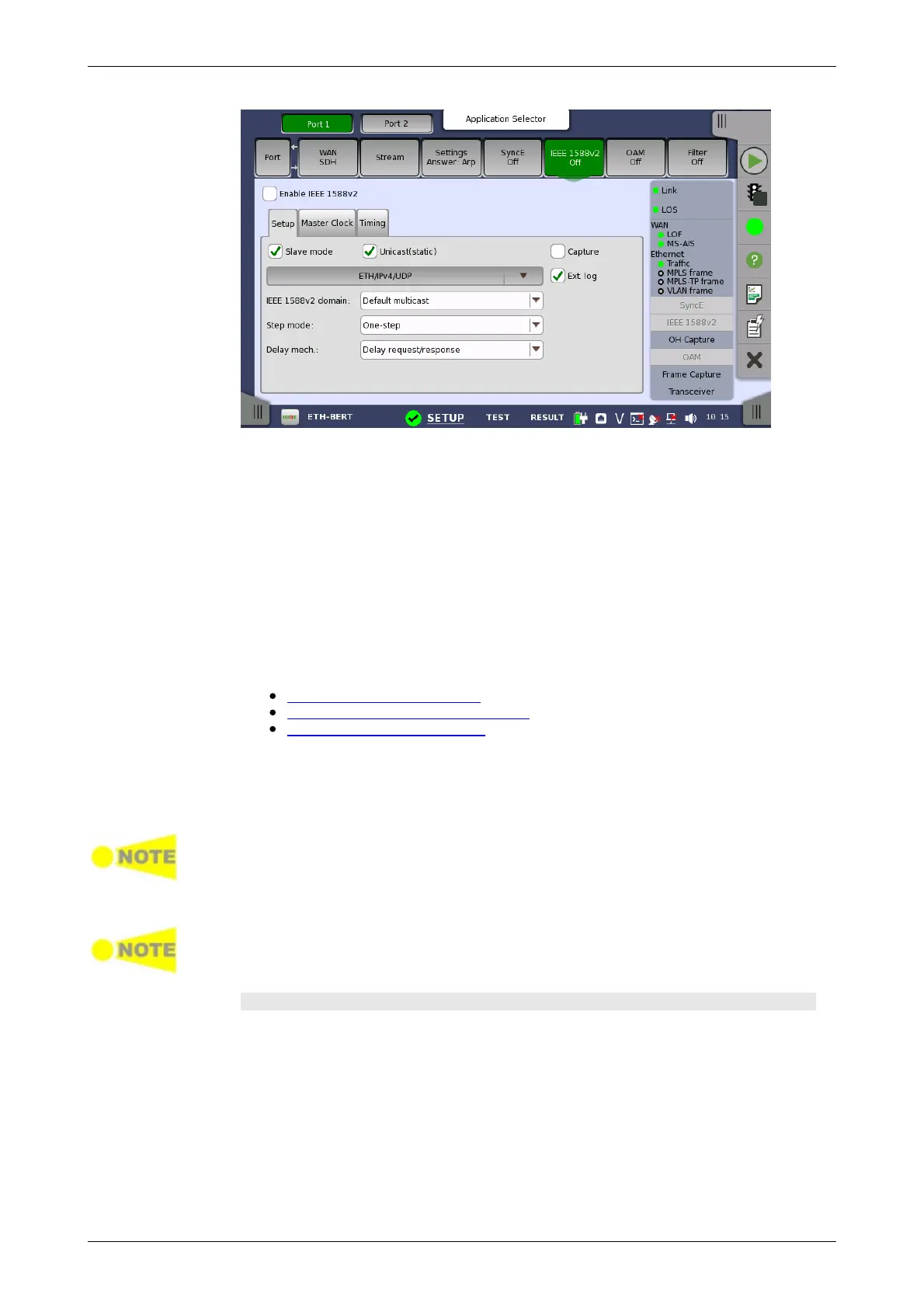
This screen allows you to configure the IEEE 1588 clock (based on the IEEE
1588 Precision Time Protocol (PTP), which is used to distribute absolute time
across the Ethernet network). An IEEE 1588 clock can act either as a timing
master or as a slave. The screen also contains information about the current
status of the selected port.
The clock may be set up in either normal or unicast mode. In unicast mode
the clock must be explicitly told whether it is a master or a slave, and the
clock must never change away from this setup automatically.
The configuration options available in the setup area of the screen are
described below. The status information is described in a separate section.
The setup area of this screen contains the following groupings of
parameters, placed on separate tab pages:
General setup parameters
Master clock specific parameters
Timing-specific parameters
Enable IEEE 1588v2
Select this check box to start the clock. The settings of the Slave mode and
Unicast check boxes below will determine whether the clock runs as a
slave or will become the grandmaster clock.
When the Network Master becomes a grandmaster, and if the internal clock is
selected (or if the GPS is not available), the IEEE 1588 clock is set from the
Network Master's internal time (offset by the selected UTC offset). This action
only takes place when the clock is restarted (e.g. disable/enable the clock will
force this).
When the Network Master is grandmaster in unicast mode, only one slave will be
accepted at a time. Other slaves are just ignored.
Setup tab page
The Setup tab page contains the general setup parameters for IEEE 1588v2.














 To Next Page