CAPINTEC, INC. CAPTUS
®
4000e
8-26 WIPE TESTS November 16
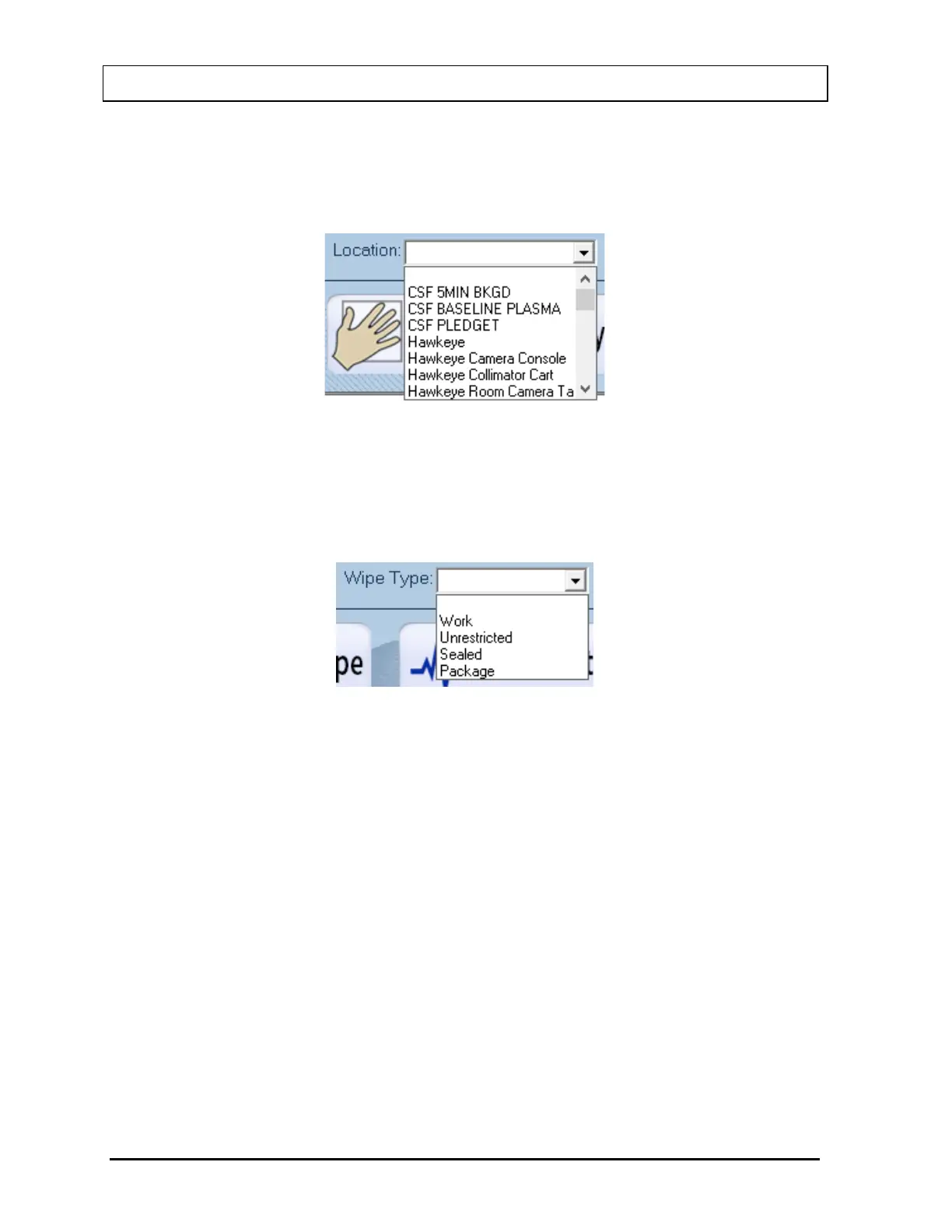
• Location ............. This allows the setting of the Wipe Location that the user is
interested in finding within the specified date range. The Location
is selected by clicking the drop-down arrow and choosing the
desired location from the drop-down list.
Figure 8-35
• Wipe Type .......... This allows the setting of the Wipe Type that the user is interested
in finding within the specified date range. The Wipe Type is
selected by clicking the drop-down arrow and choosing the desired
Wipe Type from the drop-down list.
Figure 8-36
After setting the desired criteria, select one of the following buttons.
Note: Fields that are left blank are not used when the any of the following buttons are
clicked. The minimum search requirement is the Wipe Date/To range.
• Test By Location
Selecting this button will display a list showing the number of tests by Wipe Location
for the set criteria. The data is sorted by the total number of tests performed per Wipe
Location. A percentage is given for the number of tests performed at each Wipe
Location versus the overall total number of tests performed. Reference Figure 8-37
Summary Report – Tests By Location 1 and Figure 8-38 Summary Report – Tests By
Location 2.



 To Next Page