CAPINTEC, INC. CAPTUS
®
4000e
August 22 QUALITY ASSURANCE 5-23
VIEWING SYSTEM PARAMETERS
This function provides access to all of the parameters used for the measurements and
calculations of results in all procedures (Thyroid Uptake, Lab Tests, Wipe Test, QA Tests
etc.) provided by the CAPTUS
®
4000e system.
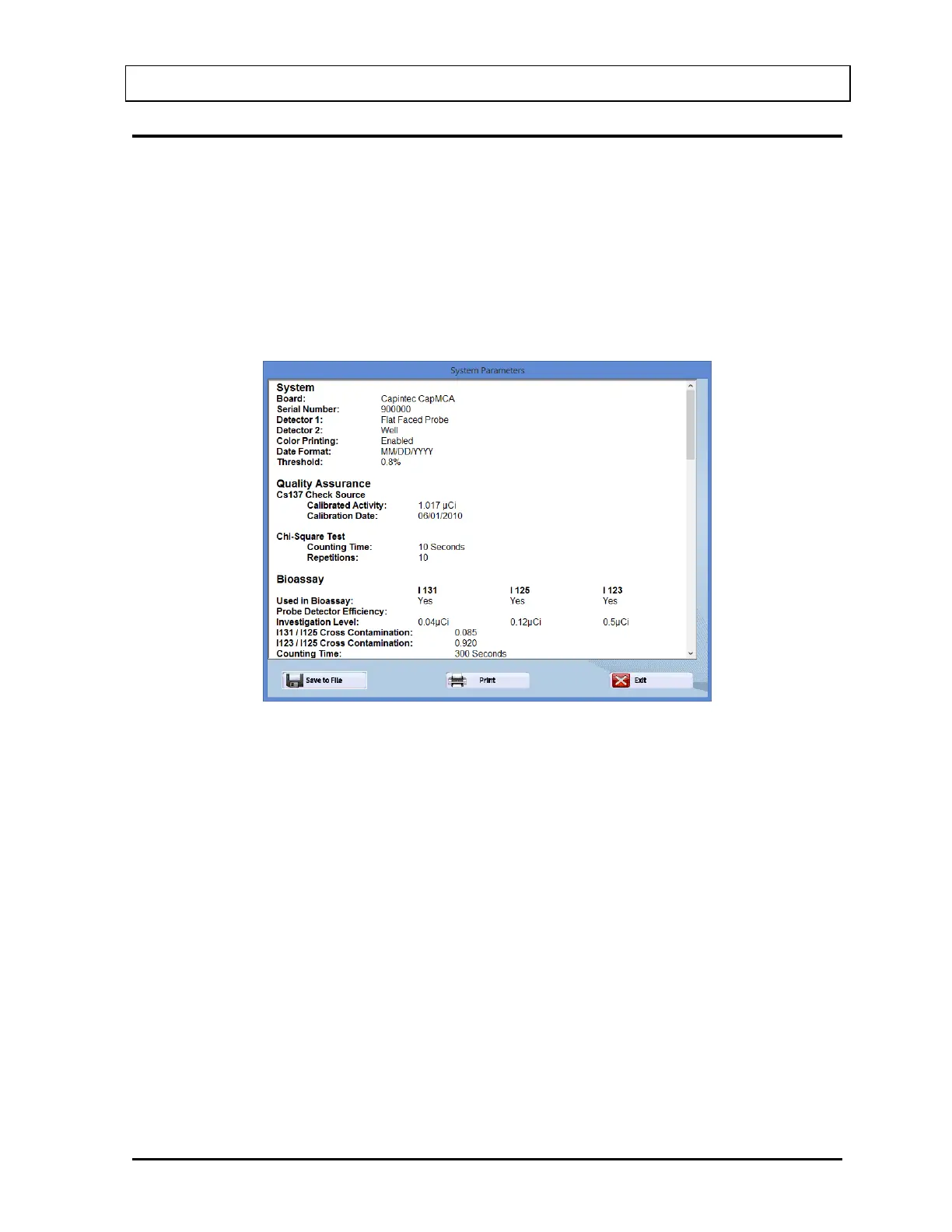
1. Select the System Parameters button or press Alt+P on Figure 5-1 Quality Assurance
Main Screen. The screen appears similar to that shown in Figure 5-27. You may scroll
down to see all of the parameters. The system details appear at the top followed by the
Quality Assurance parameters. Below that, setup values are listed for each type of
procedure.
Figure 5-27
2. To save all of the parameters to a file, select the Save to File button or press Alt+S. The
Save As screen appears as shown in Figure 5-28. The default folder location is
C:\Captus4000e\Reports. Data is saved in rich text format (.rtf), which may be viewed in
a word processor (such as WordPad).



 To Next Page