CAPINTEC, INC. CAPTUS
®
4000e
9-16 ABSORBED DOSE ALERT August 15
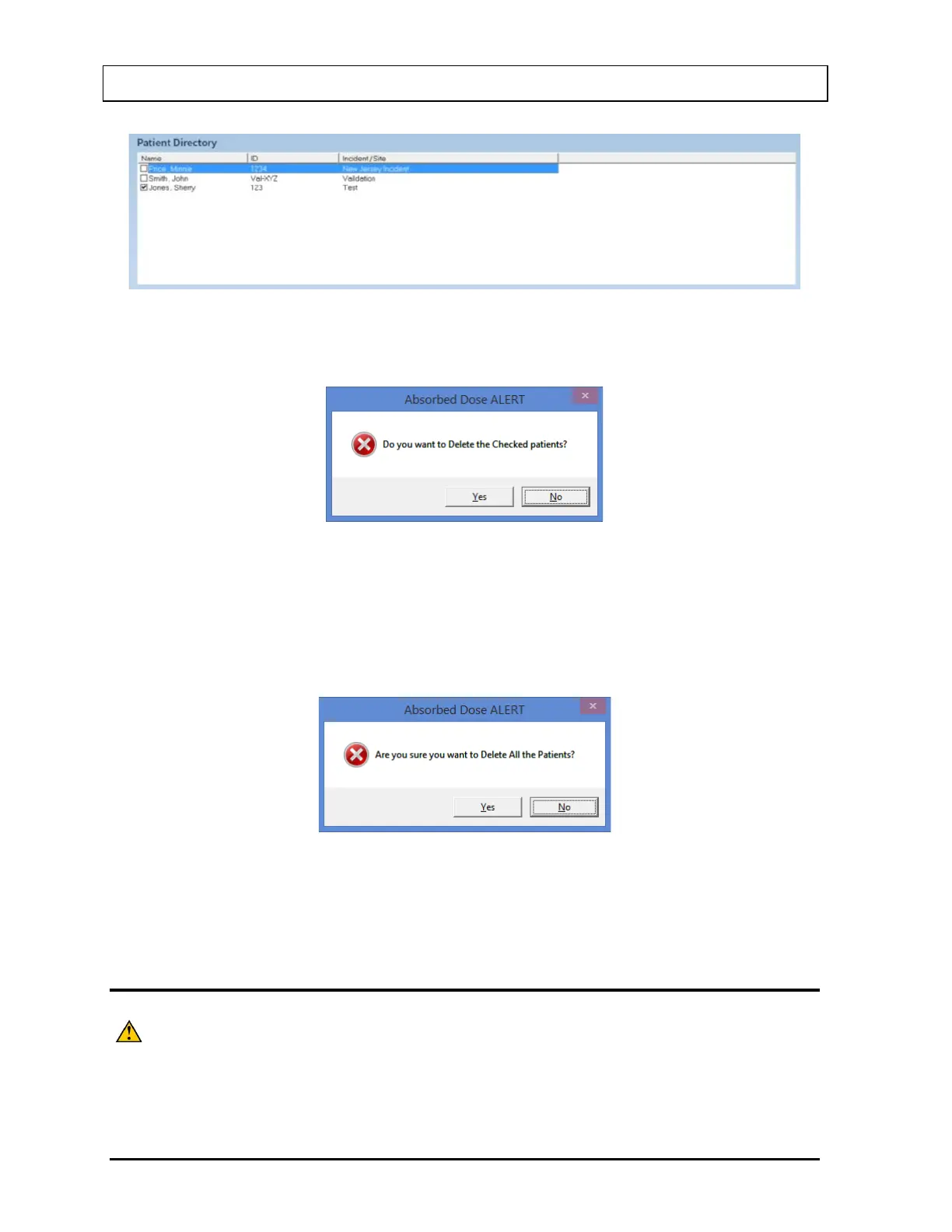
Figure 9-16
1. Select the Delete button. Figure 9-17 will appear.
Figure 9-17
2. Select the Yes button or press the Y key to confirm the deletion or select the No button or
press the N key to cancel.
3. To delete all the patients at once, simply select the Delete All button. You will be
prompted to confirm the deletion. Figure 9-18 will appear.
Figure 9-18
4. select the Yes button or press the Y key to confirm the deletion. Otherwise, select the No
button or press the N key.
MAKING MEASUREMENTS
CAUTION: Prior to performing any measurements, it is recommended to carry out
the Auto Calibration procedure (Calibration, Linearity Correction and
Constancy Test only) described in CHAPTER 5: QUALITY
ASSURANCE, SECTION: AUTO CALIBRATION.



 To Next Page