CAPINTEC, INC. CAPTUS
®
4000e
10-46 LAB TESTS November 16
3. Next, input the Dosage Information.
• The name of the isotope used for the procedure, Cr51, appears on the screen.
• The Lot Number, Calibration Date, Calibration Time and Activity for the dose to
be injected can be taken from the kit label. Activity may also be determined from your
measurements of the dose in a dose calibrator. Input the time of injection using a 24-
hour clock time, for example enter 3:15 p.m. as 1515.
4. Click in a General Information text box if you wish to change the default value for
Counting Time or enter the ID number of the technologist performing the procedure.
5. When finished adding patient data, select the Done button to save the entered
information, or the Cancel button to discard the changes made.
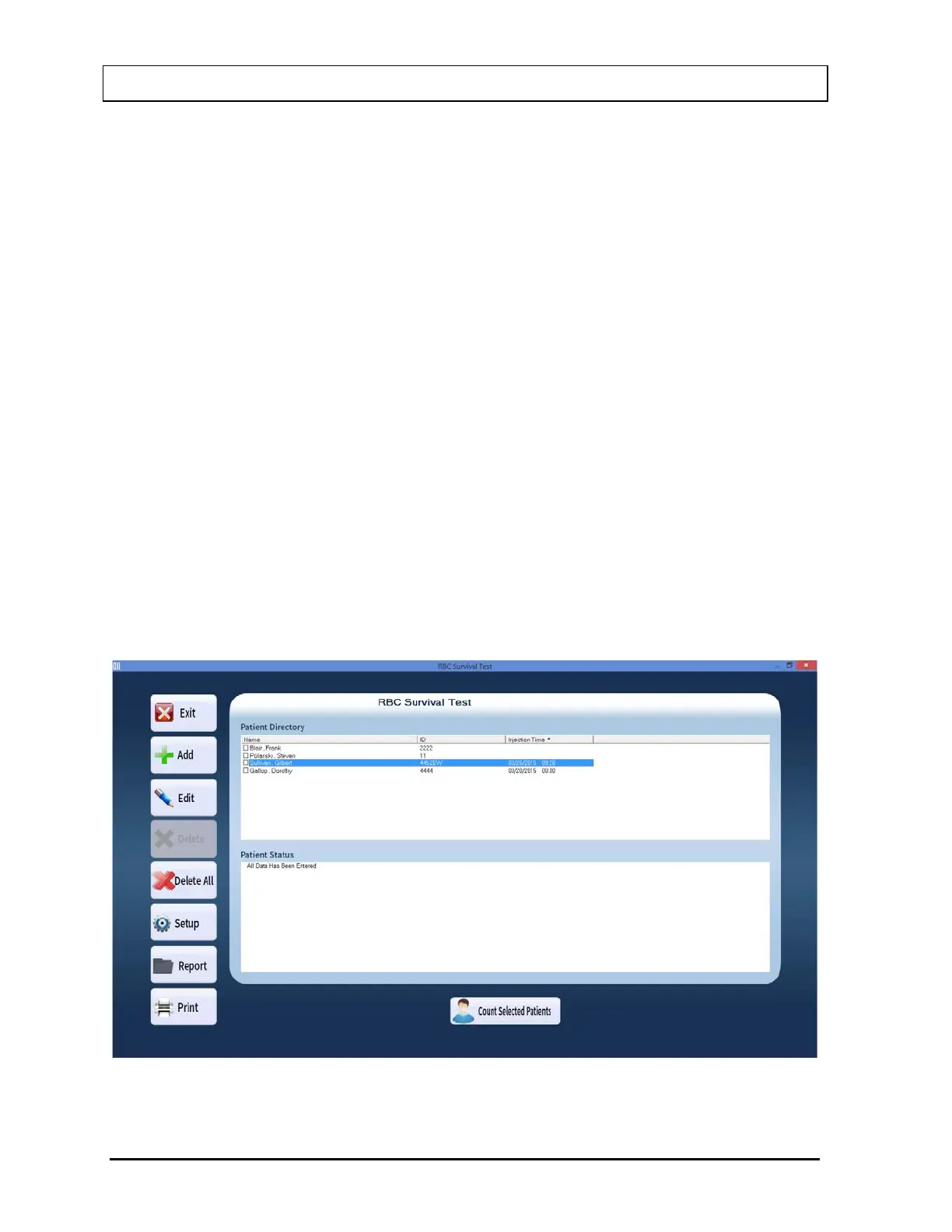
6. To add more patients, select the Add button on Figure 10-64 RBC Survival Test Main
Screen.
Editing Patient Information
Note: Once the test has begun, neither the Dosage Information fields nor the Counting
Time can be changed.
1. To select (highlight) a patient to be edited, use the keys or Page Up and Page Down
keys to move up or down in the patient list. If the list is long, the scroll bar is also
available. To reach a particular patient, press the first letter of the patient name. Press
the key if necessary, to go further down (Figure 10-67).
Figure 10-67



 To Next Page