CAPINTEC, INC. CAPTUS
®
4000e
November 16 GENERAL SETUP 4-7
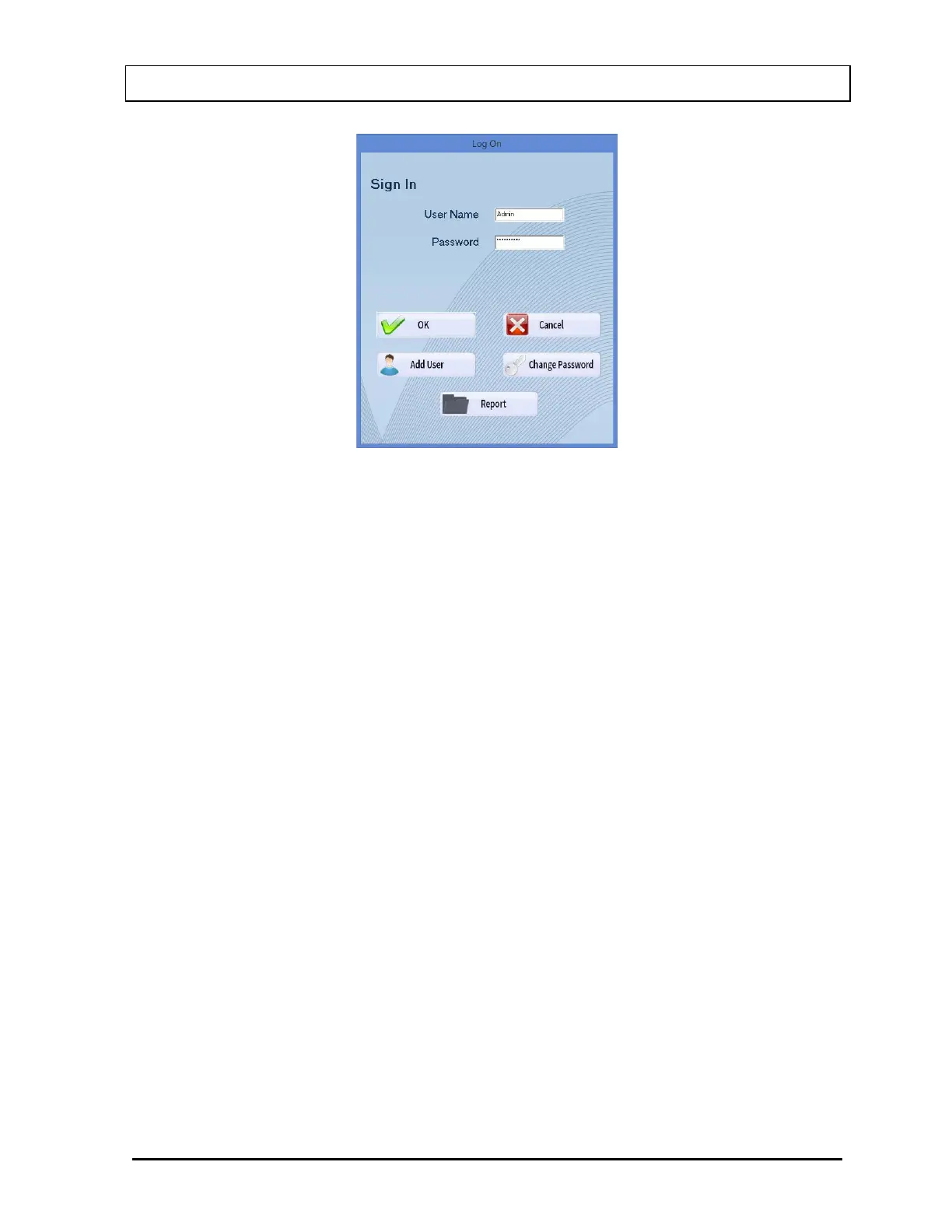
Figure 4-4 Admin Log On Sign In Window
When the Admin logs on, the following buttons will appear:
• Add User – this allows the Admin to add users,
• Change Password – this allows the Admin to change the Admin password, and
• Report – allows viewing and printing of the User Log On Report.
User Log On
Once the Admin sets up a user, the user may log on to the CAPTUS
®
4000e program.
For a user to log on:
• In the User Name text box, input the user’s name and press the Tab key.
• In the Password text box, input the user’s password and press the Tab key.
Note: User Names and Passwords are case sensitive.
The Change Password button will appear. Selecting this button allows a user to change
his/her own password.



 To Next Page