CAPINTEC, INC. CAPTUS
®
4000e
9-22 ABSORBED DOSE ALERT August 15
2. The default filename is ALERTArchive followed by the current date. The filename can
be changed. When the filename is correct, select the Save button.
OPENING AN ARCHIVE
Reports can be viewed and printed from a previously archived database.
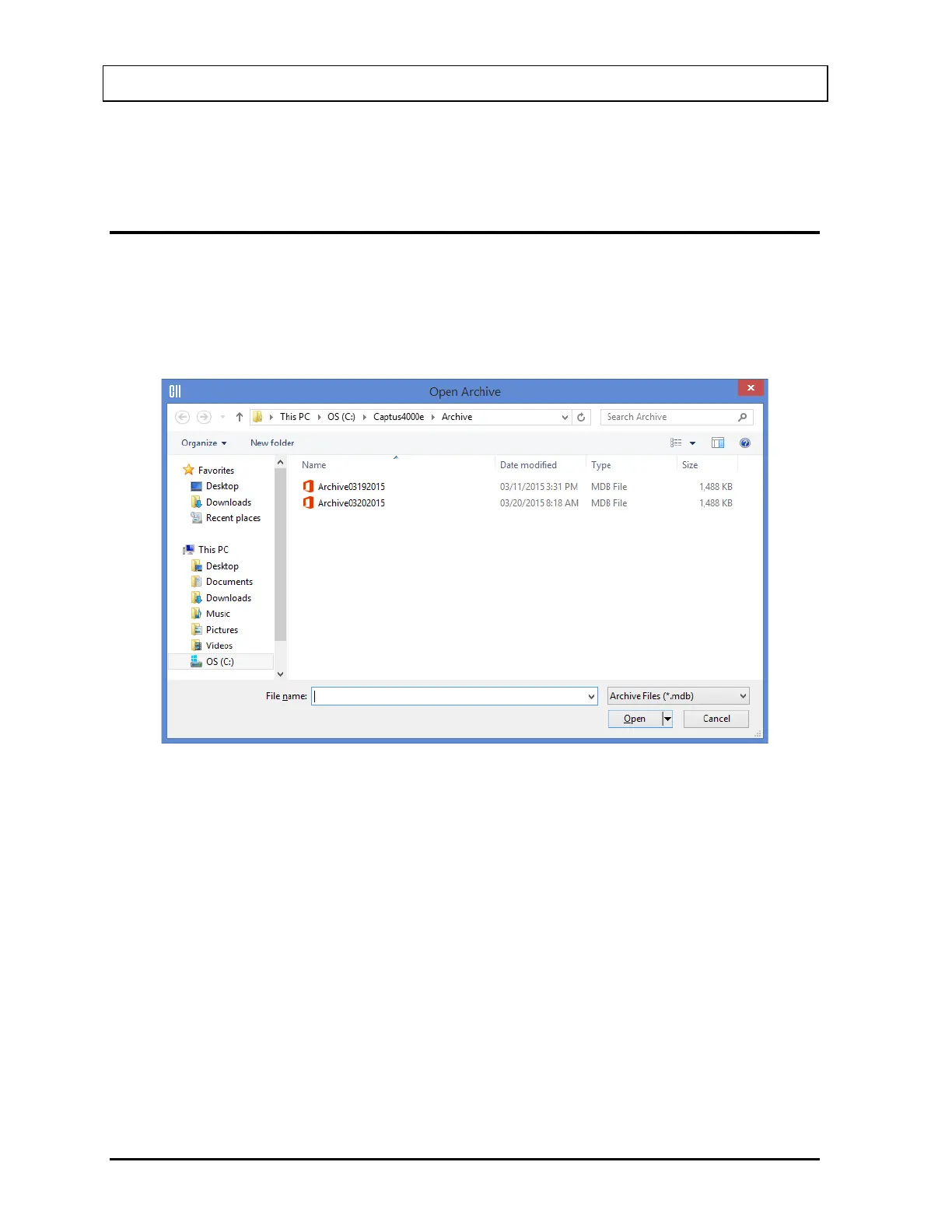
1. To open an existing archived database, on Figure 9-3 Absorbed Dose ALERT Main
Screen, select the Open Archive button. The Open Archive dialog Figure 9-30 will
appear.
Figure 9-30
2. Select the desired database and select the Open button. The Absorbed Dose ALERT
Main Screen will appear similar to that shown in Figure 9-31 with the patient list from
the opened database displayed.



 To Next Page