CAPINTEC, INC. CAPTUS
®
4000e
9-20 ABSORBED DOSE ALERT August 15
9. If more than one patient was selected, the Next Patient button will be enabled. Select
this button to measure the next patient.
10. Select the Exit button or press Alt+E after all the patients have been measured to return
to Figure 9-3 Absorbed Dose ALERT Main Screen. The Patient Status box will show the
calculated result for the highlighted patient.
Data Acquisition
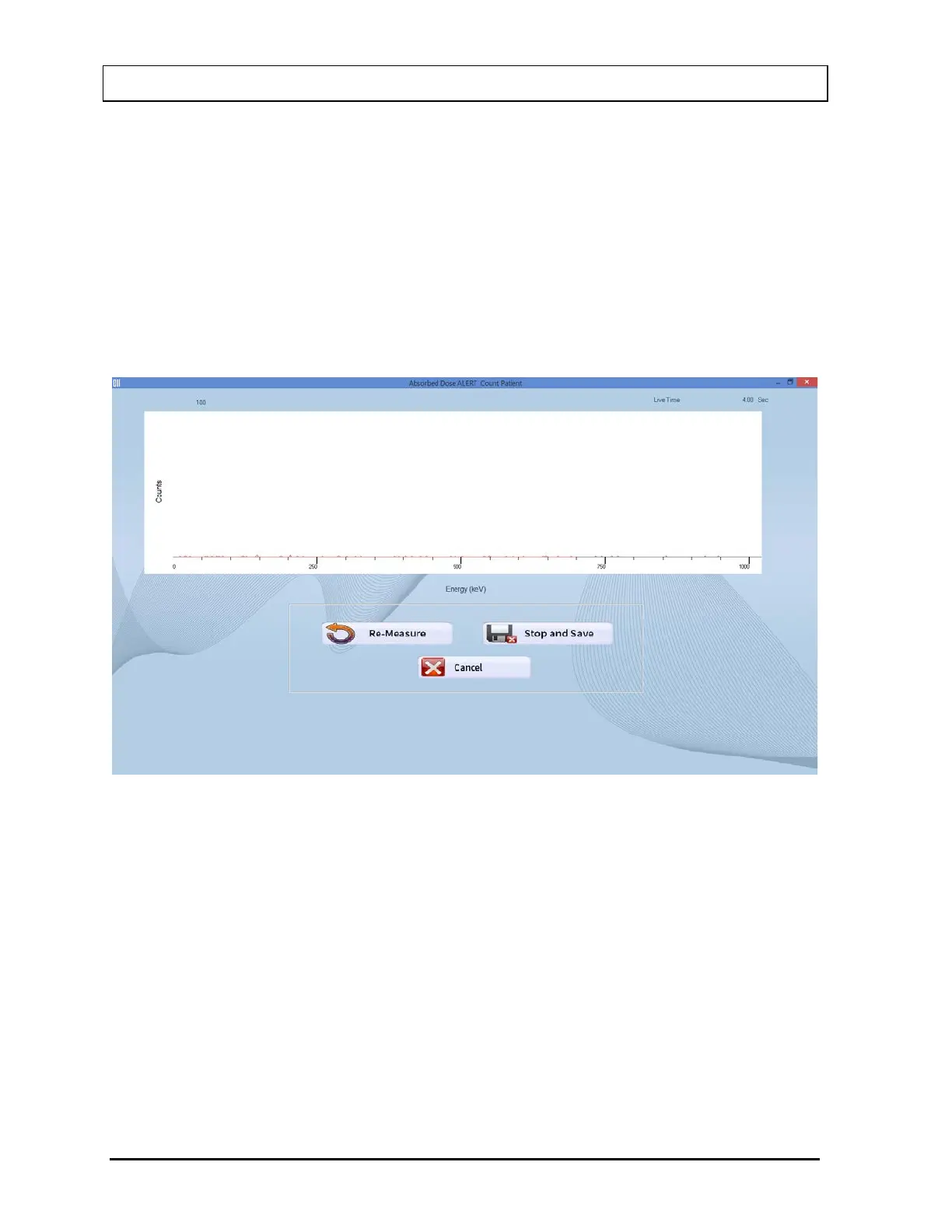
The data acquisition screen appears as shown in Figure 9-27 Data Acquisition Screen, which
displays the live spectrum as counts are being collected.
Figure 9-27 Data Acquisition Screen
To stop the counting midway and begin counting again, select the Re-Measure button or
press Alt+R.
To stop the counting midway and save collected data and move to the next step, select the
Stop and Save button or press Alt+S.
To stop the counting midway and quit without saving, select the Cancel button or press
Alt+C. The abort procedure screen appears as shown in Figure 9-25.
After count collection is completed, the screen appears as shown in Figure 9-28.



 To Next Page