CAPINTEC, INC. CAPTUS
®
4000e
15-24 CUSTOM PROTOCOLS December 15
In the example above, headings have been entered explicitly.
Note: Make sure you save the workbook before exiting and after any changes have
been made.
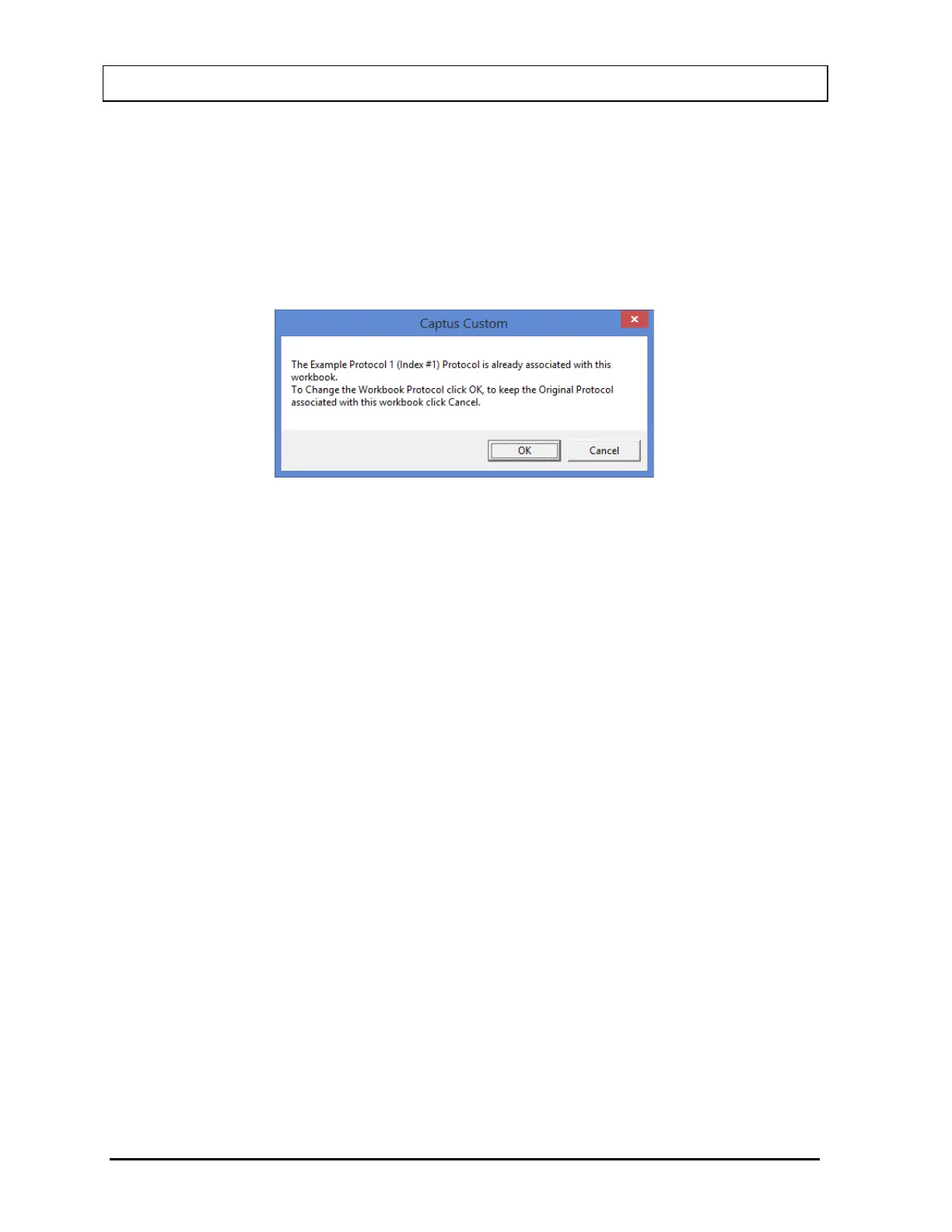
Note: Re-entering the Excel workbook in Setup mode and entering a Protocol Index
number different from the one that was previously saved with the workbook
will cause the message box shown in Figure 15-36 to appear.
Figure 15-36
Selecting the OK button will change the Protocol that was previously saved with the
workbook. Selecting the Cancel button will keep the original saved Protocol
associated with the workbook.
Viewing Patients from Workbook (User Mode)
In addition to viewing patient report from the CAPTUS
®
4000e program, patient reports can
be viewed from the Excel workbook. This might be more convenient if several patients with
the same protocol are to be viewed.
1. Open the workbook for the protocol.
2. Click on the Captus logo (Figure 15-37). When you are in the correct area of the
workbook, the mouse pointer will change from a plus to an arrow.



 To Next Page