CAPINTEC, INC. CAPTUS
®
4000e
15-12 CUSTOM PROTOCOLS December 15
MAKING MEASUREMENTS
CAUTION: Before making any measurements, calibrate the instrument for more
accurate results. Calibration is recommended every day. Refer to
CHAPTER 5: QUALITY ASSURANCE, for the procedure.
1. To select a patient for the test, click on the desired record in the Patient Directory list
box Figure 15-1 Custom Protocols Main Screen.
2. To begin the measurements, select the Count Selected Patients button or press
ALT+C. The screen appears as shown in Figure 15-15.
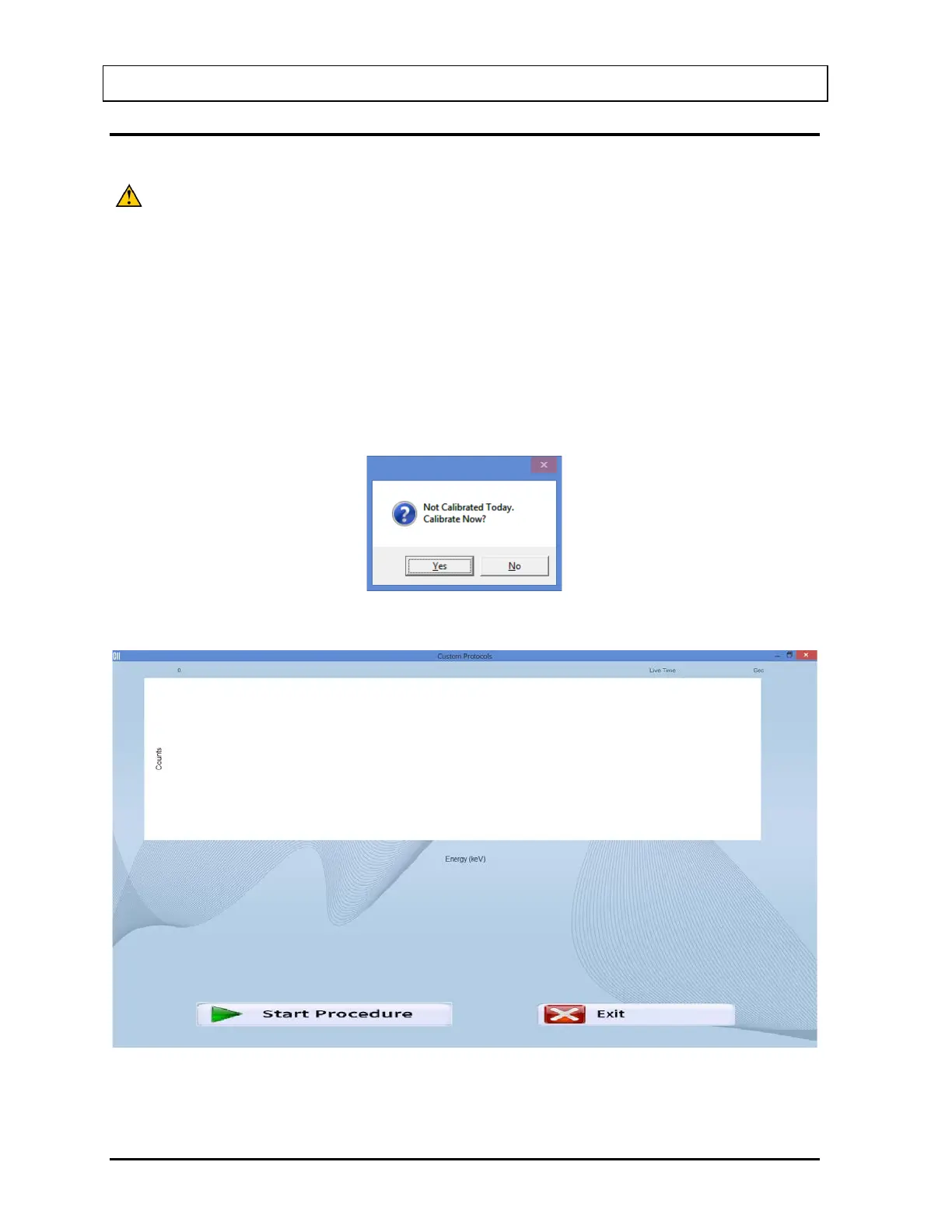
Note: If calibration has not been performed that day, you will be prompted with the
screen as in Figure 15-13. If calibration is performed, after the calibration is
complete, the program will return to the screen shown in Figure 15-14.
Figure 15-13
Figure 15-14



 To Next Page