CAPINTEC, INC. CAPTUS
®
4000e
August 15 MCA 13-7
COUNTING SETUP
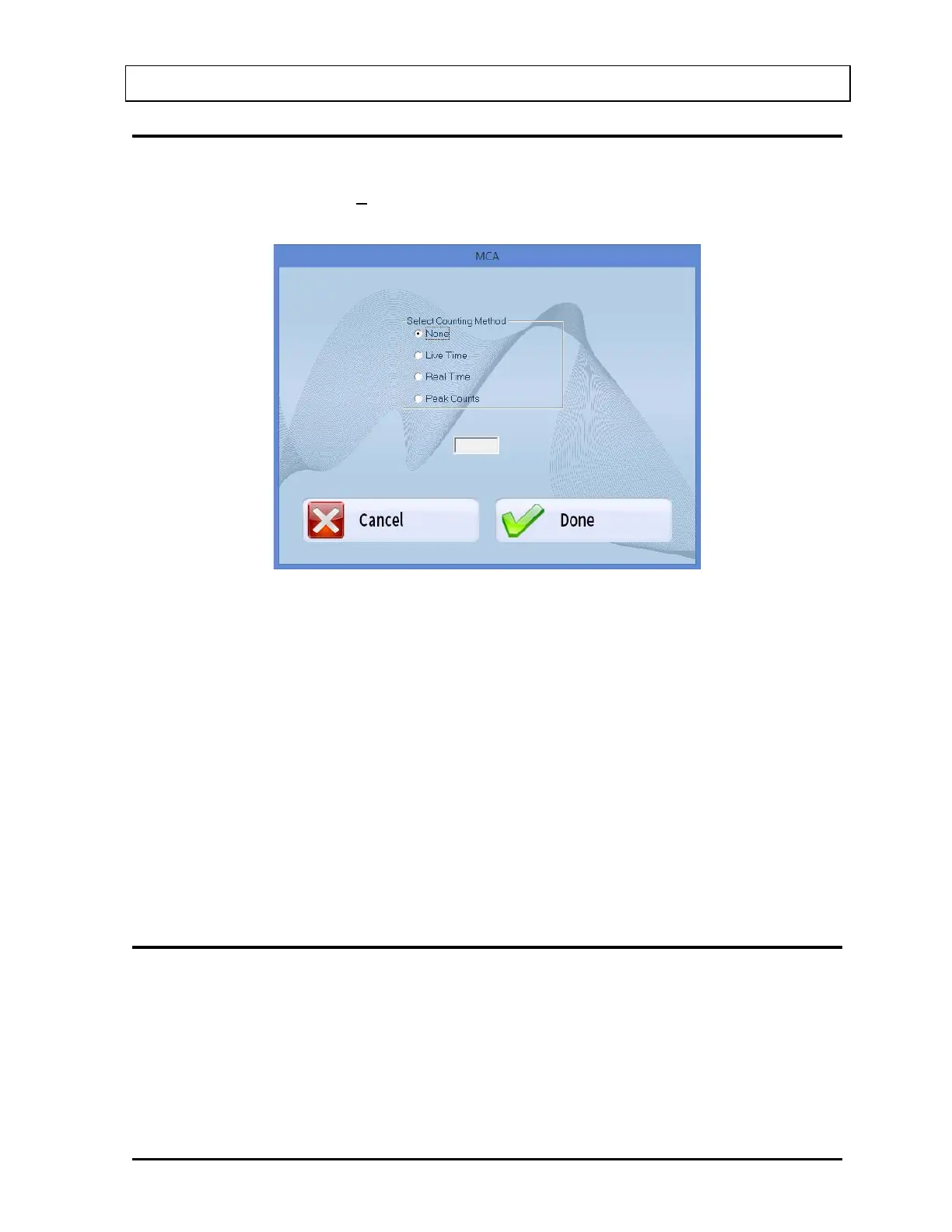
The acquisition may be automatically stopped by preset live time, real time, or peak counts.
After selecting the Counting Setup button on the menu bar, the screen illustrated in
Figure
13-7 will appear.
Figure 13-7
The following selections are available:
• None – No preset counting limit is set.
• Live Time – Count until the preset MCA live time is reached (1-32,400 seconds).
• Real Time – Count until the predefined number of seconds has elapsed (1-32,400
seconds).
• Peak Counts – Count until the specified number of counts is reached in any
spectrum channel (1-32,400 counts).
Enter the time (in seconds) or counts in numerical characters without any commas.
During acquisition, both elapsed live time and elapsed real time will be displayed in the upper
right hand corner of the MCA screen.
SPECTRUM ID (NAME)
The displayed spectrum can be identified with a description that will be saved with the
spectrum, printed on the MCA report and exported to Excel.
To input an ID or Name of the spectrum (up to 40 alphanumeric characters), select the Enter
ID button on Figure 13-1 MCA Main Screen. Figure 13-8 will appear.



 To Next Page