CAPINTEC, INC. CAPTUS
®
4000e
November 16 THYROID UPTAKE 7-5
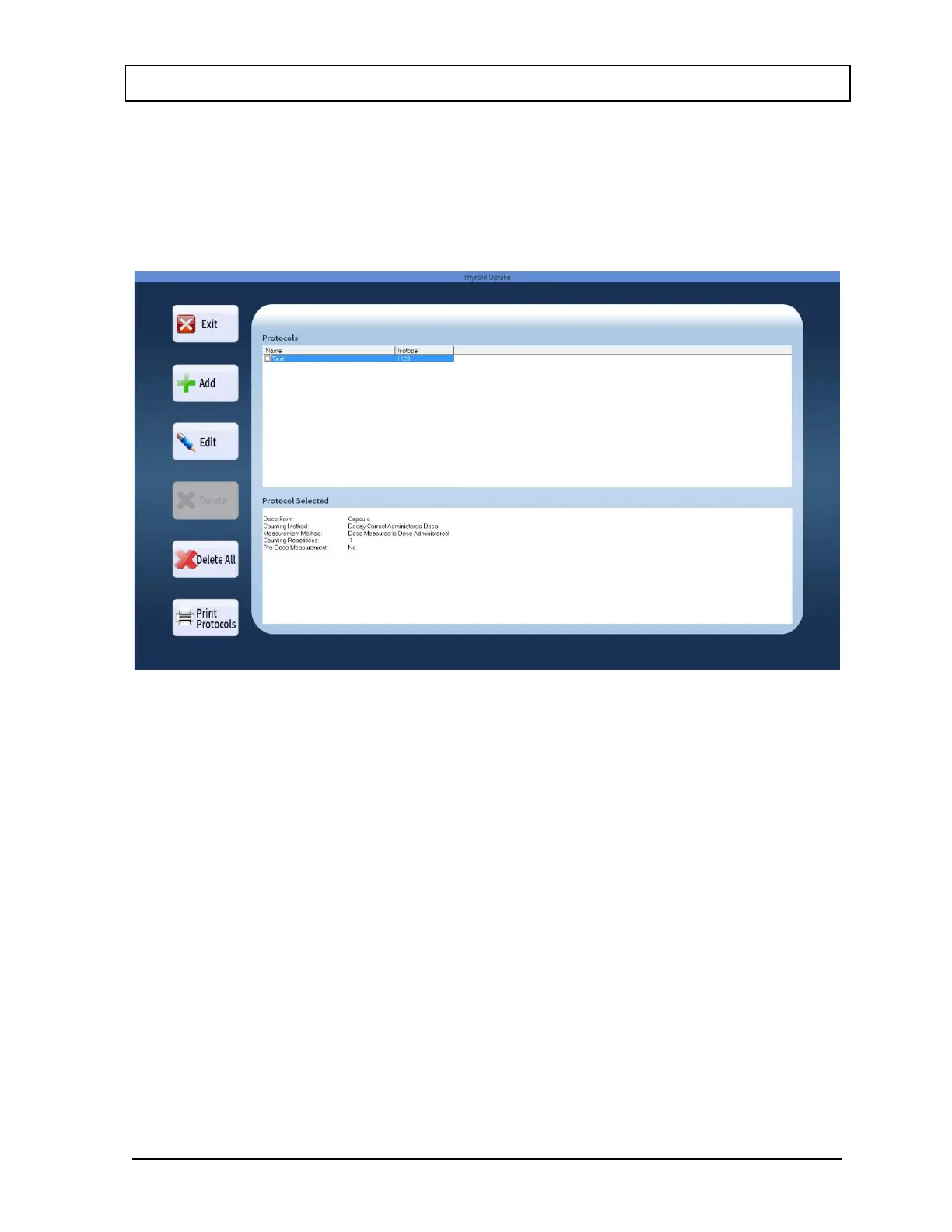
Select the Protocols button to access protocols. The screen will appear as shown in Figure
7-2 Protocols Screen. The Protocols box is empty the first time, because there are no
protocols defined as yet by the user. Therefore, the only functions accessible at this stage
are Add and Exit.
Figure 7-2 Protocols Screen
Adding Protocols
1. On Figure 7-2 Protocols Screen, select the Add button. Figure 7-3 Protocol Setup
Window will appear. In each of the frames on this window, only one option can be
selected.



 To Next Page