CAPINTEC, INC. CAPTUS
®
4000e
December 15 CUSTOM PROTOCOLS 15-15
After Counting
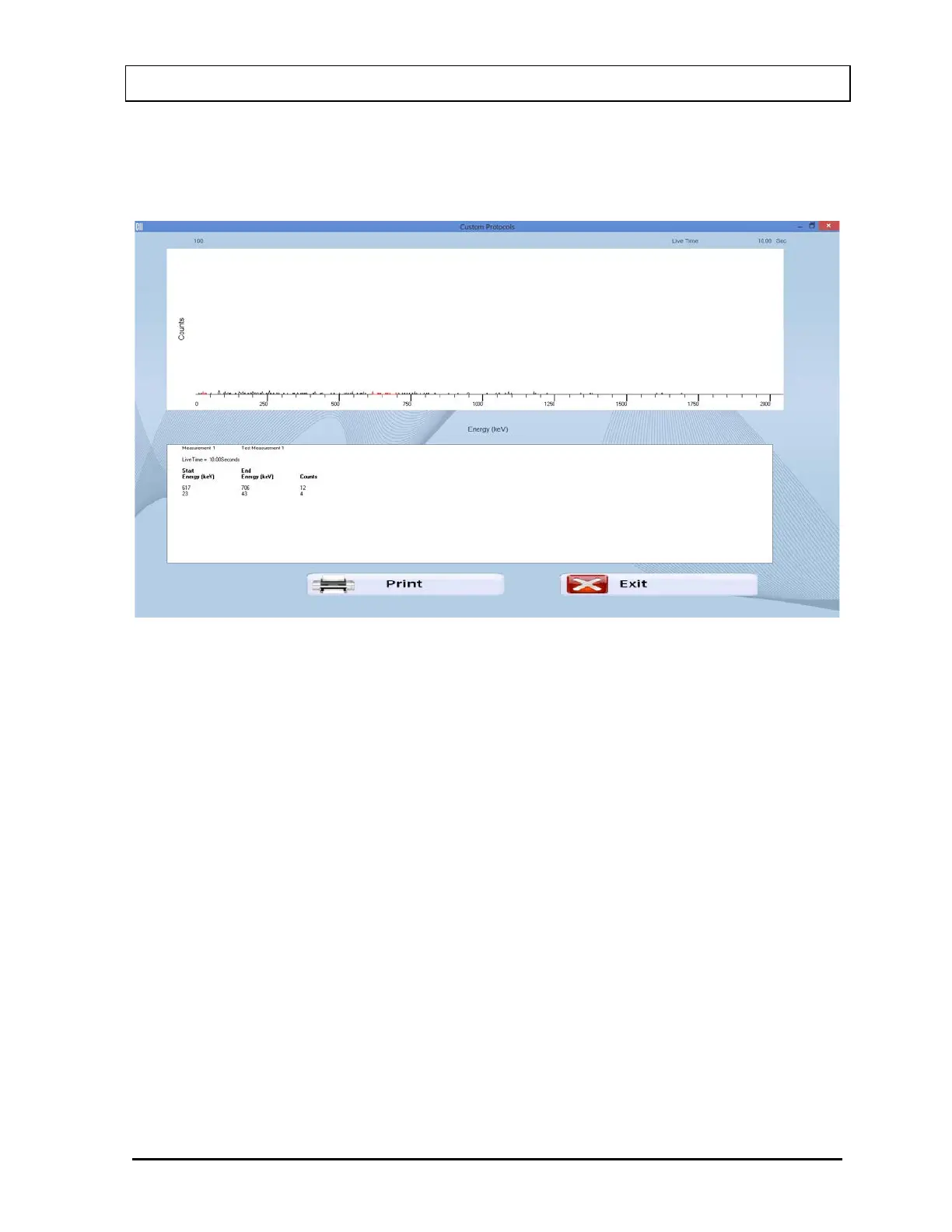
After the measurement has been made, a summary of the results is shown. In the example
below (Figure 15-18), 2 ROIs were selected and the measurement was background.
Figure 15-18
Select the Print button or press ALT+P to print the spectrum and the summary.
Select the Exit button or press ALT+E to return to Figure 15-1 Custom Protocols Main
Screen.
Report
The report is obtained from the previously prepared Excel workbook.
On Figure 15-1 Custom Protocols Main Screen, select the patient and select the Excel
Report button.
Note: If the workbook has not been previously assigned, an error message will appear.
Select the Protocols button to assign the workbook.
The workbook will open to the Report sheet with data for the selected patient displayed.
To print a report, select Print from the File menu or click on the printer icon.
Exit from Excel. You will be returned to the CAPTUS
®
4000e program.



 To Next Page