CAPINTEC, INC. CAPTUS
®
4000e
August 15 ARCHIVE 14-5
VIEWING AND PRINTING RECORDS FROM ARCHIVE
Selecting Tests for Viewing
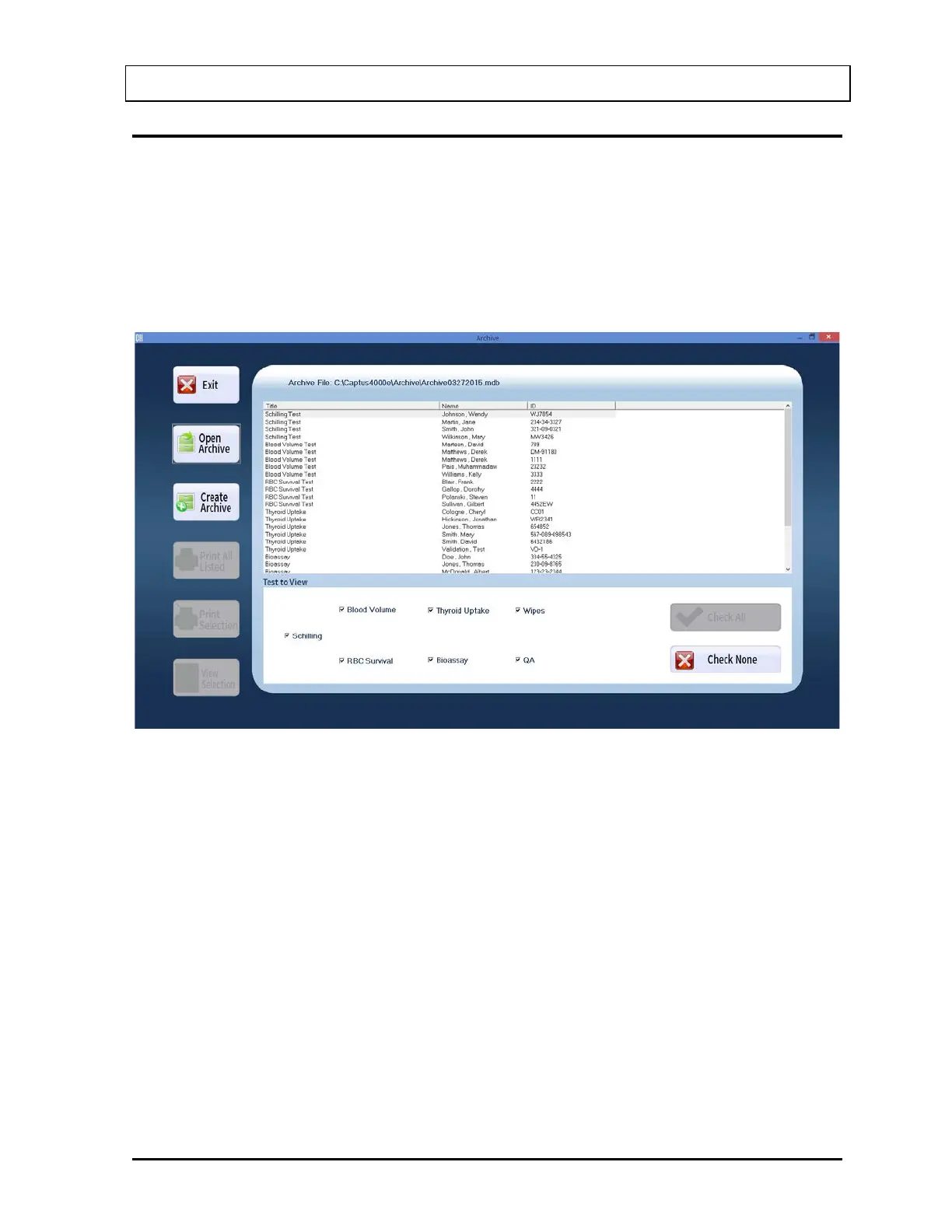
Once an archive is opened, the records stored there are listed in the box on the middle of the
Archive screen as shown below in Figure 14-4. The name of the archive file appears at the
top of the box. By default, all test modules in the Test To View frame are checked or
selected (i.e., records from all test modules appear on the screen by default). Records
belonging to the same test module are grouped together and arranged alphabetically by
Name.
Figure 14-4
1. To deselect all the tests, select the Check None button or press Alt+C. No records will
be displayed.
2. Next, click in the check box of one or more tests to select the ones to be viewed. The
records from these tests will appear in the box. For example, in the Figure 14-5 below,
only Blood Volume and Thyroid Uptake tests are checked and therefore, only results from
these tests appear in the box.



 To Next Page