CAPINTEC, INC. CAPTUS
®
4000e
7-24 THYROID UPTAKE November 16
Administering Dose
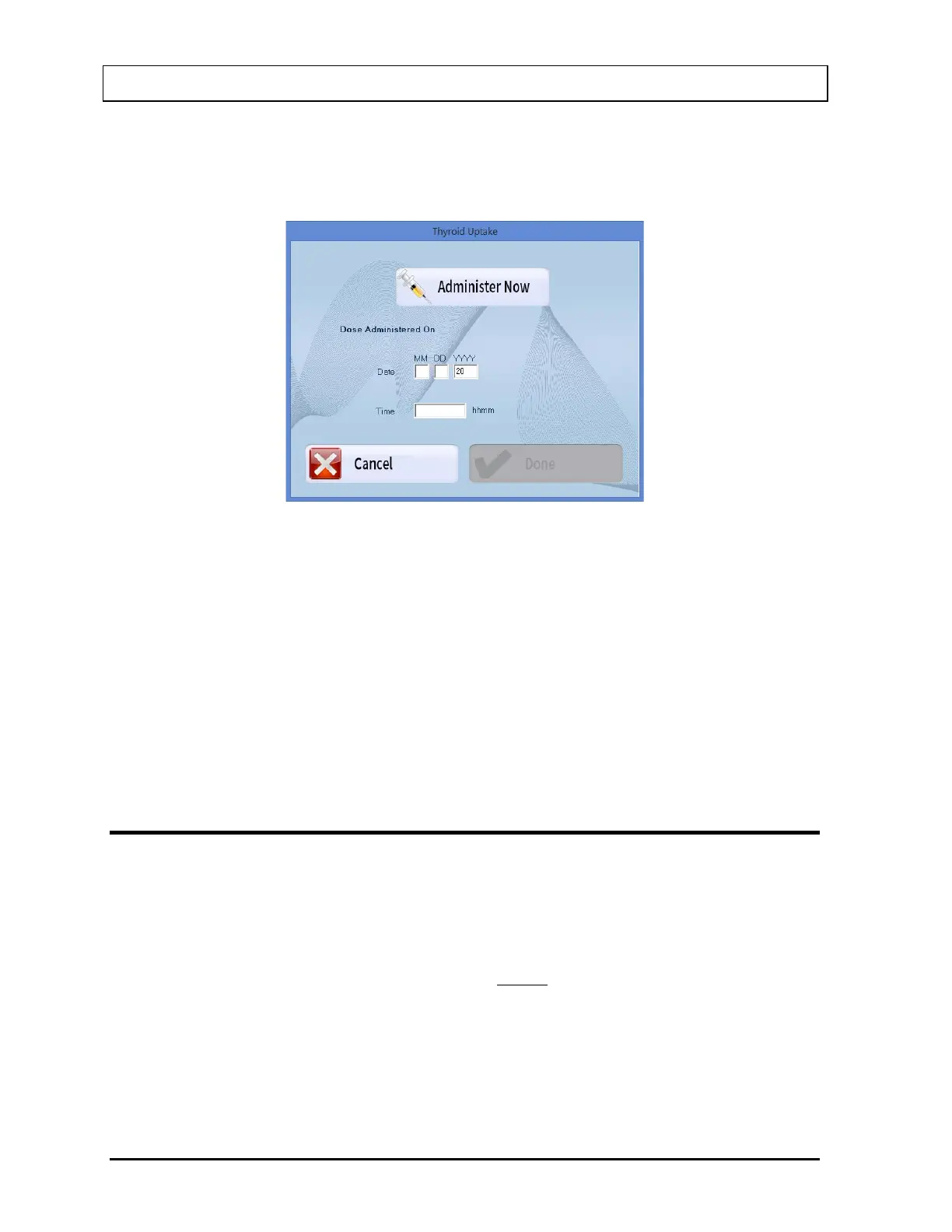
1. Select the Administer Dose button or press Alt+A from Figure 7-1 Thyroid Uptake Main
Screen. The window appears as shown in Figure 7-25.
Figure 7-25
2. If the dose is to be administered now, select the Administer Now button or press Alt+A
and the current date and time from the system will be automatically input.
If the dose has been previously administered to the patient, then enter the date and time
in the appropriate text box of when the dose was administered.
Note: The software uses this time to calculate the elapsed hours for the Thyroid Uptake
measurement.
3. Select the Done button to confirm Dose Administration or select the Cancel button to
cancel Dose Administration and return to Figure 7-1 Thyroid Uptake Main Screen.
RESULTS
All uptake results for the selected patient appear in the Patient Status box on Figure 7-1
Thyroid Uptake Main Screen.
The results are calculated as follows:
( )
( )
100
B-C
T-P
UptakeThyroid % ×=
where P = Patient Neck count rate
T = Patient Background count rate (thigh count)
C = Dose (standard) count rate
B = Room background count rate



 To Next Page