CAPINTEC, INC. CAPTUS
®
4000e
November 16 THYROID UPTAKE 7-23
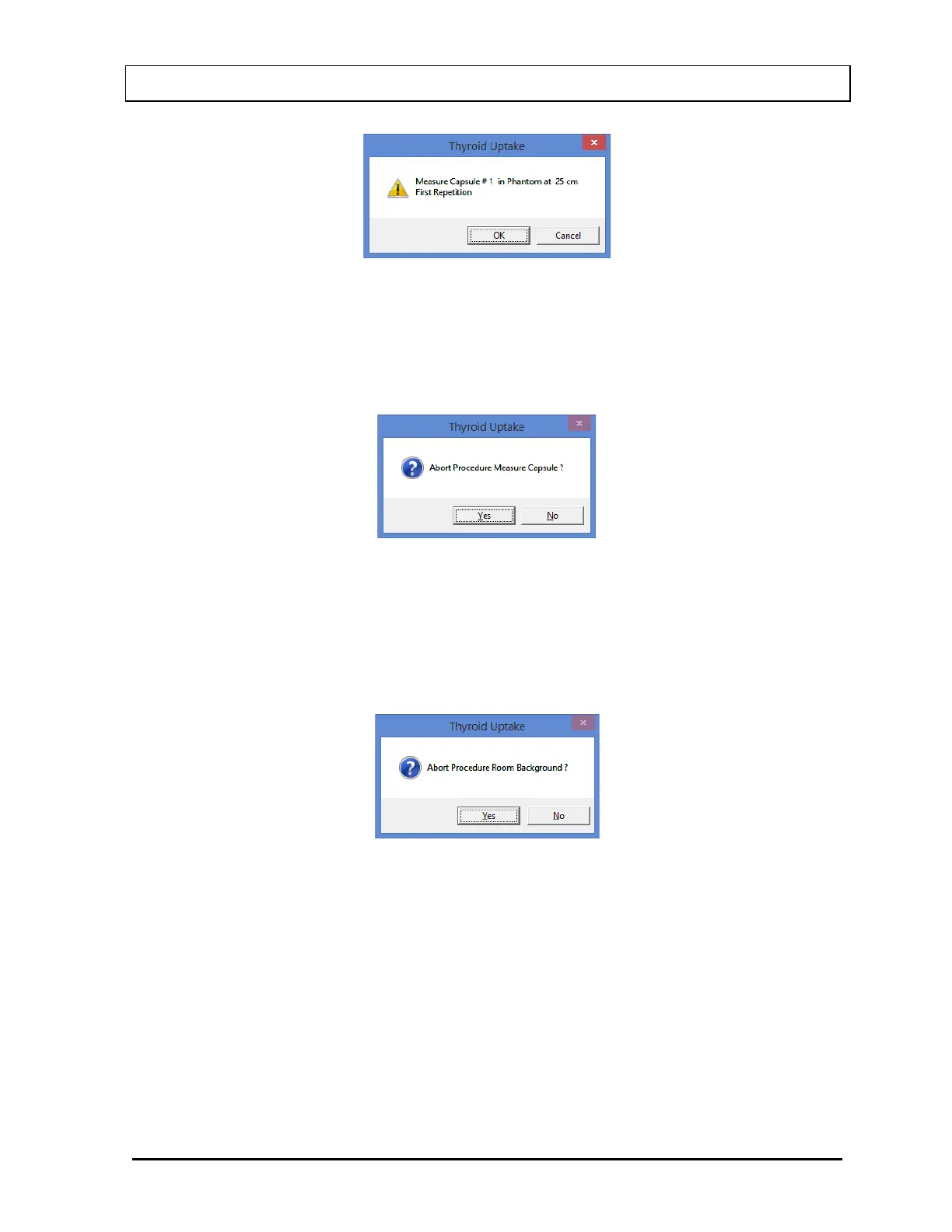
Figure 7-22
A message window then appears similar to that shown in Figure 7-23 (depending
upon the protocol and the stage of uptake procedure). Select the Yes button or press
Y to confirm abortion of the cycle. Data collected is discarded and the program
returns to the Measurement screen shown in Figure 7-16.
Figure 7-23
b. If you are in the process of making a measurement, then select the Cancel button on
the Measurement screen. A message window appears similar to that shown in Figure
7-24 (depending upon the protocol and the stage of the uptake procedure). Select the
Yes button or press Y to confirm abortion of the cycle. Data collected is discarded
and the screen returns to that shown in Figure 7-16.
Figure 7-24
5. To restart measurements after canceling a previous measurement, select the Start
Procedure button or press Alt+S on the Measurement screen.
6. Select the Exit button or press Alt+E after the cycle of measurements is completed, to
return to Figure 7-1 Thyroid Uptake Main Screen.
Note: Once all the measurements are complete, the Exit button automatically becomes
enabled.



 To Next Page