CAPINTEC, INC. CAPTUS
®
4000e
November 16 LAB TESTS 10-33
3. Select the Done button to save changes or select the Cancel button to discard the
changes and return Figure 10-45 Cr51 Blood Volume Test Main Screen.
• The Administered to Standard Activity Ratio, Administered Volume and
Counting Time fields appear again while adding a patient for Cr51 Blood Volume
Test. Any changes made on the Add Patient screen will override the default values
entered in the Setup.
• For greater flexibility, set Repetitions to 2, as the second repetition may be skipped if
desired, while performing the measurements.
• To return to previous screen without saving changes press the Esc key.
Adding Patients
Note: All fields in bold are required before you can begin the Cr51 Blood Volume Test.
However, you may enter the Patient Name, Date of Birth and Patient ID alone,
select the Done button and enter the remaining information later. The Patient Status
box on the main Cr51 Blood Volume Test screen will display the message “Data
Partially Entered”.
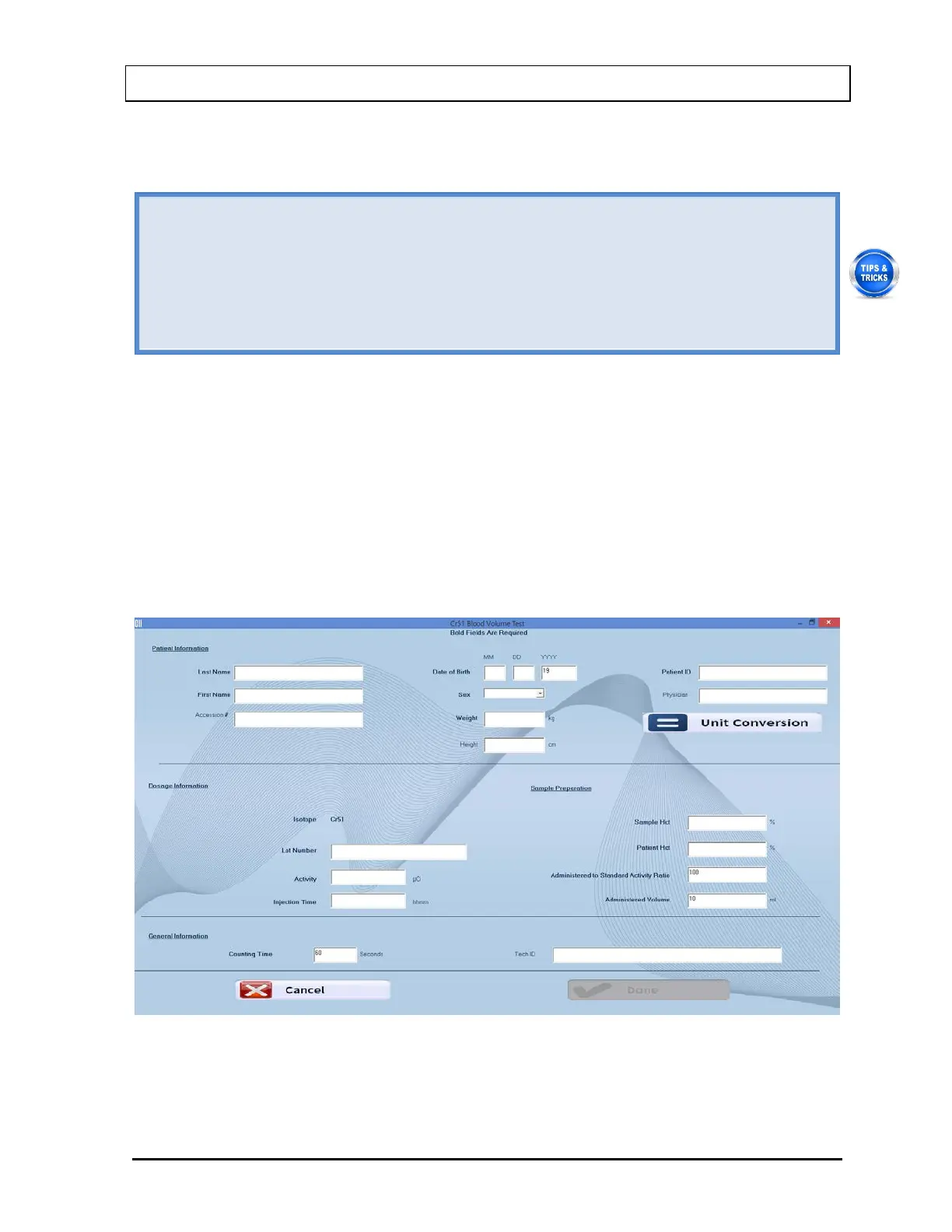
1. Select the Add button on Figure 10-45 Cr51 Blood Volume Test Main Screen. The
Patient Information screen appears as shown in Figure 10-47, with information to be
entered in three sections.
Figure 10-47



 To Next Page