CAPINTEC, INC. CAPTUS
®
4000e
13-16 MCA August 15
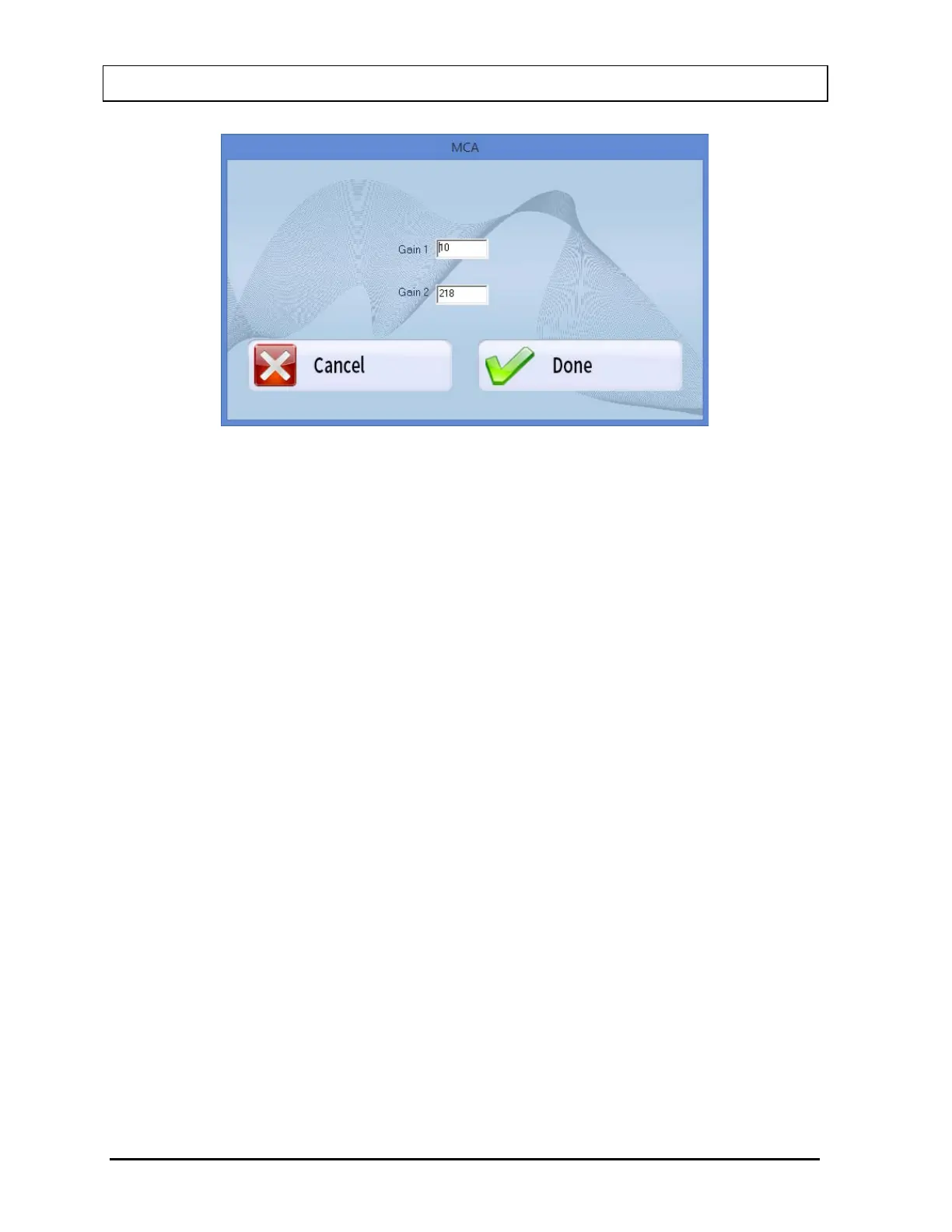
Figure 13-17
Gain is adjusted by typing the desired gain into in one or both of the Gain text boxes (Gain
range is 1 to 256).
In order to activate the newly entered gain, select the Done button or press Alt+D to return to
Figure 13-16. The System Gain number will update. This will set the gain until the MCA
module is exited.
Select the Cancel button or press Alt+C to discard the changes and return to Figure 13-16.
Zero Offset
The Zero Offset sets the channel location of zero keV. It is defined as percentage full-scale
with a range dependent on the CAP-MCA (Zero Offset range is -20.00 to +20.00%).
Use the scroll bar below the % Zero Offset indicator to adjust the value. Either click the right
(+) and left (-) arrows, or drag the scroll bar.
Threshold
The Threshold is set to eliminate any extraneous electronic noise while allowing counts of
the lowest possible energy to be detected. It is equivalent to a Lower Level Discriminator
(LLD). It is defined as percentage full-scale with a range dependent on the CAP-MCA
(Threshold range is 0.0 to 25.0%).
Use the scroll bar below the % Threshold indicator to adjust the value. Either click the right
(+) and left (-) arrows, or drag the scroll bar.
Note: The CAPTUS
®
4000e does not have a setting for ULD. The ULD is defined as
displayed spectrum full-scale (i.e., channel 1024, or 2MeV).



 To Next Page