CAPINTEC, INC. CAPTUS
®
4000e
15-20 CUSTOM PROTOCOLS December 15
Figure 15-28
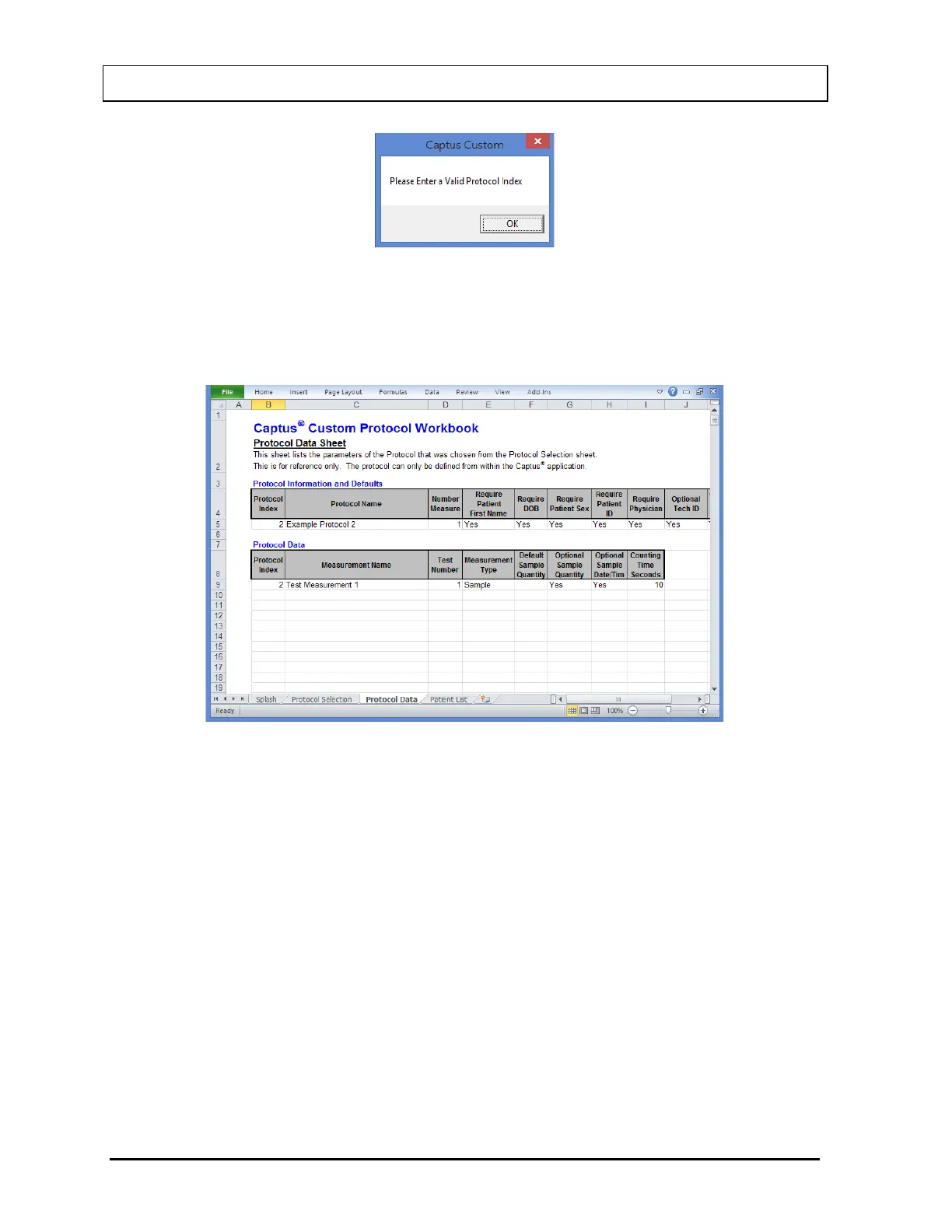
Select the OK button and then select the Protocol Data tab on the bottom of the
page. The Protocol Data sheet is opened and the details of the protocol will then be
shown (Figure 15-29). This sheet is for reference only.
Figure 15-29
Also note that the Patient List tab is now visible on the bottom of the workbook.
Patient Selection
Select on the Patient List tab on the bottom of the sheet.
If there are no Patients associated with the selected protocol, the message box
shown in Figure 15-30 will be displayed.



 To Next Page