CAPINTEC, INC. CAPTUS
®
4000e
August 15 MCA 13-11
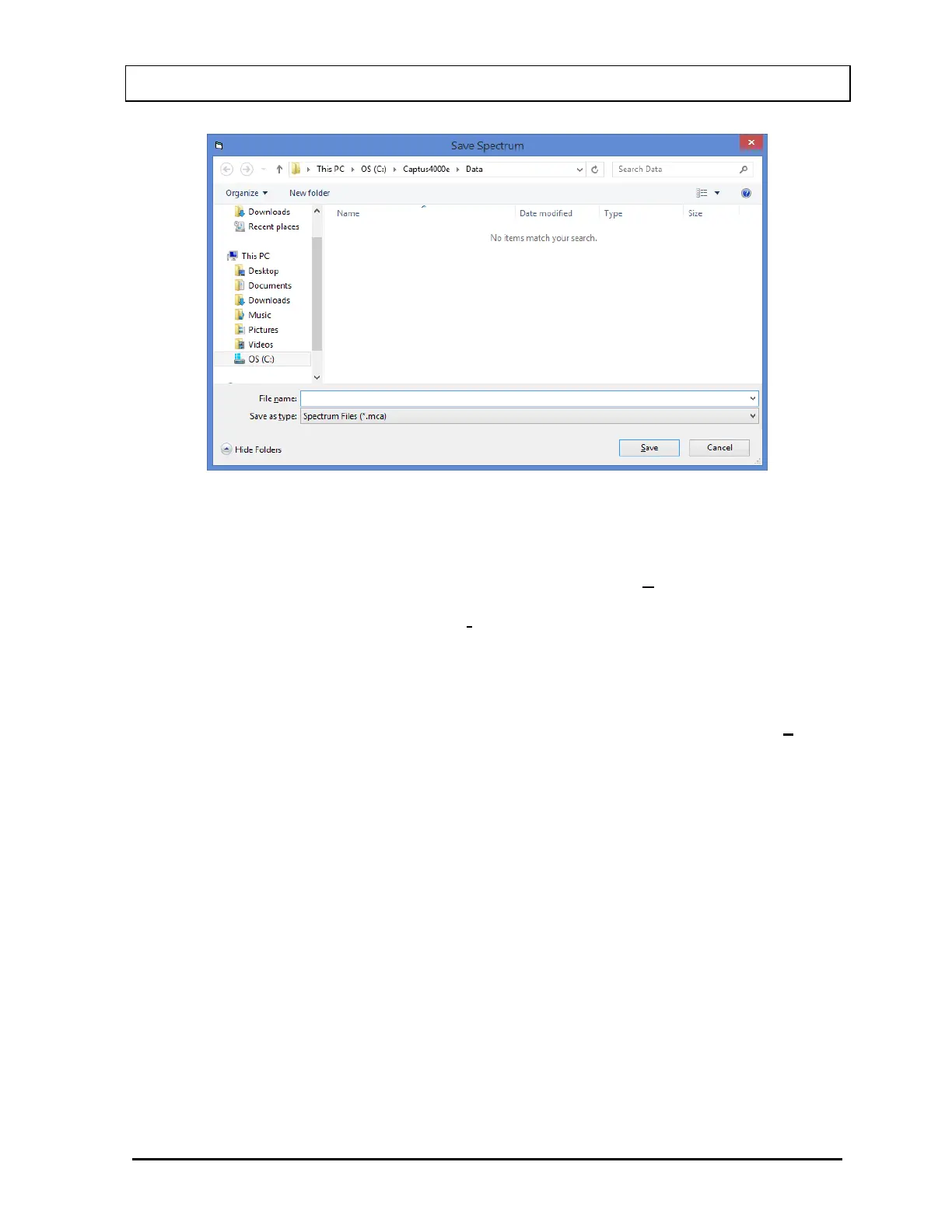
Figure 13-13
Input the desired file name for the spectrum. The default folder will be C:\Captus4000e\Data,
with a .mca file name extension. To save the data to another folder, browse to the desired
location, then input the file name. To save the spectrum, select the Save button.
Note: It is recommended that the Save as type: is not changed from Spectrum Files
(*.mca)
Recall Spectrum
To retrieve a previously stored spectrum, select Load Previous Spectrum from the Load
Previous button on the menu bar. The Select Spectrum dialog box will appear, as shown in
Figure 13-14.



 To Next Page