CAPINTEC, INC. CAPTUS
®
4000e
November 16 LAB TESTS 10-51
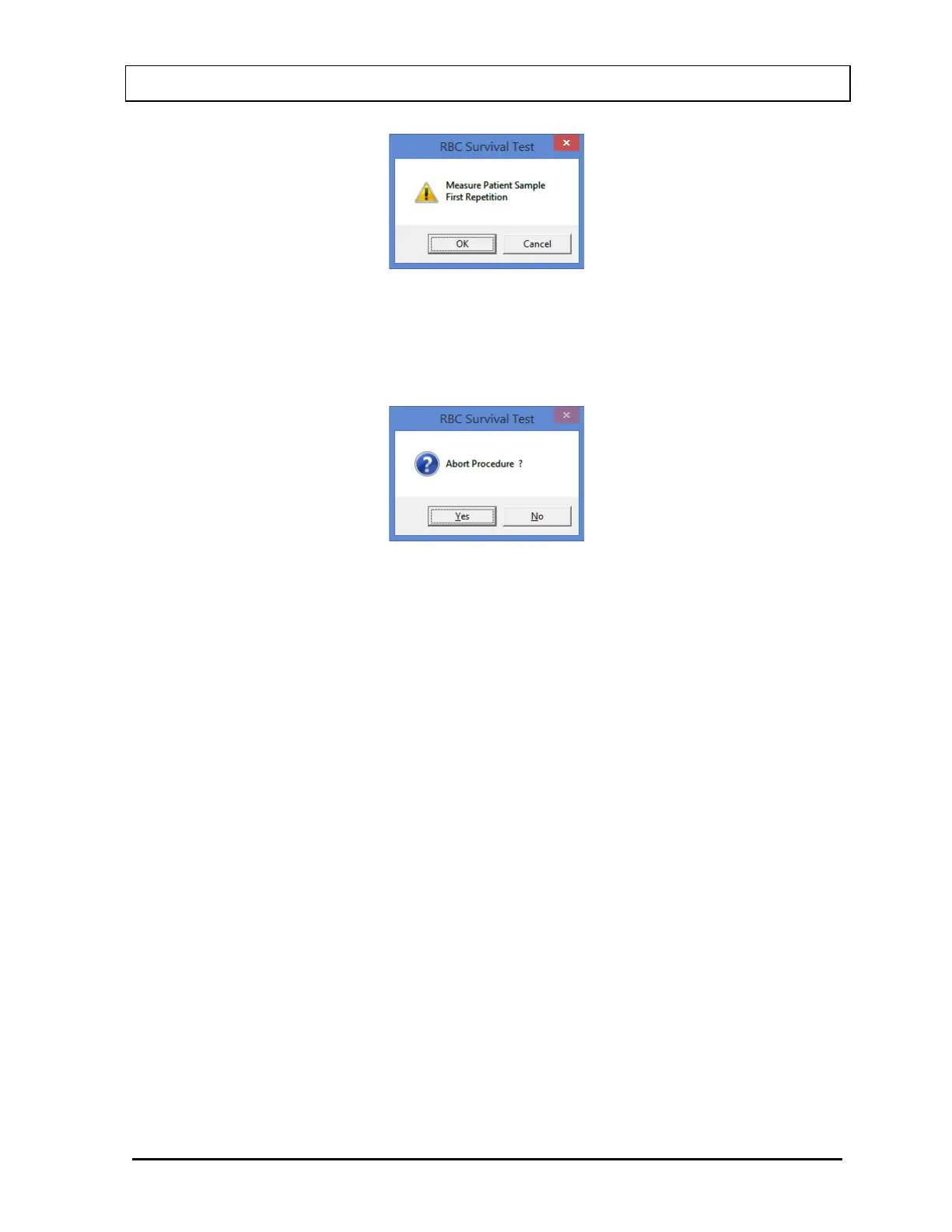
Figure 10-77
To begin counting, place the sample in the Well and select the OK button. To quit
counting, select the Cancel button. This will give a prompt to abort the test for the patient,
as in Figure 10-78.
Figure 10-78
To abort the procedure, select the Yes button or press the Y key. Collected data will be
discarded and the screen will return to the RBC Survival Test measurement screen
(Figure 10-73). To resume the test, select the No button or press the N key.
7. To return to Figure 10-64 RBC Survival Test Main Screen, select the Exit button or press
ALT+E after the cycle of measurements is completed. The Patient Status box will show
the number of measurements made until then.
8. To measure patient samples at desired intervals of time, repeat steps 1 through 7. After
at least four measurements have been made, the number of days required for 50% RBC
Survival is calculated and shown in the Patient Status box.
Note: The sample volume must remain the same for all of the samples counted
throughout the RBC Survival study.
Test Results
Once the measurement process for a patient is started, clicking on the patient in the Patient
Directory on the main RBC Survival Test screen will show the number of times a
measurement has been performed to date and the number of days taken for 50% RBC cells
to remain, if available.
The calculations are based on using the 24-hour sample as 100% and making it the starting
point. All other samples are calculated as a percent of the 24-hour sample, and indicate the
percent remaining. If later samples have a hematocrit value that differs from the 24-hour
sample, then a correction is made as below:



 To Next Page