CAPINTEC, INC. CAPTUS
®
4000e
10-50 LAB TESTS November 16
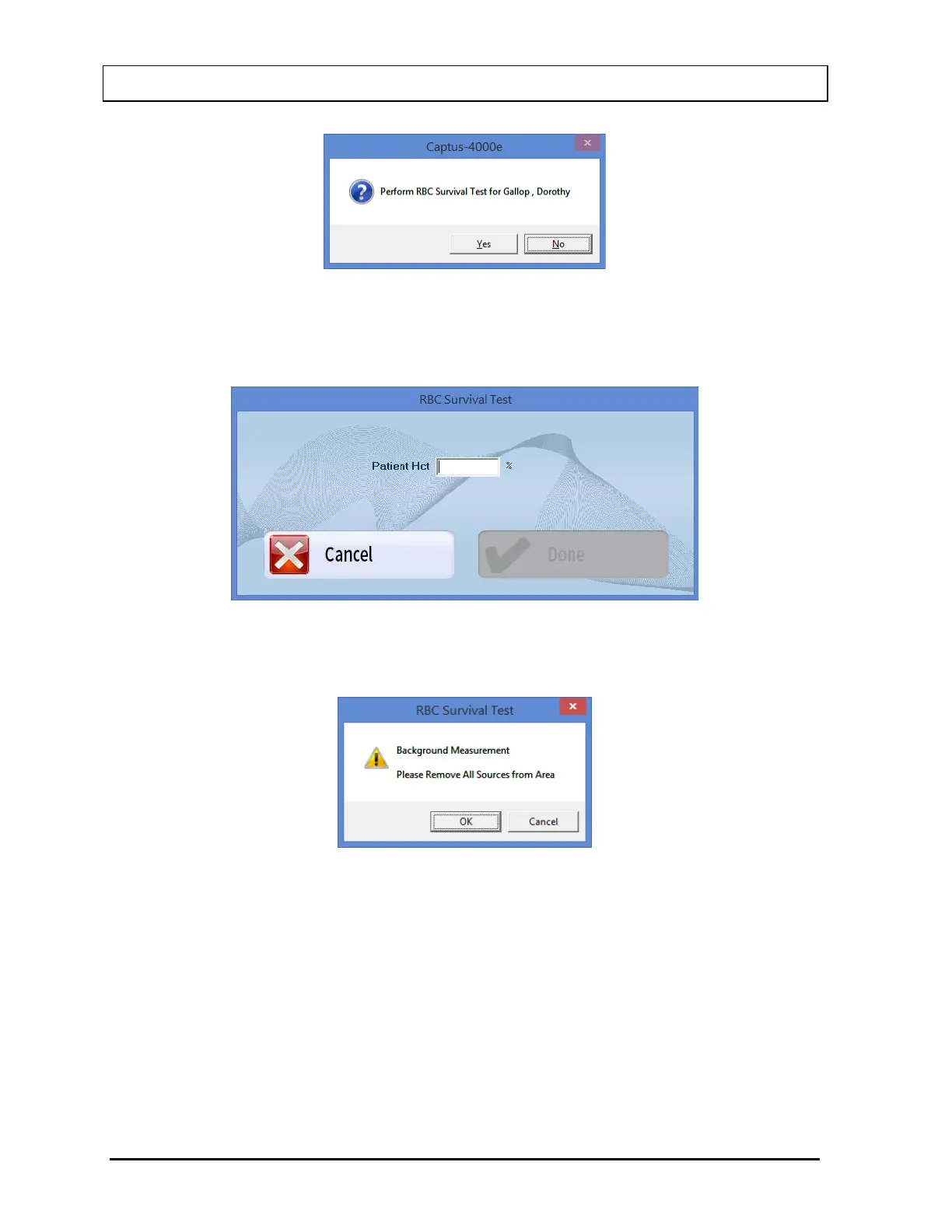
Figure 10-74
4. First, the screen prompts you to input the hematocrit value in % for the patient, as shown
in Figure 10-75. Input the value and select the Done button or press Alt+D.
Figure 10-75
5. Next, the screen prompts you to measure background counts as shown in Figure 10-76.
Figure 10-76
To begin counting, verify that there are no radioactive sources nearby and select the OK
button. To abort the measurement, select the Cancel button and the screen will return to
that shown in Figure 10-78. To exit to Figure 10-64 RBC Survival Test Main Screen,
select the Exit button or press Alt+E. To begin the test again, select the Start Procedure
button or press Alt+S.
6. The screen appears as shown in Figure 10-77, prompting you to measure the patient
sample.



 To Next Page