CAPINTEC, INC. CAPTUS
®
4000e
10-24 LAB TESTS November 16
Editing Patient Information
Note: Once the test has begun, none of the Dosage Information fields, Sample Preparation
fields or Counting Time can be changed.
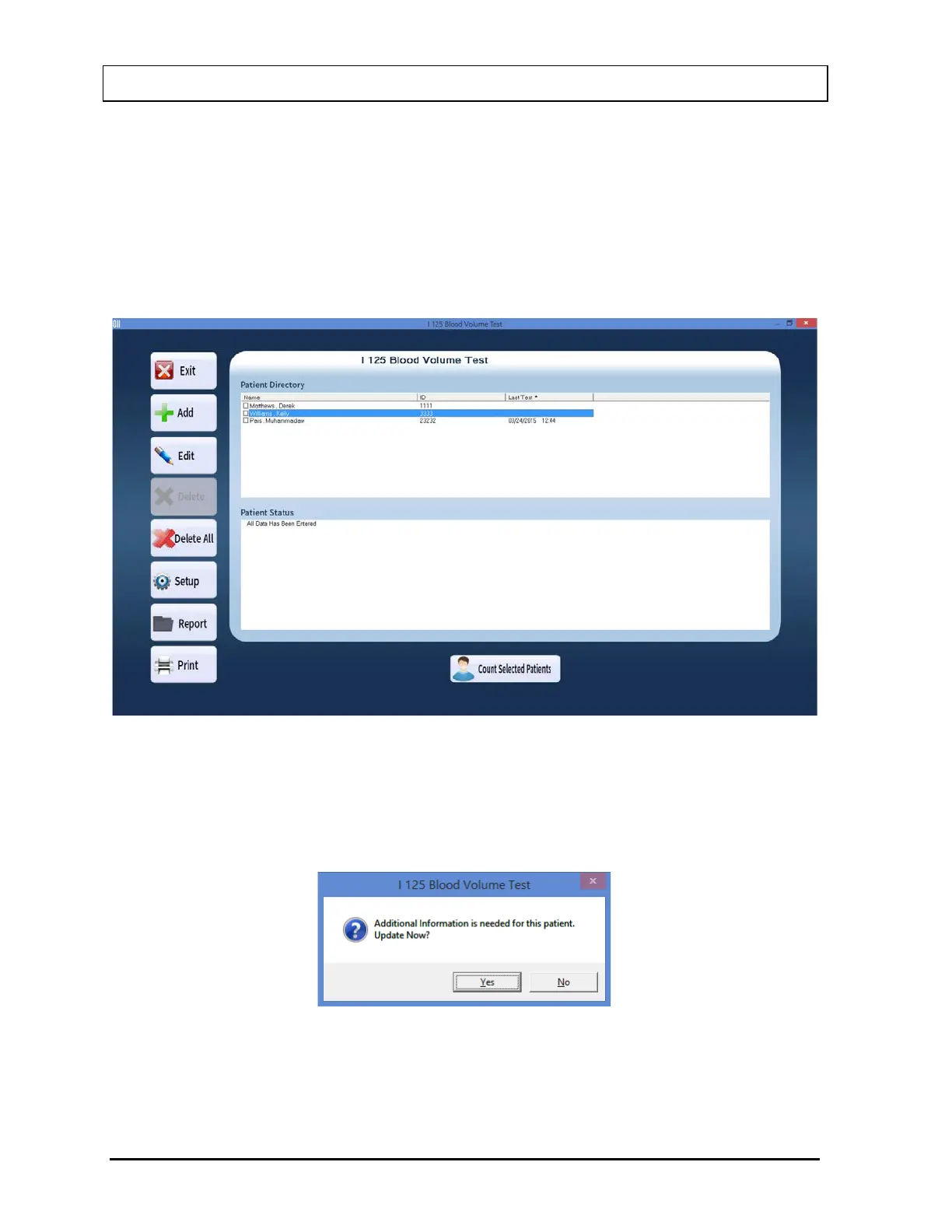
1. To select (highlight) a patient to be edited, use the keys or Page Up and Page Down
keys to move up or down in the patient list. If the list is long, the scroll bar is also
available. To reach a particular patient, press the first letter of the patient name. Press
the key if necessary, to go further down (Figure 10-31).
Figure 10-31
Selecting a patient with partially entered data will prompt you with the screen below
(Figure 10-32). Select the Yes button or press the Y key to update the patient information
or select the No button or press the N key to return to the main I 125 Blood Volume Test
screen.
Figure 10-32
2. Select the Edit button. The screen appears as shown in Figure 10-29.



 To Next Page