CAPINTEC, INC. CAPTUS
®
4000e
10-22 LAB TESTS November 16
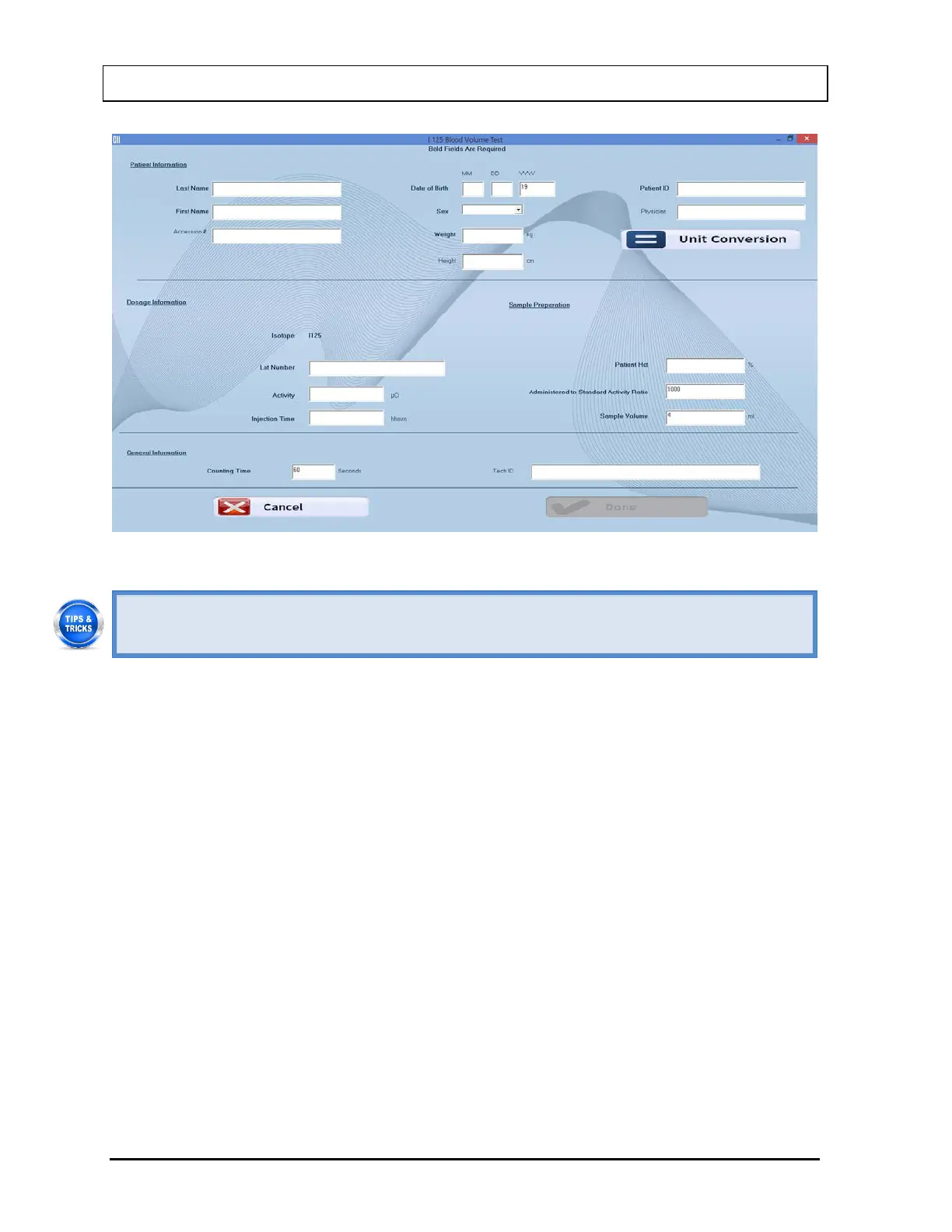
Figure 10-29
• Click in the text box or use the Tab key to move from one text box to another. To
select from drop-down list, use or keys.
2. Enter the Patient Information.
• Input the Last Name, First Name, Date of Birth, Patient ID and Physician.
• In the Sex box, select male or female from the drop-down list or press the M or F
key.
Note: Any combination of up to 20 alphanumeric characters can be used for the First
Name, Last Name, ID and Physician. Fields not in bold are optional.
Note: The Accession # field will only be displayed if the valid license key for Cap-
DICOM is entered in your system.
3. Input the Weight in kg (If weight is only known in pounds then seelct the Unit
Conversion button or press Alt+U to convert weight from lb to kg). The screen appears
as shown in Figure 10-30.



 To Next Page