CAPINTEC, INC. CAPTUS
®
4000e
November 16 WIPE TESTS 8-17
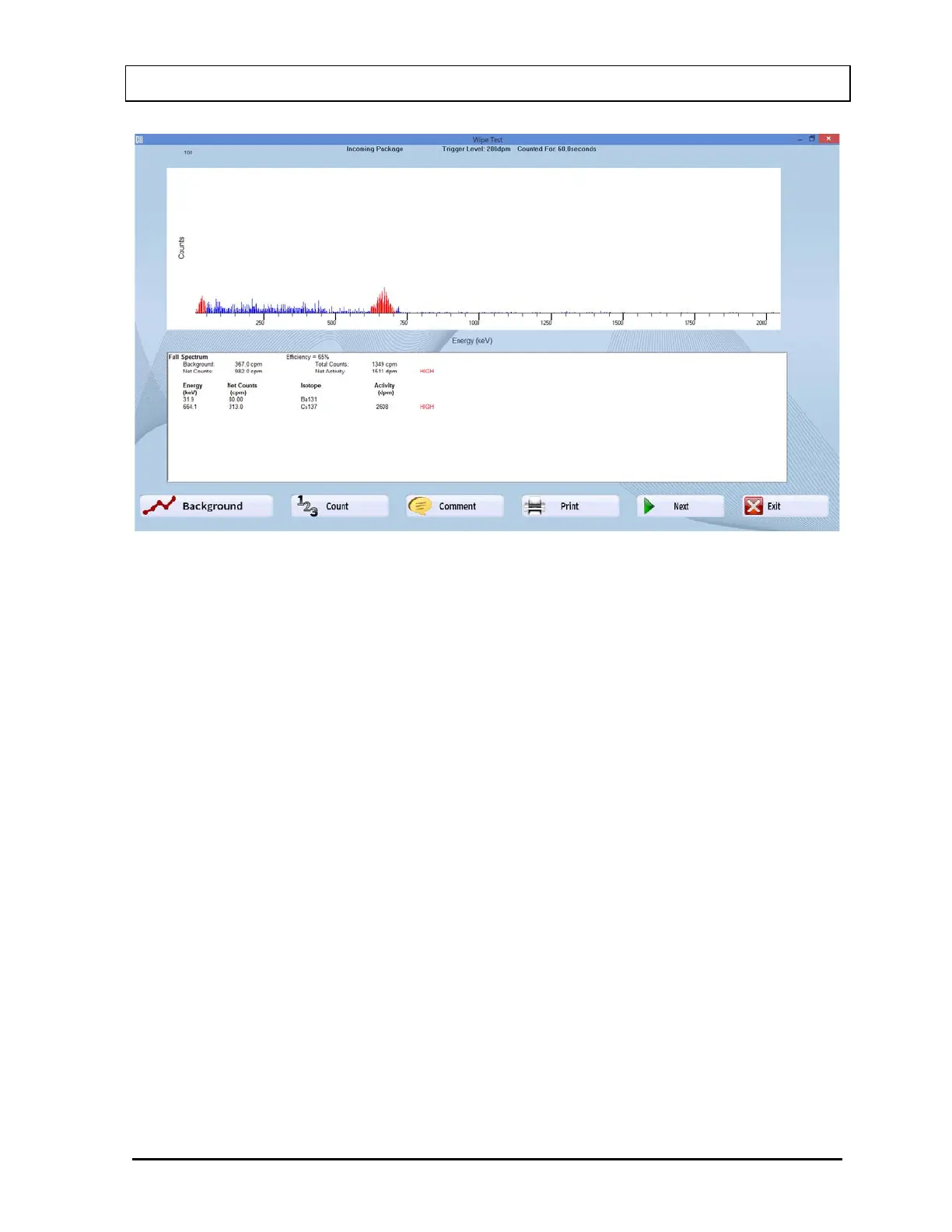
Figure 8-21
11. To add comments about the counts measured, select the Comment button or press
Alt+O.
12. To print the results, select the Print button or press Alt+P.
13. If multiple wipes were selected, select the Next button to count the next wipe or press
Alt+N. The order in which wipes are counted is the same as listed in the Main Wipe Test
Screen.
14. To exit counting, select the Exit button or press Alt+E.
Note: The data is stored permanently. To view data after exiting counting, select the
Print/View button on Figure 8-13 Wipe Test Main Screen to see the Wipe History.
Results
The results of the count measurement include Background and Total Counts counted for the
wipe in cpm (counts per minute). Net Counts (Total Counts – Background) and Net Activity
are calculated for the wipe.
Next, the values for Energy, Net Counts, Isotope and Activity are shown for each peak (red
region) in the spectrum. The Isotope and Activity corresponding to each peak will appear
depending on the data in the Isotope Library. If the isotopes have been selected for use as
wipes in the Isotope Library, they will be identified in the spectrum. If those isotopes have an
efficiency value stored in the Isotope Library, its value will also be displayed.



 To Next Page